How we rank
Productivity · Researched comparison

Best Expense and Time Tracking Software in 2026

TaskReports may earn a fee from some links on this page, and some placements are paid and labelled. Neither one decides the order. See our disclosure.

The short answer

QuickBooks Online is the first pick for teams that need accounting, time tracking and expense capture in one place. FreshBooks suits service businesses that bill clients for hours and costs. Harvest is a good fit for teams that want simple time and expense tracking without a full accounting suite. Confirm current prices on each vendor site before you buy.

On this page

Key takeaways

  • QuickBooks Online pairs time tracking with expense and receipt capture, and starts at a published monthly price.
  • FreshBooks bundles billable time and expense tracking for service businesses on one platform.
  • Harvest and Clockify focus on time tracking with expense entry, and both offer free access.
  • Zoho Expense handles expense reporting and mileage, but time tracking is limited compared with dedicated tools.

Quick comparison

ToolBest fitStarting price
QuickBooks OnlineTeams that want accounting, time tracking and expenses togetherSee vendor pricing page
FreshBooksService businesses that bill clients for hours and costsSee vendor pricing page

HarvestTeams that want simple time tracking with expense entrySee vendor pricing page
ClockifyBudget-conscious teams that need free time trackingSee vendor pricing page
Zoho ExpenseTeams that need expense reporting with light time trackingSee vendor pricing page
ExpensifyTeams that want fast receipt capture and expense reportsSee vendor pricing page
Toggl TrackFreelancers and teams that need detailed time trackingSee vendor pricing page
WaveSmall businesses that want free accounting with expense trackingSee vendor pricing page

How we chose

We selected tools that combine time tracking with expense capture or reporting, based on vendor documentation and public pricing pages. Criteria included fit for the use case, published entry price, free access and main limits. We did not run hands-on tests or benchmarks. Prices and plan limits change, so confirm details on each vendor site before you buy.

Best overall

QuickBooks Online

Teams that want accounting, time tracking and expenses together

  • Time tracking and expense capture in one accounting platform
  • Receipt upload and mileage tracking
PriceSee vendor pricing page
See QuickBooks Online pricing
quickbooks.intuit.comHomepage, Nov 2026
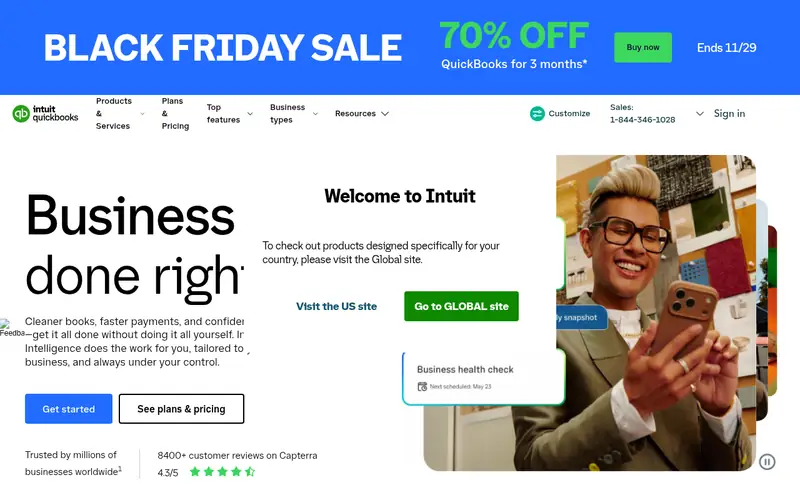
QuickBooks Online homepage

QuickBooks Online is an accounting platform with built-in time tracking and expense management. You can record billable hours, attach receipts to transactions and track mileage. Expenses flow into the same books used for invoicing and reporting, which reduces duplicate entry for small businesses. Plan structure is tiered, and time tracking and expense features vary by tier. The entry price changes with promotions, so check the vendor pricing page. A free trial is offered, but there is no permanent free plan. Skip it if you only need time and expense tracking and do not want accounting features. The platform is broad, and the time tracking is not as deep as dedicated tools.

Price: See vendor pricing page

Free plan: Free trial (30 days)

Website: quickbooks.intuit.com

Watch out for

  • Time tracking is basic on lower plans
  • Full features require higher tiers
2

FreshBooks

Service businesses that bill clients for hours and costs
See vendor pricing page
freshbooks.comHomepage, Nov 2026
FreshBooks homepage

FreshBooks combines time tracking, expense capture and invoicing. You can log hours against clients and projects, record expenses and pull both onto an invoice. This suits freelancers and small service firms that bill for time and reimbursable costs. Plans are tiered by the number of billable clients. Time tracking and expense features are included, but limits apply on lower tiers. A free trial is available, and there is no free plan. Skip it if you need advanced inventory or full accounting. The platform targets service businesses, and expense handling is simpler than in dedicated expense systems.

Free plan: Free trial (30 days)

Website: freshbooks.com

Strengths

  • Billable time and expenses on client invoices
  • Clean interface for small teams

Watch out for

  • Client and user limits on lower plans
  • Expense features tied to plan tier

3

Harvest

Teams that want simple time tracking with expense entry
See vendor pricing page
getharvest.comHomepage, Nov 2026
Harvest homepage

Harvest focuses on time tracking with expense entry. You can track hours by project and task, record expenses and turn both into invoices. Reports show project profitability and hours by client. The free plan is limited to a small number of users and projects, so check the current limits on the vendor site. Paid plans add more seats and features. Pricing is published per user per month. Skip it if you need full accounting or deep expense approval workflows. Harvest is a time tracking tool first, and expense features are basic.

Free plan: Yes

Website: getharvest.com

Strengths

  • Straightforward time and expense tracking
  • Invoicing from tracked hours and costs

Watch out for

  • Limited accounting features
  • Free plan caps users and projects
4

Clockify

Budget-conscious teams that need free time tracking
See vendor pricing page
clockify.meHomepage, Nov 2026
Clockify homepage

Clockify offers time tracking with expense entry. You can log hours, record expenses and review reports by project and team member. The free plan supports unlimited users, which suits small teams on a tight budget. Paid plans add features such as invoicing, approvals and more detailed reporting. Check the vendor pricing page for current rates. Expense tracking is available but less detailed than in dedicated expense tools. Skip it if you need strong expense approval and reimbursement workflows. Clockify is strongest as a time tracker.

Free plan: Yes

Website: clockify.me

Strengths

  • Free plan for unlimited users
  • Time tracking with expense entry

Watch out for

  • Advanced features are paid
  • Expense reporting is limited
5

Zoho Expense

Teams that need expense reporting with light time tracking
See vendor pricing page
zoho.comHomepage, Nov 2026
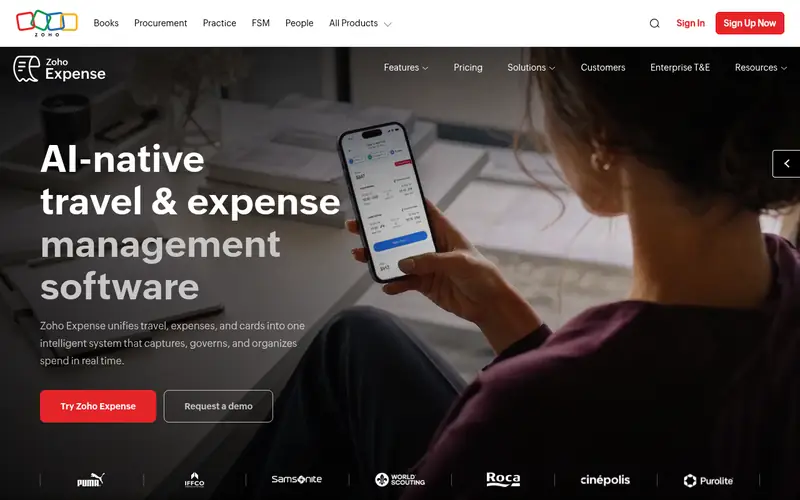
Zoho Expense homepage

Zoho Expense focuses on expense reporting. You can scan receipts, submit claims, route approvals and track mileage. Time tracking is limited compared with dedicated time tools, so it suits teams that mainly need expense control. A free plan is available for small teams, with limits on users and reports. Paid plans add more users and features. Check the vendor site for current limits and prices. Skip it if time tracking is your main need. Pair it with a dedicated time tracker if you need detailed hours by project.

Free plan: Yes

Website: zoho.com/expense

Strengths

  • Receipt scanning and approval workflows
  • Mileage and per diem tracking

Watch out for

  • Time tracking is limited
  • Best value inside the Zoho suite
6

Expensify

Teams that want fast receipt capture and expense reports
See vendor pricing page
expensify.comHomepage, Nov 2026
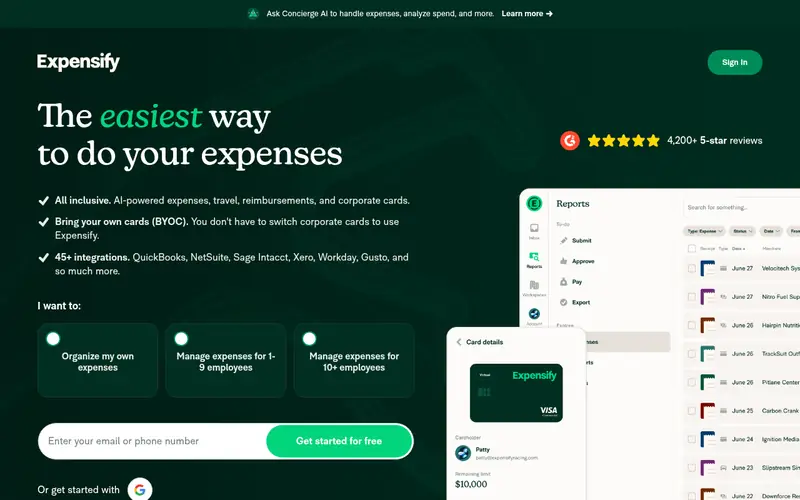
Expensify homepage

Expensify handles expense capture and reporting. You can scan receipts, create reports and route approvals. It is built for expense management, not time tracking, so use it alongside a time tool if you need both. A free plan exists for individual use with limits. Paid plans add features for teams. Check the vendor site for current pricing and limits. Skip it if you need time tracking in the same tool. Expensify is an expense-first product.

Free plan: Yes

Website: expensify.com

Strengths

  • Receipt scanning and automated reports
  • Works well for reimbursements

Watch out for

  • Time tracking is not a core feature
  • Paid plan required for full features
7

Toggl Track

Freelancers and teams that need detailed time tracking
See vendor pricing page
toggl.comHomepage, Nov 2026
Toggl Track homepage

Toggl Track focuses on time tracking. You can start timers, assign hours to projects and clients, and review reports. Expense tracking is limited, so it suits teams that mainly need hours data. A free plan is available for small teams, with limits on features. Paid plans add reporting and admin controls. Check the vendor site for current limits and prices. Skip it if you need expense capture and reimbursement. Pair it with an expense tool for that.

Free plan: Yes

Website: toggl.com/track

Strengths

  • Simple one-click time tracking
  • Reports by project and client

Watch out for

  • Expense tracking is limited
  • Advanced features are paid
8

Wave

Small businesses that want free accounting with expense tracking
See vendor pricing page
waveapps.comHomepage, Nov 2026
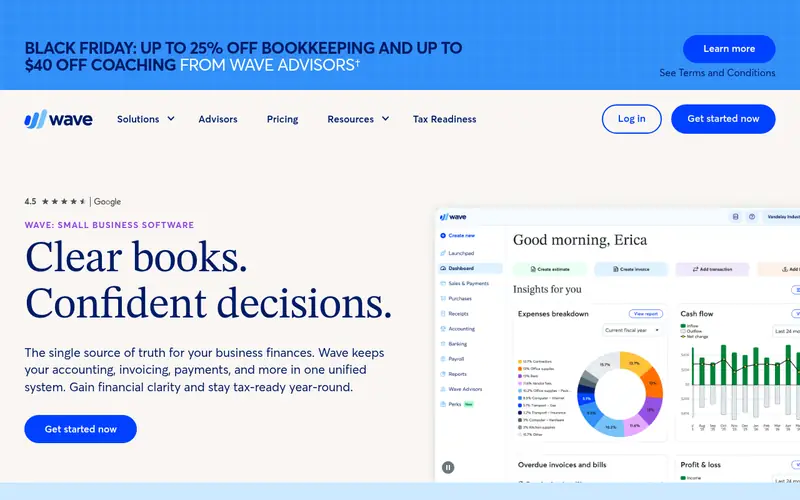
Wave homepage

Wave offers free accounting with expense tracking and invoicing. You can record expenses, attach receipts and review reports. Time tracking is limited, so it suits small businesses that mainly need books and expenses. The core accounting plan is free, with paid add-ons for payroll and payments. Check the vendor site for current add-on prices. Skip it if you need detailed time tracking by project. Use a dedicated time tracker alongside Wave.

Free plan: Yes

Website: waveapps.com

Strengths

  • Free accounting and expense tracking
  • Invoicing and receipt capture

Watch out for

  • Time tracking is limited
  • Paid add-ons for payroll and payments

Pre-purchase checklist

  • Confirm the plan includes both time tracking and expense capture, not just one.
  • Check user, client and project limits on the entry plan.
  • Verify whether receipt scanning and mileage tracking are included.
  • Confirm how tracked hours and expenses flow into invoices or reports.
  • Check the free plan limits and whether a trial requires a card.

FAQ

What is the best expense and time tracking software?

QuickBooks Online is a strong all-in-one pick for accounting, time tracking and expenses. FreshBooks suits service businesses that bill clients. Harvest and Clockify are good for time tracking with basic expenses.

Do these tools offer a free plan?

Some do. Harvest, Clockify, Zoho Expense, Expensify, Toggl Track and Wave offer free access with limits. QuickBooks Online and FreshBooks offer free trials but no permanent free plan.

Can I track billable hours and expenses in one tool?

Yes. QuickBooks Online, FreshBooks and Harvest let you log hours and expenses and pull both onto invoices. Check plan limits before you rely on this for client billing.

What should I check before buying?

Check user and project limits, whether receipt scanning is included, how hours and expenses reach invoices, and whether the free plan covers your team size.

Are prices the same as listed here?

No. Prices change and promotions vary. We list published entry prices only where we are confident, and otherwise point to the vendor pricing page. Confirm on the vendor site.