Productivity · Researched comparison

Best File Sharing App in 2026: 6 Tools Compared

TaskReports may earn a fee from some links on this page, and some placements are paid and labelled. Neither one decides the order. See our disclosure.

The short answer

Our first pick is MEGA, best for private sharing with encryption. WeTransfer is better for straightforward large sends without storage, and Smash is better for very large transfers with no size cap. The other 3 tools in the list cover narrower or pricier cases.

On this page

Key takeaways

  • This list starts with MEGA, which is built for private sharing with encryption.
  • The lowest published monthly entry price here is $1.99 per month, from Google Drive.
  • A fair warning about Smash: free transfers can queue during busy periods.
  • Microsoft OneDrive fits sharing inside Microsoft 365.

Quick comparison

ToolFree tierBest fitBiggest drawback
------------
MEGAYesPrivate sharing with encryptionFree storage terms can change
WeTransferYesStraightforward large sends without storageFree transfers are limited in size and number
SmashYesVery large transfers with no size capNo ongoing storage or collaboration features
DropboxYesSync plus one-off transfersFree plan offers only 2 GB
Google DriveYesEveryday sharing in Google WorkspaceFree storage fills quickly with Photos and Gmail
Microsoft OneDriveYesSharing inside Microsoft 365Free storage is small
★ Best overall

MEGA

Private sharing with encryption

  • End-to-end encryption by design
  • Password-protected links
PriceSee website
See MEGA pricing

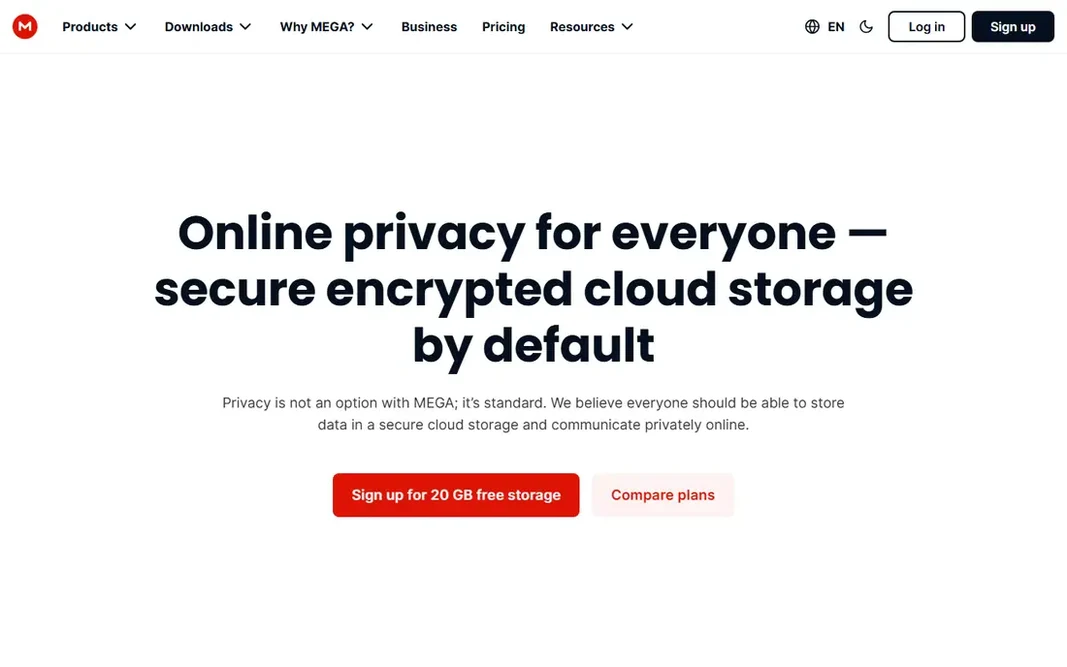
MEGA was built for private sharing with encryption. MEGA puts privacy at the center of its sharing model. More specifically, you can also set passwords and expiry dates on links, which helps when sharing sensitive documents with a small group. In practice, MEGA fits people who prioritize private sharing over co-editing, notably for personal files and client documents that should not sit in a shared workspace. The trade-off is collaboration. Live document editing and deep Office or Google integrations are not MEGA strengths. Its free storage, commonly around 20 GB, is subject to plan terms. Check the vendor site for MEGA pricing; none is listed in this comparison. Free access exists with MEGA. Drawbacks to consider: Collaboration features are thinner than Drive.

Price: See website

Free plan: Yes

Website: mega.io

Watch out for

  • Free storage terms can change
2

WeTransfer

Straightforward large sends without storage

See website

For straightforward large sends without storage, WeTransfer is a natural candidate. WeTransfer is made for one job: send a file, get a link, move on. Choose WeTransfer when you send finished work, not when you need continuing collaboration. On top of that, premium plans raise transfer size, add password protection, and extend storage time. Also, free sends are restricted, with recent free terms including smaller transfers and a monthly cap on the number of sends, so check current limits before a large delivery. You upload files, add recipients or copy a link, and the recipient downloads without joining your storage system. That simplicity is valuable for freelancers sending finished video, design files, or photos to clients who should not see your whole drive. WeTransfer shows no starting price here, so confirm the cost on the vendor site. You can start on WeTransfer without paying. Limits to weigh: Free transfers are restricted in size and number.

Free plan: Yes

Website: wetransfer.com

Strengths

  • Links expire automatically
  • Very straightforward sending flow

Watch out for

  • Password protection and longer storage need a premium plan
3

Smash

Very large transfers with no size cap
See website

Smash is aimed squarely at very large transfers with no size cap. Smash takes a different approach from storage apps by removing the file size cap that limits numerous rivals. Beyond that, you can send very large files through a link, with free transfers available and premium plans that remove waiting times and add branding and longer availability. The main drawbacks: No continuing storage or collaboration features. That makes Smash handy for video, audio, and design teams that hit size limits elsewhere. For everyday use, free transfers may wait in a queue when demand is high, which matters for urgent deliveries. Check the vendor site for Smash pricing; none is listed in this comparison. Smash includes a free tier.

Free plan: Yes

Website: fromsmash.com

Strengths

  • Straightforward link sharing
  • Premium plans accelerate large uploads

Watch out for

  • Free transfers can queue during busy periods
4

Dropbox

Sync plus one-off transfers
$9.99 a month

Dropbox is built with sync plus one-off transfers in mind. Dropbox built its name on sync that just works. Also, Dropbox fits teams that want sync and sharing in one dependable app. As for the details, files update across phone, laptop, and web without manual uploads, and shared folders keep teams on the same version. Dropbox Transfer brings a separate choice for one-off sends, so you can share a finished file without giving access to your primary folders. On top of that, the free plan is small at 2 GB, which makes Dropbox a premium choice for most serious users. In daily use, transfer limits also vary by plan, so check the per-transfer size before you promise a client a large delivery. On cost, Dropbox starts like this: $9.99 per month. A free plan is available with Dropbox. Downsides: Free plan supplies only 2 GB.

Free plan: Yes

Website: dropbox.com

Strengths

  • Previews for numerous file types
  • Dropbox Transfer for one-off sends

Watch out for

  • Premium plans cost more than some storage-only rivals
5

Google Drive

Everyday sharing in Google Workspace
$1.99 a month

Google Drive is built with everyday sharing in Google Workspace in mind. Every Google account bundles 15 GB of free storage. You can share a file or folder with view, comment, or edit access in a handful of clicks. For everyday use, the limit is total storage, not just Drive files, since Gmail and Photos share the same 15 GB. If your work already lives in Google tools, Drive is the most practical default. The starting price for Google Drive: $1.99 per month. Google Drive offers a free plan. Watch-outs: Large single files count against your total storage.

Free plan: Yes

Website: drive.google.com

Strengths

  • Straightforward link sharing
  • Capable Docs and Sheets integration

Watch out for

  • Free storage fills quickly with Photos and Gmail
6

Microsoft OneDrive

Sharing inside Microsoft 365
$1.99 a month

Pick Microsoft OneDrive if this describes you: sharing inside Microsoft 365. OneDrive also feels less natural if your team uses Google tools every day. Personal plans start with additional storage, whereas Microsoft 365 plans bundle much bigger storage with Office apps. Trade-offs to know: Best value includes a Microsoft 365 subscription. OneDrive is the natural file sharing choice for Microsoft 365 users. Beyond that, for offices, schools, and teams already paying for Microsoft 365, OneDrive is the lowest-friction choice. Starting cost for Microsoft OneDrive: $1.99 per month. Microsoft OneDrive offers a free plan.

Free plan: Yes

Website: onedrive.com

Strengths

  • Deep Word, Excel
  • Straightforward sharing from Office apps

Watch out for

  • Free storage is small

FAQ

Do these tools publish their prices?

Not all of them. MEGA, WeTransfer and Smash publish no starting price, so expect a quote request for those. The rest, Dropbox included, show a starting price, though seats and billing terms still change the final cost.

Can I try these tools before paying?

Often, yes. MEGA, WeTransfer, Smash and others have a free plan. Use your own data and a real task during the test, and check what the free tier or trial limits before you rely on it.

How are the tools for file sharing app ordered?

The order follows typical fit for file sharing app, with MEGA first and Microsoft OneDrive last, then price clarity and free access. It is editorial judgement, not a score, so another team could rank the tools differently.

Is it safe to share files with a public link?

A link that anyone can open is convenient but risky for sensitive files. Use password protection, set an expiry date, restrict access to specific people when possible, and revoke the link after the recipient has downloaded the file.

What is the cheapest option for file sharing app in this list?

On published monthly entry prices, Google Drive is the lowest here at $1.99 per month. Entry price is only part of the cost, because seats, add-ons and billing terms can change the total.