Productivity · Researched comparison

Shortlist: 6 Best Knowledge Management Platforms for 2026

TaskReports may earn a fee from some links on this page, and some placements are paid and labelled. Neither one decides the order. See our disclosure.

The short answer

If you need teams wanting a clean, dedicated wiki, Slab is the first tool to look at here. Alternatives: Confluence for teams already using Jira and the Atlassian suite, and Helpjuice for support teams needing a polished, branded help center. All 6 tools are compared below on price, free plan and limits.

On this page

Key takeaways

  • Slab is the opening pick, best for teams wanting a clean, dedicated wiki.
  • For enterprises with deep video and document libraries, Bloomfire is worth a look.
  • For the cheapest start, look at Tettra: $4 per user/month.
  • Only 3 of the 6 tools have a free plan (Slab, Confluence, Notion), so check the caps.
  • Helpjuice comes with a trade-off: no permanent free plan.

Quick comparison

ToolBest fitStarting priceKey limitation
------------
SlabTeams wanting a clean, dedicated wiki$6.67 per user/monthNo self-hosted option
ConfluenceTeams already using Jira and the Atlassian suiteSee websiteData Center option adds admin overhead
HelpjuiceSupport teams needing a refined, branded help centerSee websiteNo permanent free plan
TettraExpanding teams that live in Slack$4 per user/monthEditor and formatting are basic next to Notion or Confluence
NotionTeams that want docs$12 per user/monthOffline access is limited
BloomfireEnterprises with deep video and document librariesSee websiteMore platform than most SMBs need
★ Best overall

Slab

Teams wanting a clean, dedicated wiki

  • Free plan spans up to 10 users with unlimited posts and unified search
  • Verification workflows flag stale content
Price$6.67 per user/month (Startup, billed annually)
See Slab pricing

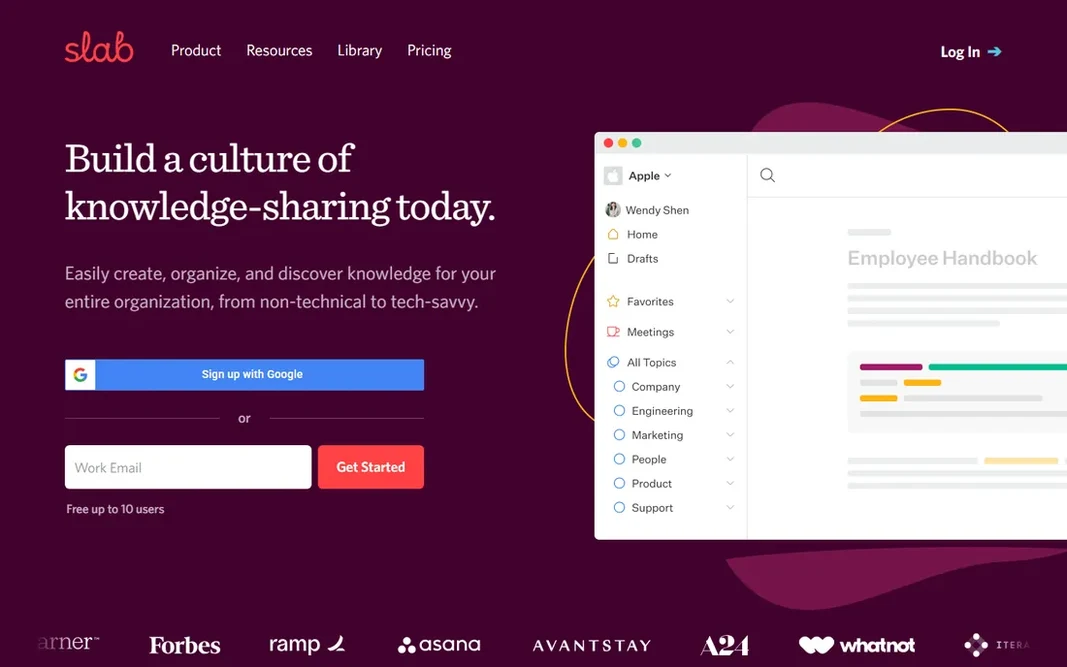
Slab serves teams wanting a clean, dedicated wiki. Slab is what you get when a wiki does one job and does it well. As for the details, Slab will not replace your project tracker or your help center, and it does not try to. Where it is weaker: No self-hosted choice. From a buyer's view, premium starts with Startup at $6.67 per user a month on annual billing, adding unlimited users, private topics and a year of version history. Also, the editor is quick, topics organize content without folder gymnastics, and unified search spans both Slab posts and connected tools like Google Drive, Slack and GitHub. From a buyer's view, business at $12.50 per user a month adds SAML SSO, SCIM provisioning and unlimited history, which matters once IT gets involved. On cost, Slab starts like this: $6.67 per user/month. Slab offers a free plan.

Price: $6.67 per user/month (Startup, billed annually)

Free plan: Yes

Website: slab.com

Watch out for

  • Free level caps at 10 users, so the eleventh hire moves everyone to premium
2

Confluence

Teams already using Jira and the Atlassian suite
See website

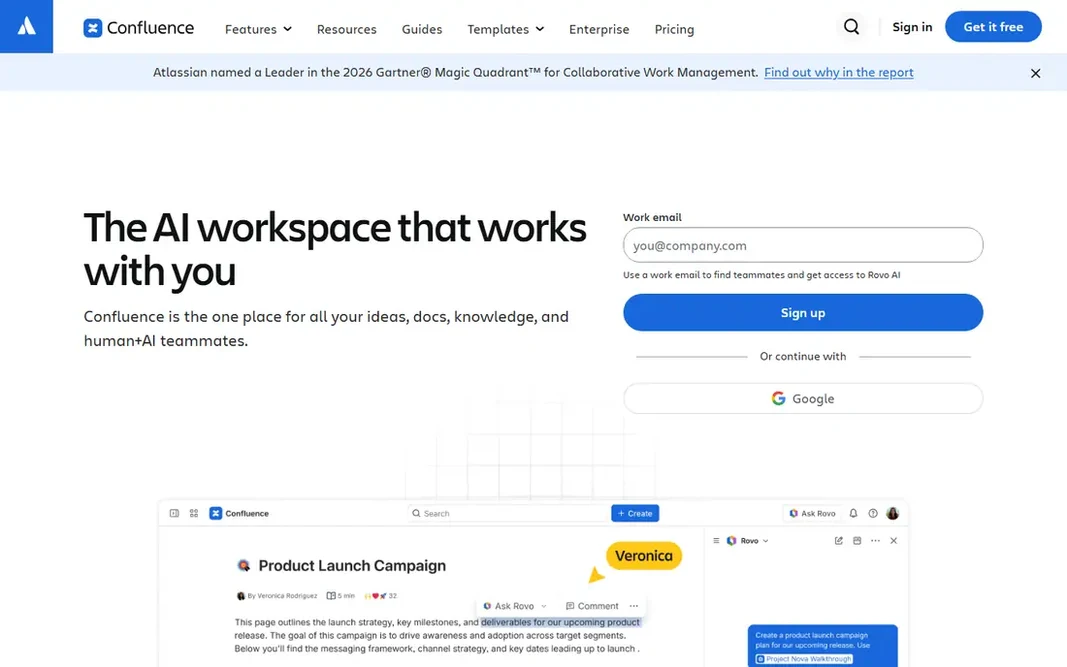
Confluence serves teams already using Jira and the Atlassian suite. Confluence is the wiki of record for product and engineering teams that already live in Jira. On top of that, meeting notes, specs, runbooks and decision logs link straight to Jira issues, so documentation stays attached to the work it describes. Where it is weaker: Pricing pages are hard to compare without a quote. Worth adding: the free plan handles up to 10 users with unlimited pages and spaces, which manages a small team fine. More specifically, pick it when Jira is already the center of gravity. As for the details, pick something lighter when it is not. This comparison lists no price for Confluence; ask the vendor. Confluence has a free plan.

Free plan: Yes

Website: atlassian.com/software/confluence

Strengths

  • Deep two-way integration with Jira and the rest of Atlassian
  • Large marketplace of apps and templates

Watch out for

  • Interface feels heavy next to newer wikis

3

Helpjuice

Support teams needing a refined, branded help center
See website

Helpjuice works best for support teams needing a refined, branded help center. External trackers disagree on the current levels, ranging from around $120 a month for small teams to higher flat rates. The vendor site is the only steady source. Downsides: Flat per-account pricing can be steep for very small teams. That flat structure cuts both ways: unlimited readers and authors within your level, but a real bill from month one. It is a heavy first step for a team that just wants an internal wiki. Analytics go beyond page views into search terms, failed searches and article effectiveness, which is exactly what a support lead needs to prioritize rewrites. Worth adding: Helpjuice has been selling knowledge base software since 2011. The product reflects that focus: everything serves the goal of a help center customers can search and a team can maintain. This comparison lists no price for Helpjuice; ask the vendor. Trial and free access: Free trial (14 days).

Free plan: Free trial (14 days)

Website: helpjuice.com

Strengths

  • Deep customization with themes and CSS access for on-brand help centers
  • AI-assisted authoring and search

Watch out for

  • No permanent free plan
4

Tettra

Expanding teams that live in Slack
$4 per user/month (Basic)

Tettra makes the most sense for growing teams that live in Slack. A team that communicates by email will get half the value. But for a 15 to 100 person company drowning in repeat Slack questions, Tettra pays for itself quick: fewer interruptions for the people who hold the answers, quicker onboarding for everyone else. Where it falls short: Editor and formatting are entry-level next to Notion or Confluence. More specifically, Tettra is the lightest-weight knowledge product here, and that is the point. It hands an expanding team a straightforward internal wiki with one standout feature: Kai, an AI bot that watches Slack, answers repeat questions from your docs, and turns unanswered threads into new pages with one click. The simplicity has edges. Formatting choices are thin, there is no database or project layer, and the entire proposition leans on Slack or Teams adoption. Entry price for Tettra: $4 per user/month. As for free access: Free trial (30 days).

Free plan: Free trial (30 days)

Website: tettra.com

Strengths

  • The Slack bot
  • Verification workflows assign owners and schedule re-checks

Watch out for

  • Value drops if your team does not use Slack or Teams heavily
5

Notion

Teams that want docs, wiki and projects in one workspace
$12 per user/month (Plus, billed monthly; $10 annual)

Notion is aimed squarely at teams that want docs, wiki and projects in one workspace. Pages, databases, wikis and project boards share one structure, so a product spec can sit beside the launch tracker that references it. Also, since anyone can build anything, a Notion workspace without owners and naming conventions turns into a junk drawer within per year. Notion says over 100 million people use the product. The template gallery means most teams start from something close to what they need. Also, if they do not, weigh whether you want a wiki or a second operating system. Starting cost for Notion: $12 per user/month. A free plan is available with Notion. Highlights: Adaptable blocks and databases manage wikis. Where it is weaker: Full AI features need the Business plan.

Free plan: Yes

Website: notion.so

Strengths

  • Huge template library and community
  • Free plan is genuinely usable for individuals

Watch out for

  • Workspaces get messy without naming and structure rules
6

Bloomfire

Enterprises with deep video and document libraries
See website

Bloomfire is built with enterprises with deep video and document libraries in mind. The differentiator is depth of content handling: it indexes inside uploaded video and audio, auto-tags topics, and transcribes calls. So a training recording becomes searchable knowledge rather than a file nobody reopens. Reasons to shortlist it: Q&A workflows route questions to experts. The main drawbacks: Enterprise sales process with no public pricing. For everyday use, Moderation, analytics and role-based permissions handle the governance side that large firms need. It earns its place here since firms with big content libraries, notably in professional services, healthcare and franchising, keep choosing it for exactly the video search and expert-routing features the lighter tools lack. Bloomfire shows no starting price here, so confirm the cost on the vendor site. Bloomfire has no permanent free option.

Free plan: No

Website: bloomfire.com

Strengths

  • Not just text
  • Indexes content inside video and audio

Watch out for

  • More product than most SMBs need

FAQ

Do these tools publish their prices?

Not all of them. Confluence, Helpjuice and Bloomfire publish no starting price, so expect a quote request for those. The rest, Slab included, show a starting price, though seats and billing terms still change the final cost.

Is Slab the right pick for everyone comparing knowledge management platform?

No single tool suits every team. Slab comes first because it fits teams wanting a clean, dedicated wiki, while Confluence suits teams already using Jira and the Atlassian suite and Helpjuice suits support teams needing a polished, branded help center. Match the tool to your own size, budget and workflow before deciding.

What happens to our content if we cancel?

Most products let you export pages, though formats vary from clean Markdown to messy HTML dumps. Check export before you buy, and run a test export during the trial.

Can I try these tools before paying?

Often, yes. Slab, Confluence and Notion have a free plan and Helpjuice and Tettra offer a free trial. Use your own data and a real task during the test, and check what the free tier or trial limits before you rely on it.

Do we need AI features in a knowledge management system?

AI search that answers from your own docs is genuinely handy once you pass a few hundred pages. AI writing assistance is a nice additional, not a reason to choose.

How are the tools for knowledge management platform ordered?

The order follows typical fit for knowledge management platform, with Slab first and Bloomfire last, then price clarity and free access. It is editorial judgement, not a score, so another team could rank the tools differently.