How we rank
Productivity · Researched comparison

Best Mileage and Time Tracking Apps in 2026

TaskReports may earn a fee from some links on this page, and some placements are paid and labelled. Neither one decides the order. See our disclosure.

The short answer

QuickBooks Solopreneur is the first pick for a solo operator who wants mileage, time, and invoicing in one place. Everlance suits drivers who need automatic trip detection on a phone. Toggl Track fits freelancers who bill by the hour and only need light mileage logging. Each product below covers a different mix of distance and hours, so match the tool to how you record work.

On this page

Key takeaways

  • QuickBooks Solopreneur combines mileage tracking with time tracking and invoicing at a published entry price of $20 per month.
  • Everlance bundles automatic mileage capture with work-hour tracking and offers a free plan with limited monthly trip logging.
  • Timeero and Motive target teams with GPS and driver logs, while Toggl Track and Clockify focus on billable hours rather than distance.
  • Several tools list only a free trial or a custom quote, so confirm current pricing on the vendor site before you buy.

Quick comparison

ToolBest fitStarting price
QuickBooks SolopreneurSolo owners who want mileage, time, and invoices together$20 per month
EverlanceDrivers who want automatic mileage capture on a phoneSee vendor pricing page
TimeeroField teams that need GPS time and mileage togetherSee vendor pricing page
MotiveFleets that need driver logs, GPS, and hours of serviceSee vendor pricing page
Toggl TrackFreelancers who bill by the hour and log some miles$9 per user per month
ClockifyTeams that want a free time tracker with expense entries$3.99 per user per month
MileIQSolo drivers who only need automatic mileage loggingSee vendor pricing page
HubstaffRemote teams that need time, activity, and mileage records$5.99 per user per month

How we chose

We picked tools that record miles, hours, or both, and that publish enough detail to compare. Criteria were fit for the use case, the published entry price, whether a free plan or trial exists, and the main limits of each tier. Sources are vendor websites and public pricing and documentation pages. Prices and plan limits change, so confirm current figures on the vendor site before you buy.

★ Best overall

QuickBooks Solopreneur

Solo owners who want mileage, time, and invoices together

  • Mileage and time tracking sit beside invoicing
  • one login for billing and expenses
quickbooks.intuit.comHomepage, Nov 2026
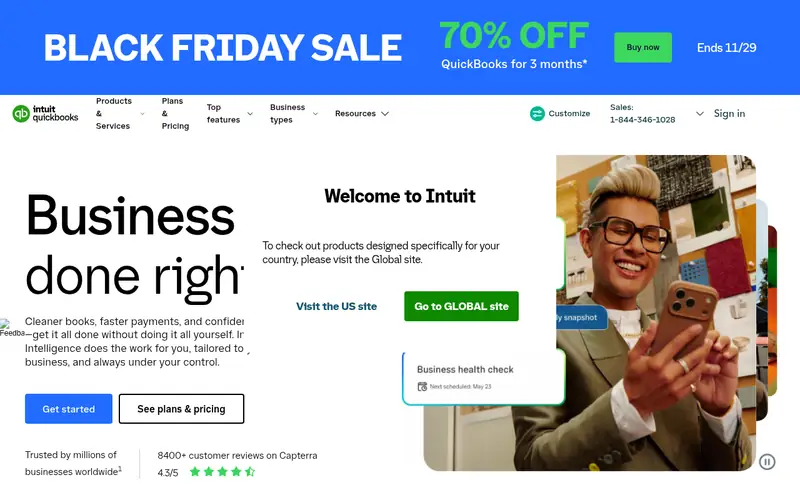
QuickBooks Solopreneur homepage

QuickBooks Solopreneur is a one-person plan from Intuit. It logs business miles, tracks billable time, and turns both into invoices. The mileage tool records trips and lets you classify them as business or personal, which feeds the expense side of your books. The plan is built for a single owner with no employees. If you need payroll, multi-user access, or full double-entry accounting, you move up to QuickBooks Online Simple Start or higher. The 30-day trial lets you test the mileage and time screens before you commit. Skip it if you already run accounting software and only want a standalone trip log.

Price: $20 per month

Free plan: Free trial (30 days)

Website: quickbooks.intuit.com

Watch out for

  • Pricier than single-purpose trackers
  • full accounting needs a higher QuickBooks plan
2

Everlance

Drivers who want automatic mileage capture on a phone
See vendor pricing page
everlance.comHomepage, Nov 2026
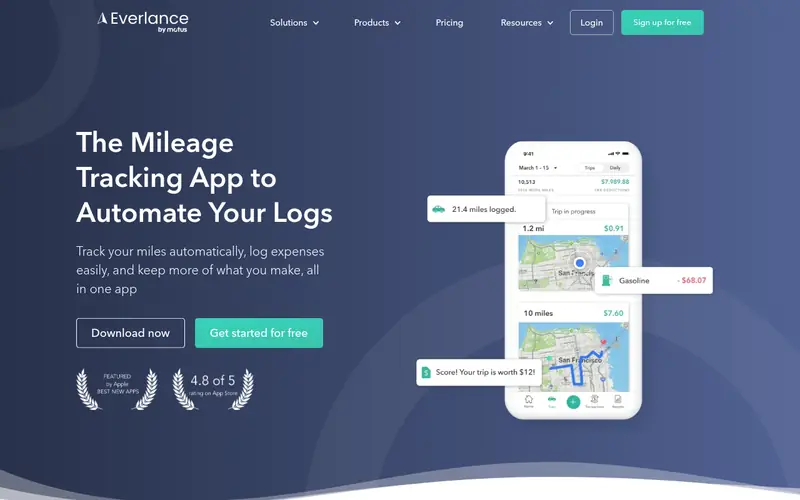
Everlance homepage

Everlance is a mobile-first mileage tracker with time and expense tools. The app detects trips in the background and classifies them, so you review rather than start and stop a timer. It also logs work hours and stores receipts for reimbursement or tax records. The free plan covers basic trip logging with a monthly cap on automatically recorded trips, and paid tiers raise that limit and add reporting and team features. Because the paid prices change, check the vendor pricing page for current tiers. It suits rideshare drivers, sales reps, and field staff. Skip it if you need deep project accounting rather than simple logs.

Free plan: Yes

Website: everlance.com

Strengths

  • Automatic trip detection
  • receipt capture alongside mileage

Watch out for

  • Some features sit behind paid tiers
  • phone battery use during long tracking days
3

Timeero

Field teams that need GPS time and mileage together
See vendor pricing page
timeero.comHomepage, Nov 2026
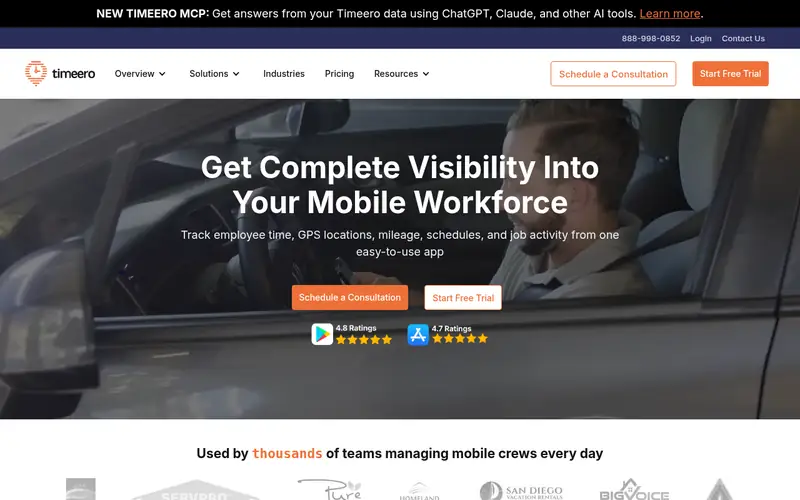
Timeero homepage

Timeero is built for mobile and field teams. Employees clock in with GPS, and the app records miles driven during the workday, then converts distance into a reimbursement figure. Managers see route history and can confirm that time and distance line up. Pricing is per user per month, with tiers that add scheduling and payroll exports. The vendor lists a 14-day trial. It fits construction, home health, and service businesses with several drivers. A solo freelancer will find it heavier than needed, and anyone who only bills hours should look at a simpler time tracker.

Free plan: Free trial (14 days)

Website: timeero.com

Strengths

  • Combines GPS time clock with mileage reimbursement
  • route history for managers

Watch out for

  • Per-user pricing adds up for large crews
  • setup takes more effort than a solo app
4

Motive

Fleets that need driver logs, GPS, and hours of service
See vendor pricing page
gomotive.comHomepage, Nov 2026
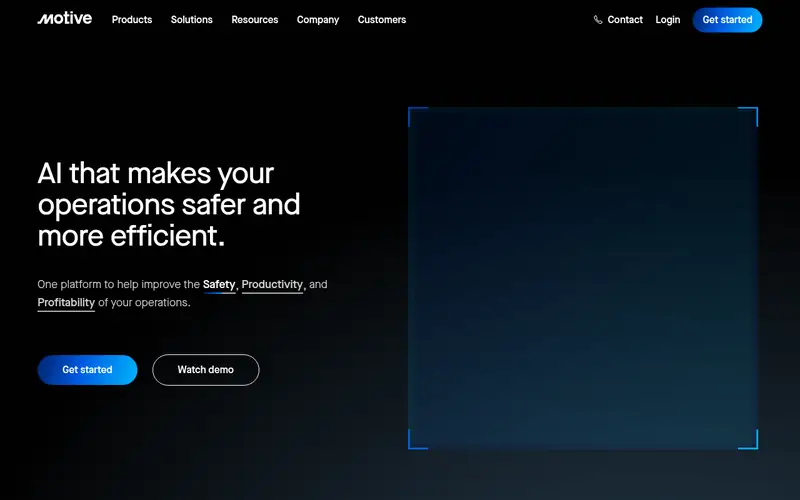
Motive homepage

Motive (formerly KeepTruckin) provides fleet management with electronic logging devices, GPS tracking, and driver hours-of-service records. For mileage, it captures distance per vehicle and ties it to driver and route data. Time tracking centers on driving hours and compliance rather than billable client work. Pricing is quoted per vehicle, so there is no public entry number to cite. It is the right fit for trucking companies and delivery fleets that must keep compliance records. Small businesses that just want a mileage log for taxes will pay for features they do not need, so a lighter app is a better match.

Free plan: No

Website: gomotive.com

Strengths

  • Electronic logs and GPS in one dashboard
  • hardware and app options for vehicles

Watch out for

  • Aimed at commercial fleets
  • quote-based pricing takes a sales call
5

Toggl Track

Freelancers who bill by the hour and log some miles
$9 per user per month
toggl.comHomepage, Nov 2026
Toggl Track homepage

Toggl Track is a time tracking tool first. You start a timer, assign it to a client or project, and get reports on billable hours. It has a free plan for small teams and a paid Starter tier at $9 per user per month with added billable rates and project estimates. Mileage support is limited compared with dedicated trip apps, so treat it as a light add-on rather than a full expense log. It suits consultants, agencies, and freelancers whose main record is hours. If distance tracking is central to your work, pair it with a mileage app or choose Everlance instead.

Free plan: Yes

Website: toggl.com/track

Strengths

  • Simple one-click timers
  • reports by client and project

Watch out for

  • Mileage is a secondary feature
  • no built-in invoicing
6

Clockify

Teams that want a free time tracker with expense entries
$3.99 per user per month
clockify.meHomepage, Nov 2026
Clockify homepage

Clockify offers time tracking with a free plan that supports unlimited users and projects. Paid tiers start at $3.99 per user per month and add features such as invoicing and time audits. You can record mileage as an expense entry tied to a project or client. Because distance is entered manually, Clockify works best when miles are occasional rather than the core record. It is a strong choice for small teams that need shared timesheets at no cost. Drivers who want automatic trip capture should use a dedicated mileage app and export totals into Clockify.

Free plan: Yes

Website: clockify.me

Strengths

  • Generous free tier for unlimited users
  • manual expense and mileage entries

Watch out for

  • Mileage is entered by hand
  • automatic trip detection is not built in
7

MileIQ

Solo drivers who only need automatic mileage logging
See vendor pricing page
mileiq.comHomepage, Nov 2026
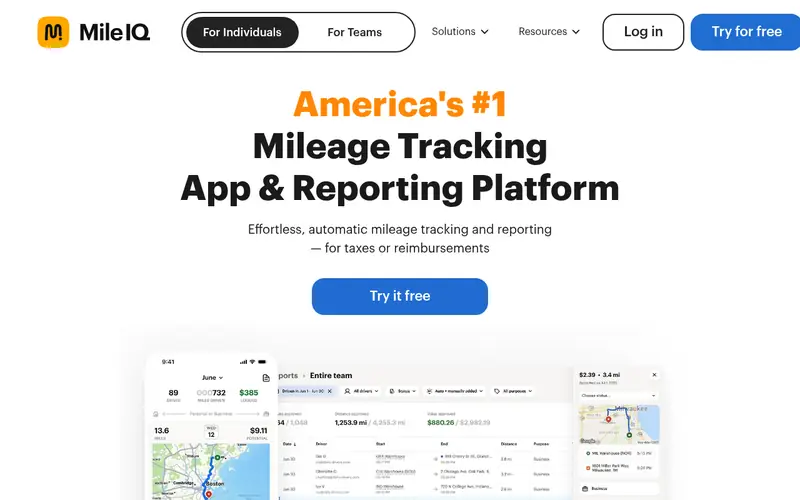
MileIQ homepage

MileIQ from Microsoft focuses on mileage alone. It detects drives automatically and lets you swipe to mark each one as business or personal. Reports summarize business miles for tax or reimbursement. The free plan limits how many drives you can log each month, and the paid plan removes that cap. Prices change, so confirm on the vendor page. MileIQ is a clean fit for real estate agents, contractors, and anyone who needs a defensible mileage log. It is not a time tracker, so pair it with a separate hours tool if you bill by time.

Free plan: Yes

Website: mileiq.com

Strengths

  • Automatic drive detection
  • simple swipe to classify trips

Watch out for

  • No time tracking or invoicing
  • free plan caps logged drives per month
8

Hubstaff

Remote teams that need time, activity, and mileage records
$5.99 per user per month
hubstaff.comHomepage, Nov 2026
Hubstaff homepage

Hubstaff tracks time for remote and field teams, with optional screenshots, activity rates, and GPS. Field workers can log mileage through the mobile app, and managers see distance and hours in the same reports. Paid plans start at $5.99 per user per month, and a 14-day trial is offered. The tool suits businesses that manage distributed staff and want proof of hours and travel. Teams that dislike activity monitoring should turn those features off or choose a simpler tracker. It is more than a solo driver needs, but it covers time and distance for a crew in one dashboard.

Free plan: Free trial (14 days)

Website: hubstaff.com

Strengths

  • Time tracking with screenshots and activity
  • GPS and mileage for field staff

Watch out for

  • Activity monitoring is intrusive for some teams
  • per-user cost grows with headcount

Pre-purchase checklist

  • Confirm the app records both distance and hours if you need both, or plan to pair two tools.
  • Check the free plan limits on trips or users before relying on it for a full year.
  • Verify how mileage is captured: automatic detection, GPS, or manual entry.
  • Check whether reports export to CSV or your accounting software for tax season.
  • Confirm per-user pricing if your team will grow, since costs scale with headcount.

FAQ

Do I need separate apps for mileage and time tracking?

Not always. QuickBooks Solopreneur, Everlance, Timeero, and Hubstaff record both miles and hours. Toggl Track, Clockify, and MileIQ lean toward one side, so pairing a time tracker with a mileage app is common when you need full records.

Which app is best for automatic mileage tracking?

Everlance and MileIQ detect trips in the background, so you review rather than start a timer. Both offer a free plan with limits on logged drives. Check the current cap on the vendor page, since it affects how many trips you can record each month.

Can these apps handle mileage reimbursement for a team?

Timeero and Hubstaff record distance for field staff and produce reports managers can use for reimbursement. Motive adds compliance logs for commercial fleets. Per-user pricing applies, so confirm the tier that includes mileage before you roll it out.

Is a free plan enough for a small business?

It depends on volume. Clockify's free plan supports unlimited users for time tracking, and Everlance and MileIQ offer free mileage logging with monthly caps. If you drive or bill often, a paid tier usually removes the limits that matter most.

Do these tools replace accounting software?

No. Most are trackers that export data. QuickBooks Solopreneur is the closest to accounting, but full bookkeeping needs a higher QuickBooks plan or separate software. Treat the others as sources of time and mileage records you pass to your accountant or accounting app.