Productivity · Researched comparison

Comparing 6 PDF Annotation Apps in 2026

TaskReports may earn a fee from some links on this page, and some placements are paid and labelled. Neither one decides the order. See our disclosure.

The short answer

This list puts Goodnotes first for handwritten annotation with a Pencil. Notability is better for lectures and meetings with synced audio, and PDF Expert is better for polished annotation and editing on Apple devices. All 6 tools are compared below on price, free plan and limits.

On this page

Key takeaways

  • This list starts with Goodnotes, which is built for handwritten annotation with a Pencil.
  • No starting price is published for Foxit PDF Editor; expect a quote.
  • One limit worth knowing about PDF Expert: premium at $49.99 per year is needed for the full toolset.
  • Adobe Acrobat suits the standard reader and comment format.

Quick comparison

ToolIdeal forStarts atBiggest drawback
------------
GoodnotesHandwritten annotation with a PencilFreeDeep PDF editing is lighter than PDF Expert or Acrobat
NotabilityLectures and meetings with synced audioFreeNeeds care to navigate
PDF ExpertRefined annotation and editing on Apple devices$49.99 per yearApple ecosystem only
PDFgearFree desktop editing and annotationFreeEnterprise support and compliance features are not its market
Foxit PDF EditorBusiness editing with annotationSee websiteThe product range and editions take effort to untangle
Adobe AcrobatThe standard reader and comment formatFreeHandwriting is not its language at all
★ Best overall

Goodnotes

Handwritten annotation with a Pencil

  • Audio recording synced to notes
  • Collaboration and cross platform versions have widened beyond Apple

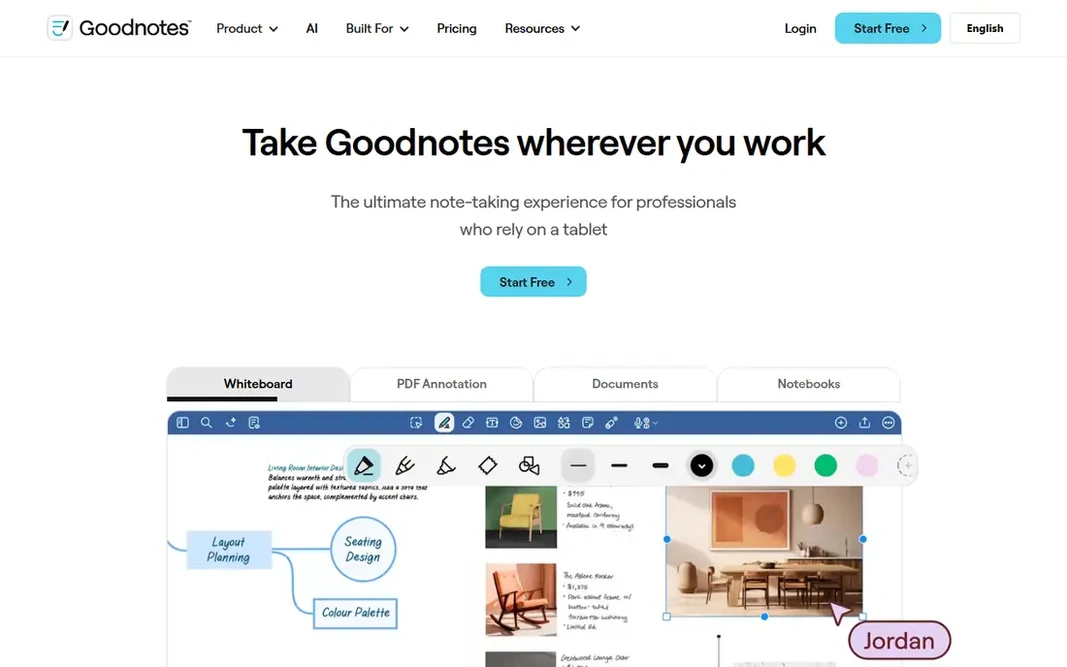
Goodnotes makes the most sense for handwritten annotation with a Pencil. Goodnotes turns a PDF into a page in your notebook. Worth adding: for students and anyone whose thinking happens in ink, that is the annotation experience everything else is measured against, and the starting price is nothing. For everyday use, Goodnotes suits students, researchers, and meeting heavy professionals on tablets, who annotate by hand and organise by subject. The trade off is filing. In practice, a library of contracts and reports lives less naturally in notebooks than in a document manager. Goodnotes cost at the entry level: Free. Goodnotes has a free plan. Best features of Goodnotes: PDFs annotated inside notebooks; premium plans from $11.99 per year. Downsides: The free level's notebook and import limits arrive rapidly for students.

Price: Free

Free plan: Yes

Website: goodnotes.com

Watch out for

  • Deep PDF editing is lighter than PDF Expert or Acrobat
2

Notability

Lectures and meetings with synced audio
Free

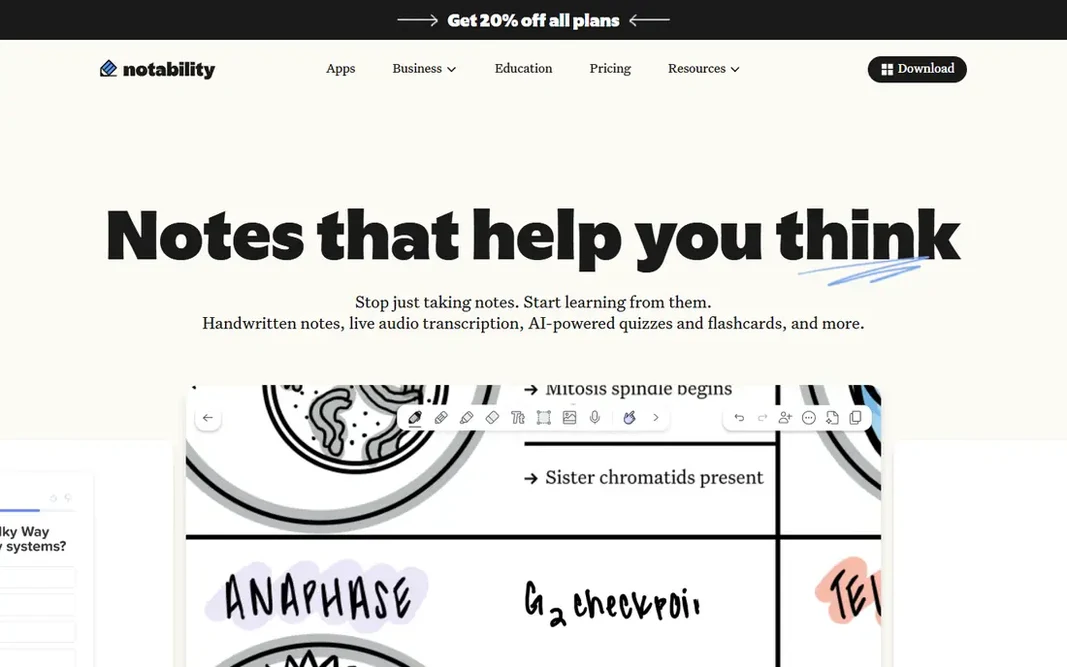
Notability is a good fit for lectures and meetings with synced audio. Notability's recording trick is still unmatched for its purpose. Main advantages: Study tools on premium levels turn notes into summaries, flashcards, quizzes. Honest limits: Pro at up to $99.99 per year; needs care to navigate. Notability suits students and professionals inside the Apple world who learn and review through listening as much as reading, and who will pick one premium level and stay there. Notability starts at: Free. Notability offers a free plan.

Free plan: Yes

Website: notability.com

Strengths

  • Text boxes, shapes
  • Clean PDF annotation with flags

Watch out for

  • The level ladder, Lite, Plus
3

PDF Expert

Refined annotation and editing on Apple devices
$49.99 per year

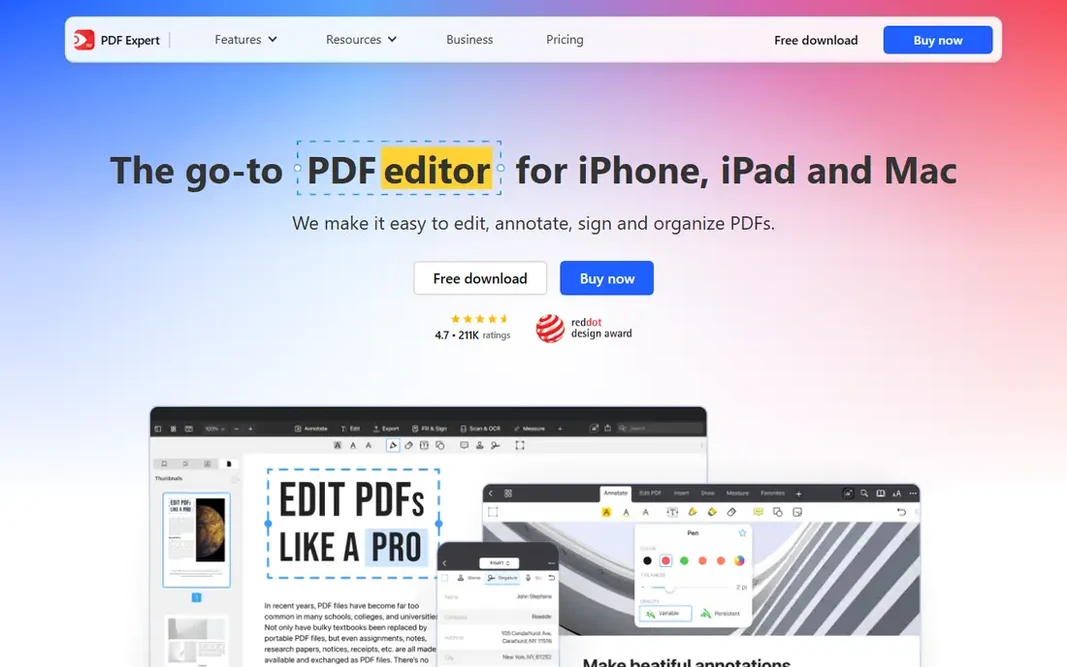
PDF Expert is a good fit for refined annotation and editing on Apple devices. PDF Expert is what most people picture when they say a PDF app should feel premium. The main drawbacks: Premium at $49.99 per year is needed for the full toolset; no Windows or Android. Worth adding: PDF Expert suits Apple based professionals, lawyers, consultants, and heavy readers, whose PDFs are work product instead of coursework. On cost, PDF Expert starts like this: $49.99 per year. PDF Expert has no free tier.

Free plan: No

Website: pdfexpert.com

Strengths

  • Edits PDF text and images straight
  • Mac lineup from Readdle

Watch out for

  • Apple ecosystem only
4

PDFgear

Free desktop editing and annotation
Free

PDFgear targets free desktop editing and annotation. PDFgear is the disruptor entry: a desktop PDF toolkit that annotates, edits, converts, and OCRs without a price tag. For the large group of people whose PDF work is occasional, a form here, a marked up report there, it removes the subscription question entirely. Its tools are better than they have any right to be at zero. For everyday use, a professional practice standardising for a decade will choose a vendor with a longer commercial shadow. On cost, PDFgear starts like this: Free. You can start on PDFgear without paying. Best features of PDFgear: OCR, conversion; fast interface for everyday documents. Downsides: Enterprise support and compliance features are not its market.

Free plan: Yes

Website: pdfgear.com

Strengths

  • Page tools that rivals charge for
  • No account walls in the desktop apps

Watch out for

  • Free software this complete invites the obvious question about its future business model
5

Foxit PDF Editor

Business editing with annotation
See website

Foxit PDF Editor was built for business editing with annotation. Foxit is the other enterprise name in PDFs. The trade off is that it is office software, with editions and licensing to match, and students or solo annotators will find the route in less obvious than an app store icon. This comparison lists no price for Foxit PDF Editor; ask the vendor. Foxit PDF Editor has no free plan. Watch-outs: The product range and editions take effort to untangle. What Foxit PDF Editor does well: signatures in one suite.

Free plan: No

Website: foxit.com

Strengths

  • A free Foxit Reader exists for viewing and entry-level markup
  • Connected document workflows and integrations for offices

Watch out for

  • Handwriting is a minor feature in a keyboard first product
6

Adobe Acrobat

The standard reader and comment format
Free

Adobe Acrobat was built for the standard reader and comment format. Adobe invented the PDF, and Acrobat Reader remains the safe default: free, universal. Limits to weigh: Full Acrobat pricing is the steepest here, with Pro often listed near $29.99 per month. The reference point for how comments should behave when a file passes between people and products. Entry price for Adobe Acrobat: Free. Free access exists with Adobe Acrobat. Reasons to shortlist it: form filling; e signatures.

Free plan: Yes

Website: adobe.com

Strengths

  • Premium Acrobat brings full editing, OCR, redaction, comparison
  • Cloud storage keeps documents and annotations in step across devices

Watch out for

  • The interface carries far more than an annotator needs

Pre-purchase checklist

  • Ask Foxit PDF Editor for a written quote, since no starting price is shown.
  • Look at free plan limits closely: Goodnotes, Notability, PDFgear and Adobe Acrobat have one, and the caps decide whether it is usable for real work.
  • Read the limits listed for Goodnotes first: the free level's notebook and import limits arrive rapidly for students.
  • Price Foxit PDF Editor for your actual team size; headline prices rarely include add-ons or overage.
  • Check the integration list for Goodnotes against the tools you run today, and note which ones need a higher plan.

FAQ

Can I try these tools before paying?

Often, yes. Goodnotes, Notability, PDFgear and Adobe Acrobat have a free plan. Use your own data and a real task during the test, and check what the free tier or trial limits before you rely on it.

Is Goodnotes the right pick for everyone comparing PDF annotation app?

No single tool suits every team. Goodnotes comes first because it fits handwritten annotation with a Pencil, while Notability suits lectures and meetings with synced audio and PDF Expert suits polished annotation and editing on Apple devices. Match the tool to your own size, budget and workflow before deciding.

Which app is best for annotating PDFs with Apple Pencil?

Goodnotes is the pick this page puts first, mainly for handwritten annotation with a Pencil. If your situation differs, Notability suits lectures and meetings with synced audio, and PDF Expert suits refined annotation and editing on Apple devices. Compare price and limits before you decide.

Which options for PDF annotation app have a free plan?

Goodnotes, Notability, PDFgear and Adobe Acrobat offer a free plan in this list. Free plans usually cap users, projects or features, so check the limits on the vendor page.

Do these tools publish their prices?

Not all of them. Foxit PDF Editor publishes no starting price, so expect a quote request for it. The rest, Goodnotes included, show a starting price, though seats and billing terms still change the final cost.