
Productivity · Researched comparison

Best PDF Splitting App for Mobile in 2026: 7 Tools Compared

TaskReports may earn a fee from some links on this page, and some placements are paid and labelled. Neither one decides the order. See our disclosure.

The short answer

Our first pick is UPDF, best for all-round mobile PDF work. For a different need, Smallpdf covers refined online splitting and iLovePDF covers free mobile splitting. The remaining 4 options are covered below with prices and limits.

On this page

Key takeaways

  • Number one here is UPDF, a fit for all-round mobile PDF work.
  • One limit worth knowing about Smallpdf: free plan limits document downloads.
  • A free plan is offered by 7 of the 7 tools, including UPDF, Smallpdf, iLovePDF and PDF2Go.
  • PDF Expert fits Apple devices.
  • Starting prices begin at $7 per month with Smallpdf.

Quick comparison

ToolFree optionIdeal forMain limit
------------
UPDFYesAll-round mobile PDF workAdvanced features paywalled
SmallpdfYesRefined online splittingUploads to servers
iLovePDFYesFree mobile splittingAds on free page
PDF2GoYesEntry-level splitting and editingFree tier limits
SejdaYesSplitting by ranges3 tasks an hour
PDFelementYesCross-platform editingInterface busy
PDF ExpertYesApple devicesApple only
★ Best overall

UPDF

All-round mobile PDF work

  • Edit, annotate
  • Page management with rotate, delete, extract, rearrange

UPDF is designed for all-round mobile PDF work. UPDF supports editing, annotating, and managing PDFs on Windows, Mac, iOS, and Android, with page management to rotate, delete, extract, and rearrange pages. Where it is weaker: Free level limits. What UPDF does well: handle PDFs. Also, free level includes entry-level page management. UPDF pricing: Free. UPDF offers a free plan.

Price: Free

Free plan: Yes

Website: updf.com

Watch out for

  • Advanced features paywalled
2

Smallpdf

Refined online splitting
$7 a month

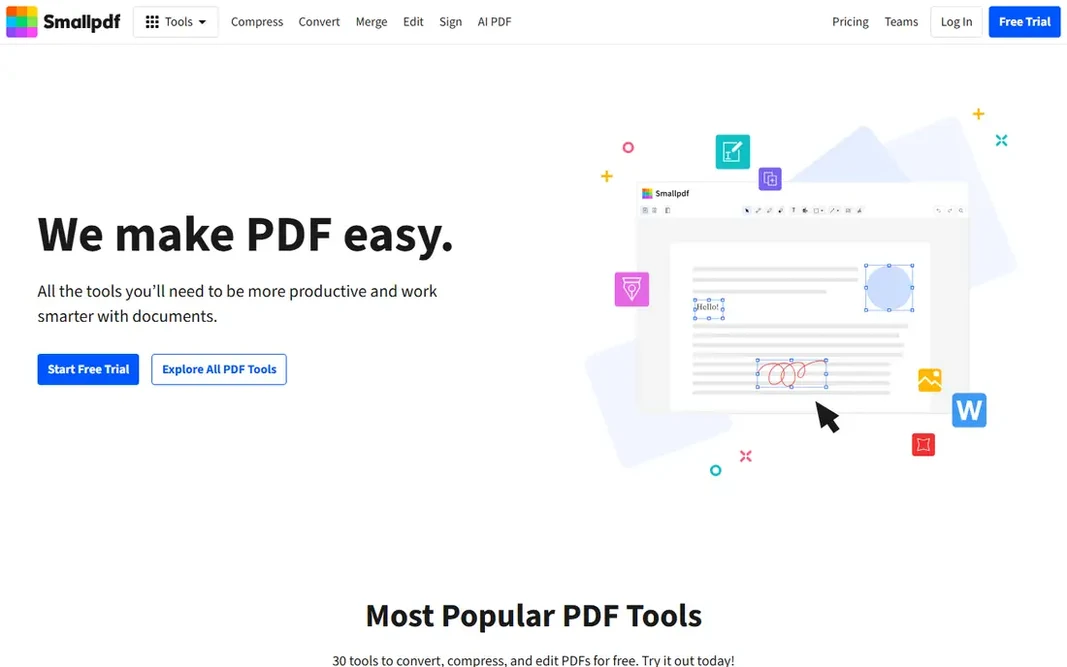
Smallpdf was built for refined online splitting. Smallpdf is the most refined online splitter, with a straightforward drag-and-drop interface, batch splitting, and cloud storage integration. On top of that, the page is clear about security: TLS encryption, ISO/IEC 27001 certification, and files deleted after one hour. Honest limits: Uploads to servers. It needs no account or install, and it lets you upload multiple PDFs, rearrange pages, and split them in one pass. The free plan limits document downloads, with unlimited downloads on Pro at $7 a month. Price to start with Smallpdf: $7 per month. You can start on Smallpdf without paying.

Free plan: Yes

Website: smallpdf.com

Strengths

  • Files deleted after one hour
  • No account or install needed

Watch out for

  • Starting price $7 a month
3

iLovePDF

Free mobile splitting
Free

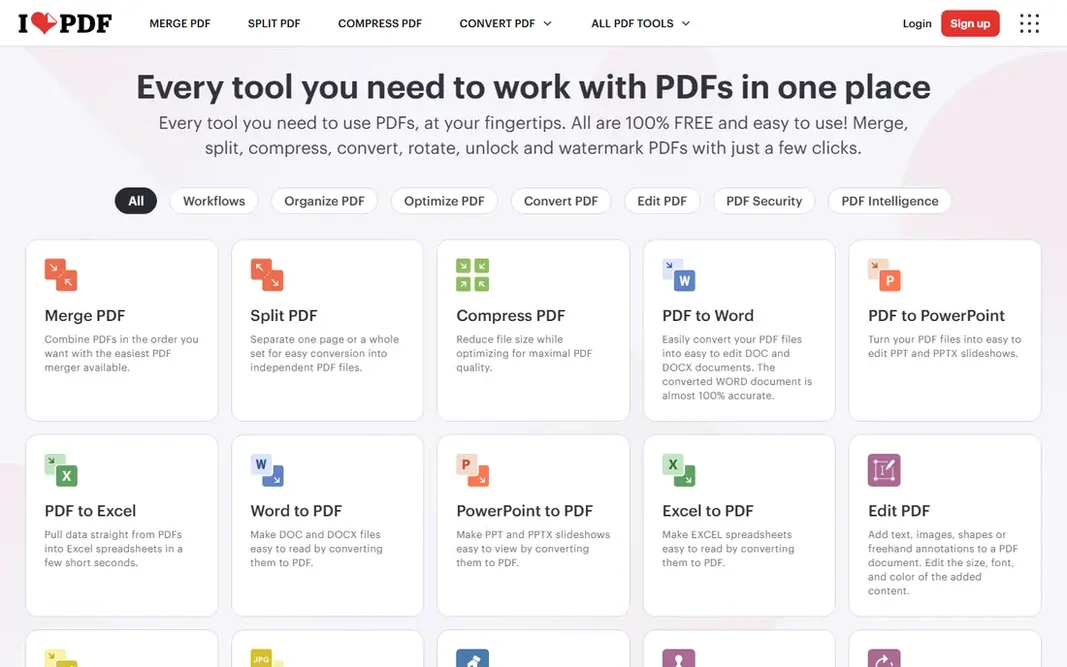
In short, iLovePDF is for free mobile splitting. The split page is as straightforward as it gets: one button, then separate a page or an entire set into new files. Beyond that, free limits are listed without numbers, and files are processed on its servers and deleted within two hours. Entry price for iLovePDF: Free. iLovePDF has a free plan. Where it falls short: Free limits listed without numbers.

Free plan: Yes

Website: ilovepdf.com

Strengths

  • Very straightforward split page
  • Mobile apps for Android and iOS

Watch out for

  • Ads on free page
4

PDF2Go

Entry-level splitting and editing
Free

In short, PDF2Go is for entry-level splitting and editing. Web uploads mean files go to external servers, and free level limits apply to bigger jobs. Limits to weigh: Fewer advanced features than Acrobat. Worth adding: free access handles typical splitting tasks. Price to start with PDF2Go: Free. PDF2Go has a free plan.

Free plan: Yes

Website: pdf2go.com

Strengths

  • Editing features included
  • Mobile-friendly web version

Watch out for

  • Free level limits
5

Sejda

Splitting by ranges
$7.50 a month

Sejda makes the most sense for splitting by ranges. A one-time $5 week pass handles 7 days, with Web Monthly at $7.50 per month and Desktop plus Web Annual at $63 per year. Free stops at 200 pages, 50 MB, and 3 tasks an hour, and the web version uploads your file. Watch-outs: Free stops at 200 pages, 50 MB; Week pass excludes desktop. Also, a desktop version does not upload files, which suits sensitive documents. As for the details, Sejda split page supplies ranges, every page, every X pages, or click to split, with no sign-up and files deleted after 2 hours. Starting cost for Sejda: $7.50 per month. Sejda includes a free tier.

Free plan: Yes

Website: sejda.com

Strengths

  • Every X pages
  • Every page

Watch out for

  • Web version uploads your file
6

PDFelement

Cross-platform editing
$79.99 a year

Where PDFelement fits: cross-platform editing. PDFelement supplies split, merge, and edit tools on mobile, with cross-platform apps for iOS, Android, Windows, and Mac. Strengths: Form and OCR features on premium plans. Downsides: Free level watermarks some outputs. In daily use, free level covers entry-level splitting and viewing. On cost, PDFelement starts like this: $79.99 per year. A free plan is available with PDFelement.

Free plan: Yes

Website: pdf.wondershare.com

Strengths

  • Cross-platform apps
  • Edit on mobile

Watch out for

  • Interface busy
7

PDF Expert

Apple devices
$79.99 a year

PDF Expert was built for Apple devices. Premium costs $79.99 a year, and the app is Apple only, with no Android version. Strengths: Clean Apple design. Downsides: Apple only; Free level restricted. PDF Expert starts at: $79.99 per year. PDF Expert offers a free plan.

Free plan: Yes

Website: pdfexpert.com

Strengths

  • Page management and annotation
  • Best PDF app for iPhone and iPad

Watch out for

  • Premium costs $79.99 a year

Pre-purchase checklist

  • Confirm the entry price on the vendor page: Smallpdf starts at $7 per month, but seat counts and billing terms change the total.
  • Look at free plan limits closely: UPDF, Smallpdf, iLovePDF and others have one, and the caps decide whether it is usable for real work.
  • Read the limits listed for UPDF first: advanced features paywalled.
  • Confirm you can export your data from Smallpdf, so leaving later does not mean losing records.
  • Look at which plan of PDFelement unlocks the features you need; entry tiers are often cut down.

FAQ

Can I split PDFs without uploading them?

Yes, desktop versions like Sejda desktop and mobile apps that process locally avoid uploads. Web splitters upload your file, so check deletion policies before use.

Which options for PDF splitting app for mobile have a free plan?

On this list, 7 of 7 tools include a free plan, among them UPDF, Smallpdf, iLovePDF and PDF2Go. Caps on seats, usage or features are common, so test the free plan against your real workload.

Do these tools publish their prices?

Yes. Every tool from UPDF to PDF Expert shows a starting price, though seats, add-ons and billing terms still change the final cost.

How are the tools for PDF splitting app for mobile ordered?

UPDF sits first and PDF Expert last because the order follows typical fit for PDF splitting app for mobile, then price clarity and free access. It is a judgement call, so read each profile for fit and limits.

How do I split a PDF by page range?

Open the splitter, upload or open the PDF, select pages or enter a range, and download the new files. Sejda supports ranges, every page, every X pages, and click-to-split modes.

Is UPDF the right pick for everyone comparing PDF splitting app for mobile?

No single tool suits every team. UPDF comes first because it fits all-round mobile PDF work, while Smallpdf suits polished online splitting and iLovePDF suits free mobile splitting. Match the tool to your own size, budget and workflow before deciding.