How we rank
Productivity · Researched comparison

Best Pomodoro Time Tracking Apps in 2026

TaskReports may earn a fee from some links on this page, and some placements are paid and labelled. Neither one decides the order. See our disclosure.

The short answer

Pomofocus is the simplest starting point for anyone who wants a free Pomodoro timer in the browser with task lists and basic reports. Focus To-Do suits people who want a to-do list and timer in one app across desktop and mobile. Toggl Track fits freelancers and teams that need Pomodoro sessions inside detailed time reports and client billing. All three are third-party products, and prices and free limits should be confirmed on each vendor site.

On this page

Key takeaways

  • Pomofocus is a free browser-based Pomodoro timer with task lists and basic reports, and it needs no account.
  • Focus To-Do combines a Pomodoro timer with a to-do list and offers a free tier plus a paid Pro upgrade.
  • Toggl Track pairs a Pomodoro-style timer with detailed time reports, and its entry paid plan is Starter.
  • Forest ties focus sessions to a virtual tree, and its paid mobile app is a one-time purchase.

Quick comparison

ToolBest fitStarting price
PomofocusFree browser-based Pomodoro timer with simple task listsSee vendor pricing page
Focus To-DoPomodoro timer combined with a cross-platform to-do listSee vendor pricing page
Toggl TrackFreelancers and teams needing Pomodoro sessions in time reportsSee vendor pricing page
ForestMobile users who want a focus timer with a visual rewardSee vendor pricing page
SessionMac and iOS users who want focus sessions with app blockingSee vendor pricing page
PomodoneUsers who want a Pomodoro timer linked to task toolsSee vendor pricing page

How we chose

We selected tools that combine a Pomodoro-style timer with some form of time tracking, task logging or reporting. Criteria included fit for the Pomodoro use case, published entry price, free access and main limits such as platform support and report depth. The information comes from vendor websites and public documentation. Prices and plan limits change, so confirm current details on each vendor site before you buy.

Best overall

Pomofocus

Free browser-based Pomodoro timer with simple task lists

  • Runs in the browser with no account required
  • Includes task lists and basic reports
PriceSee vendor pricing page
See Pomofocus pricing
pomofocus.ioHomepage, Nov 2026
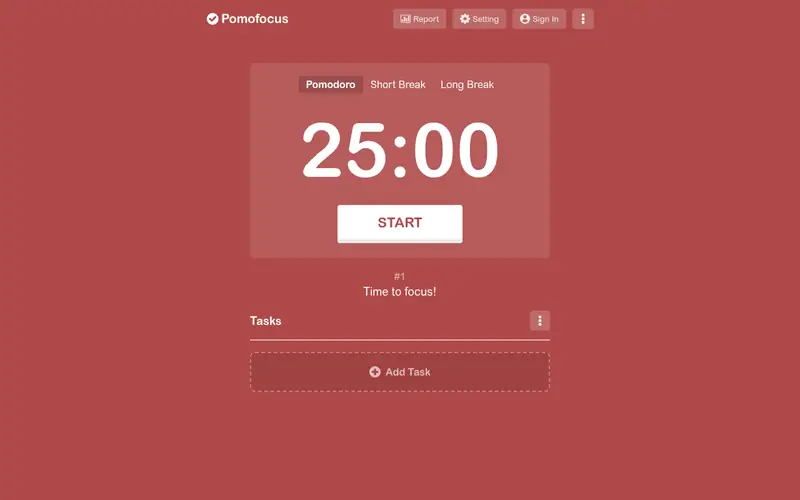
Pomofocus homepage

Pomofocus is a web app built around the Pomodoro technique. You set a focus interval, take short and long breaks, and attach tasks to each session. The timer records completed Pomodoros per task, and a reports view shows daily and weekly totals. It runs in a browser, so it works on most desktop and mobile devices without an install. The free version covers the core timer, task list and reports. The vendor also offers paid plans with extras such as more detailed reports and customization, but the exact limits and prices are listed on the vendor pricing page. There is no native desktop or mobile app, which matters if you want offline use or system notifications. Skip Pomofocus if you need client billing, team dashboards or automatic app and website tracking. It suits individual users who want a lightweight timer and do not need deep reporting.

Price: See vendor pricing page

Free plan: Yes

Website: pomofocus.io

Watch out for

  • Limited reporting depth
  • Few integrations compared with paid tools
2

Focus To-Do

Pomodoro timer combined with a cross-platform to-do list
See vendor pricing page
focustodo.cnHomepage, Nov 2026
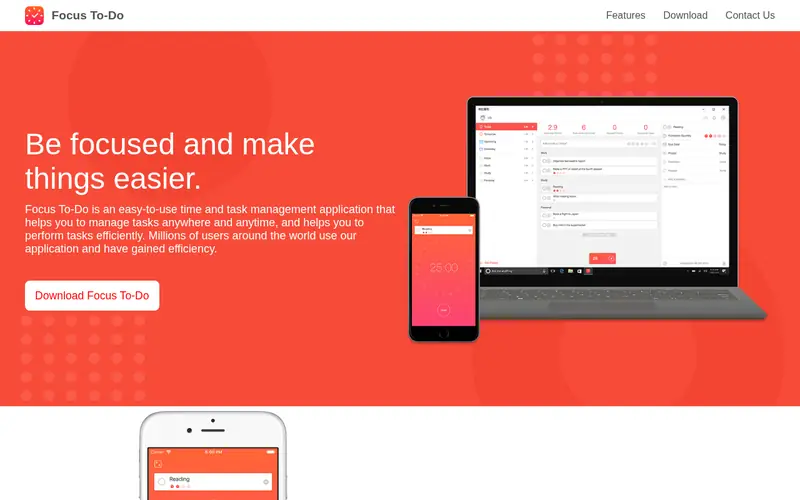
Focus To-Do homepage

Focus To-Do pairs a Pomodoro timer with a task manager. You create tasks, estimate how many Pomodoros each will take, and start a timer from the task. Completed sessions are logged against the task, and the app shows statistics on focus time and completed Pomodoros. The app is available for Windows, macOS, Android and iOS, and it syncs tasks and records through an account. A free tier covers the core timer and task list. The Pro plan adds features such as more detailed statistics, reminders and additional customization. The vendor pricing page lists current prices and what each plan includes. Focus To-Do is a good fit for people who already keep a to-do list and want the timer next to it. It is less suitable for teams that need shared reports or for freelancers who need billable-hour exports, since its reporting is focused on personal productivity.

Free plan: Yes

Website: focustodo.cn

Strengths

  • Timer and task manager in one app
  • Available on desktop and mobile

Watch out for

  • Some features require the paid Pro plan
  • Sync depends on an account
3

Toggl Track

Freelancers and teams needing Pomodoro sessions in time reports
See vendor pricing page
toggl.comHomepage, Nov 2026
Toggl Track homepage

Toggl Track is a time tracking tool with a built-in Pomodoro mode. You start a timer for a task or project, and the Pomodoro mode breaks work into focus and break intervals. Entries flow into reports that show time by project, client and tag, and you can mark hours as billable. The free plan covers basic tracking for individuals and small teams, with limits on features such as billable rates and some report options. Paid plans, starting with the Starter tier, add more report types, project billing and admin controls. Prices are per user per month, and the vendor pricing page lists current rates. Choose Toggl Track if you need Pomodoro sessions inside client-ready time reports. Skip it if you only want a simple timer, since its reporting and billing features add cost and complexity you may not need.

Free plan: Yes

Website: toggl.com/track

Strengths

  • Detailed time reports and billable hours
  • Works across web, desktop and mobile

Watch out for

  • Pomodoro features are lighter than dedicated timers
  • Paid plans are priced per user
4

Forest

Mobile users who want a focus timer with a visual reward
See vendor pricing page
forestapp.ccHomepage, Nov 2026
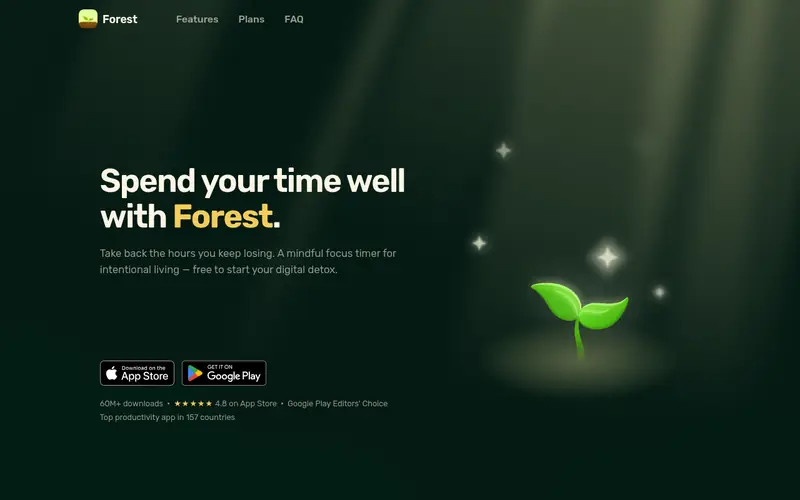
Forest homepage

Forest is a focus app for iOS and Android. You plant a virtual tree when you start a focus session, and the tree grows while you stay off your phone. Leaving the app before the session ends can kill the tree. Coins earned from completed sessions can be used to plant real trees through a partner program. The app is a paid download on mobile stores, and the vendor pricing page lists current prices. There is no free tier, though the app is sometimes offered at a discount. Forest tracks focus time and session history in the app, but it does not offer project billing, team reports or desktop time tracking. Forest suits people who want a simple, phone-based focus habit and a visual reward. It is not a fit for freelancers or teams that need detailed time reports, client billing or cross-platform tracking.

Free plan: No

Website: forestapp.cc

Strengths

  • Simple focus timer with a visual tree reward
  • Available on iOS and Android

Watch out for

  • Paid mobile app with no free tier
  • Limited reporting compared with time trackers
5

Session

Mac and iOS users who want focus sessions with app blocking
See vendor pricing page
stayinsession.comHomepage, Nov 2026
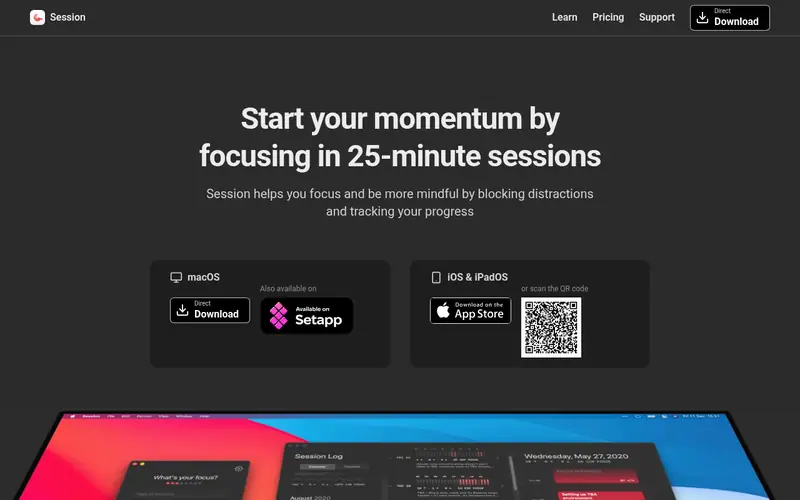
Session homepage

Session is a focus app for Mac and iOS. It runs timed focus sessions and can block distracting apps and websites during each session. It also tracks session history, daily goals and streaks, and it integrates with calendars to suggest focus time. The app is sold as a subscription with a free trial. The vendor pricing page lists current monthly and annual prices. Session is built around focus sessions rather than Pomodoro intervals specifically, though you can set custom session lengths that match a Pomodoro rhythm. Session suits Apple users who want app blocking alongside a timer. It is not a fit for Windows or Android users, and it lacks the project billing and team reports that freelancers and agencies may need.

Free plan: Free trial (7 days)

Website: stayinsession.com

Strengths

  • Blocks distracting apps and websites during sessions
  • Includes focus session history and goals

Watch out for

  • Limited to Apple platforms
  • Subscription required after the trial
6

Pomodone

Users who want a Pomodoro timer linked to task tools
See vendor pricing page
PomodoneHomepage image unavailable

Pomodone is a desktop Pomodoro timer that connects to task management tools. You link an account such as Todoist, Trello, Asana or Jira, and your tasks appear in the app so you can start a Pomodoro on any of them. Completed sessions are logged against the task and shown in reports. A free version covers the timer and a limited number of integrations. Paid plans add more integrations and features, and the vendor pricing page lists current prices and limits. The app runs on Windows and macOS. Pomodone fits people whose work already lives in a task manager and who want a timer on top of it. Skip it if you need mobile-first tracking or detailed client billing, since its reports are focused on personal session history.

Free plan: Yes

Website: pomodoneapp.com

Strengths

  • Connects to task managers such as Todoist and Trello
  • Desktop app with timer and reports

Watch out for

  • Integrations require setup
  • Reporting is basic compared with dedicated trackers

Pre-purchase checklist

  • Confirm the app runs on your devices, since several Pomodoro timers are limited to one platform family.
  • Check what the free plan includes and whether reports, tags or integrations sit behind a paid tier.
  • Verify whether the timer logs sessions against tasks or projects, which matters if you bill clients.
  • Read the vendor pricing page for the current entry price and billing period before you commit.
  • Check export options if you need to move time records into invoicing or accounting tools.

FAQ

What is a Pomodoro time tracking app?

A Pomodoro time tracking app combines a timer based on the Pomodoro technique with records of the time you spend. You work in focus intervals, usually 25 minutes, take short breaks, and the app logs completed sessions against tasks or projects so you can review your time later.

Are there free Pomodoro time tracking apps?

Yes. Pomofocus, Focus To-Do and Toggl Track all offer free plans with core timer and tracking features. Free tiers usually limit reports, integrations or team features. Check each vendor page for current free plan limits before you rely on one for billing.

Can I use a Pomodoro app for client billing?

Some can. Toggl Track records Pomodoro sessions as time entries with projects, clients and billable rates, which supports invoicing. Simple timers such as Pomofocus and Forest are built for personal focus and do not offer client billing, so they are a poor fit for that need.

Which Pomodoro app works on both Windows and Mac?

Focus To-Do and Pomodone offer desktop apps for Windows and macOS. Toggl Track also runs on web, desktop and mobile. Pomofocus runs in a browser on any platform. Apple-only apps such as Session will not run on Windows.

Do Pomodoro apps track time automatically?

Most Pomodoro apps track time only while a session runs, so you start and stop the timer yourself. Some tools, such as Toggl Track, also offer manual time entries and idle detection. Automatic app and website tracking is a separate feature found in broader time tracking tools.