Productivity · Researched comparison

Presentation Platform in 2026: A Guide to 7 Tools

TaskReports may earn a fee from some links on this page, and some placements are paid and labelled. Neither one decides the order. See our disclosure.

The short answer

Genially leads the list, best for interactive, gamified learning and marketing content. For a different need, Visme covers business teams producing branded visual content and Canva covers solo creators who design everything, not just slides. Prices, free plans and limits for all 7 tools follow.

On this page

Key takeaways

  • This list starts with Genially, which is built for interactive, gamified learning and marketing content.
  • A fair warning about Beautiful.ai: no free plan, only a 14-day trial that requires a credit card.
  • Genially, Visme, Canva, Prezi, Gamma: these are the 5 tools out of 7 that offer a free plan.
  • Haiku Deck suits quick, image-driven, minimalist slides.

Quick comparison

ToolBest fitFree accessKey limitation
------------
GeniallyInteractive, gamified learning and marketing contentYesThe editor has a learning curve compared with slide-first tools
VismeBusiness teams producing branded visual contentYesThe free Basic plan watermarks projects and limits downloads
CanvaSolo creators who design everything, not just slidesYesPro is single-person only
Beautiful.aiTeams that require every deck on brandFree trial (14 days)No free plan
PreziNon-linear, conversational presentationsYesPremium analytics and branding start at $29/month on Premium
GammaGenerating complete decks from a promptYesFree exports carry Gamma branding
Haiku DeckQuick, image-driven, minimalist slidesFree trialDeliberately limited: no deep charts, animations, or collaboration
★ Best overall

Genially

Interactive, gamified learning and marketing content

  • Free plan comes with 500 AI credits per year
  • Live presenting with live polls
Price$15/month (Pro, billed yearly)
See Genially pricing

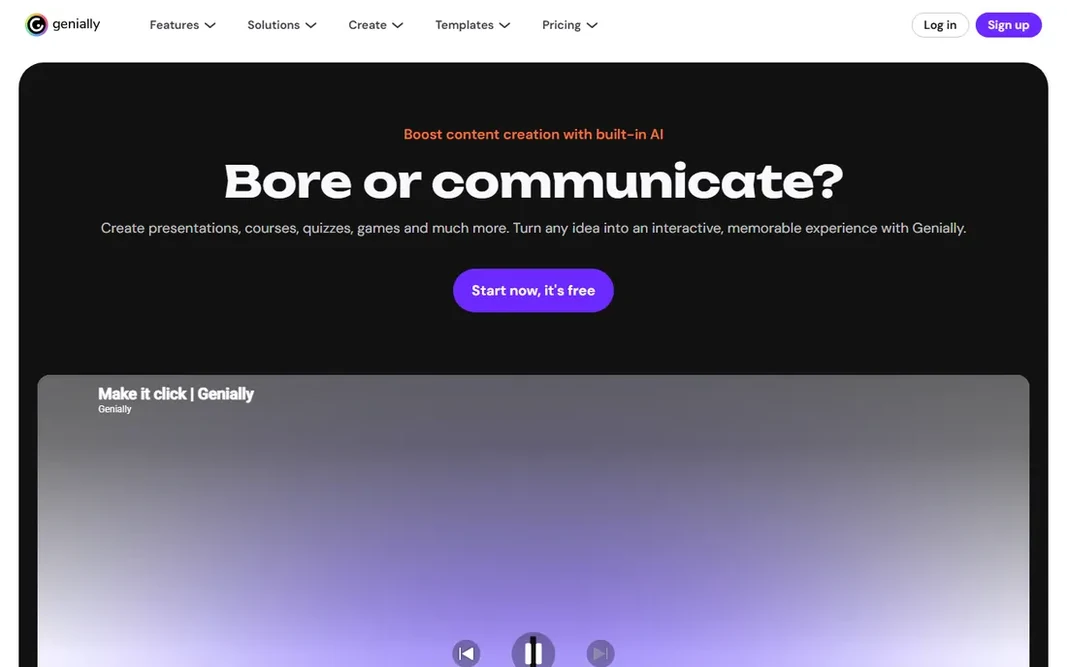
Genially was built for interactive, gamified learning and marketing content. Its 1,000+ templates include things other tools do not: interactive timelines, branching scenarios, escape-room games, clickable infographics. Worth adding: Pro at $15/month billed yearly brings downloads (PDF, JPG, video, offline), private sharing, and premium templates. For content people remember, Genially is the most creative choice here. Teachers use it for classroom material; marketers use it for content people click through rather than skimming. Presentations are one format among plenty of, but the live presenting mode with live questions and polls makes it a legitimate stage tool. The free plan is ample, with all interactions and animations included. Starting cost for Genially: $15/month. Free access exists with Genially. Where it is weaker: The editor has a ramp-up time compared with slide-first tools.

Price: $15/month (Pro, billed yearly)

Free plan: Yes

Website: genially.com

Watch out for

  • US pricing is higher than the euro list prices suggest
2

Visme

Business teams producing branded visual content
$12.25 per person/month (Starter, billed yearly)

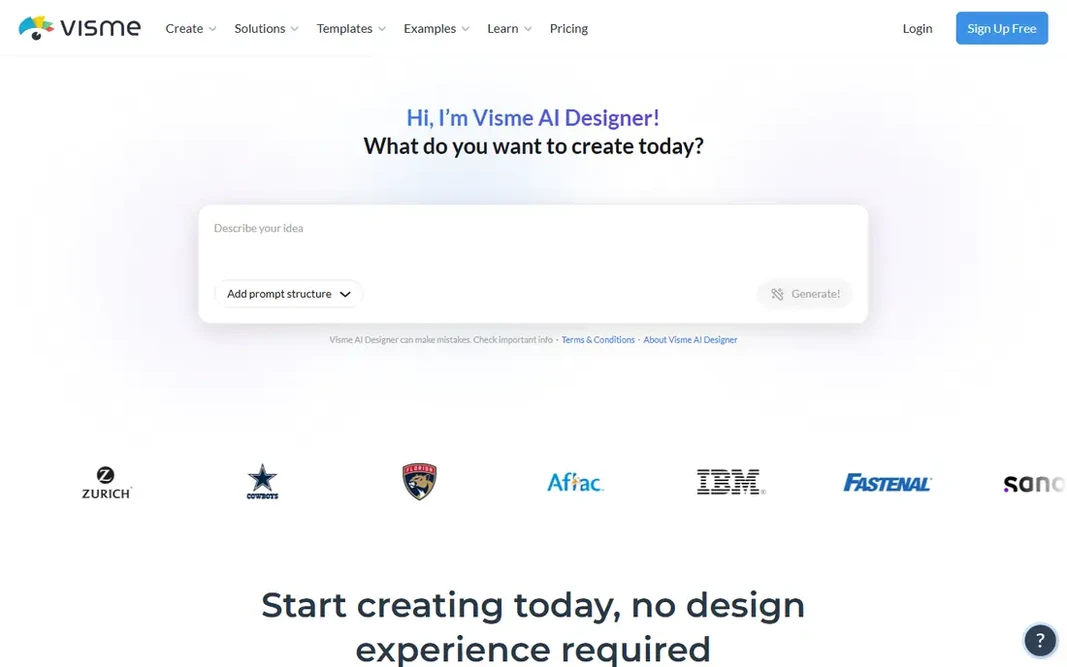
Where Visme fits: business teams producing branded visual content. Visme sits between Canva and Beautiful.ai: broader than a slide tool, more business-focused than a design playground. As for the details, the weakness is the free level: the watermark and download limits push you to upgrade quick. Honest limits: The free Basic plan watermarks projects and limits downloads. Pricing is per person: Entry-level is free with a watermark and JPG/PNG/PDF-only downloads, Starter is $12.25/month billed yearly, Pro is $24.75/month with PPTX export, brand kits, and analytics, and Enterprise is custom. For everyday use, as a premium team tool for visual communication, though, Visme is one of the most solid values here. Worth adding: for a marketing team producing reports, one-pagers, and decks on a schedule, the per-person math beats hiring design help. The starting price for Visme: $12.25 per person/month. A free plan is available with Visme.

Free plan: Yes

Website: visme.co

Strengths

  • Solid data visualization and interactivity tools
  • Handles presentations, infographics, reports

Watch out for

  • PPTX export and analytics need Pro at $24.75 per person a month
3

Canva

Solo creators who design everything, not just slides
$180/year for one person (Pro)

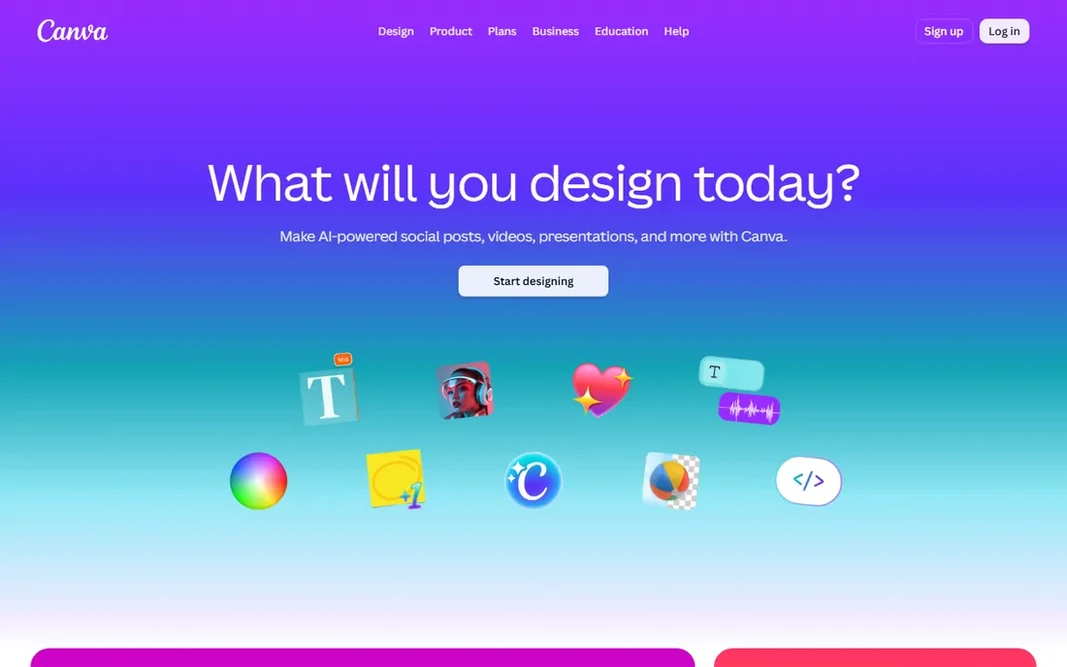
Canva makes the most sense for solo creators who design everything, not just slides. Its presentation builder is decent instead of excellent: drag-and-drop editing, charts, embeds, speaker view, and recording all work in the browser. Beyond that, teams move to Business at $250 per person a year. Pro at $180/year for one person ($18/month on monthly billing) layers on 100GB storage, premium templates and stock, five brand kits, and the full Magic Studio AI features. In daily use, the free plan is real: 1.6M templates, 5GB storage, and an entry-level AI allowance. Price to start with Canva: $180/year for one person. A free plan is available with Canva. Highlights: background remover. Trade-offs to know: Not a specialist: analytics, live polling; advanced deck workflows lag behind.

Free plan: Yes

Website: canva.com

Strengths

  • Brand kits included on Pro
  • Magic Write

Watch out for

  • Teams need Business at $250 per person a year
4

Beautiful.ai

Teams that require every deck on brand
$14.50/month (Pro, billed yearly)

Where Beautiful.ai fits: teams that need every deck on brand. Beautiful.ai takes the opposite approach to Gamma: rather than generating everything, it makes sure nothing you build can look bad. Its 300+ Smart Slides auto-arrange text, images, and charts as you type, so spacing and hierarchy stay correct without manual nudging. In daily use, pricing is the friction: no free level, a card-required 14-day trial that auto-charges, and $14.50/month annual jumping to $45 month-to-month. Worth it if brand consistency is your bottleneck; otherwise Gamma costs less and lets you test at no cost. Beautiful.ai pricing: $14.50/month. Free plan details: Free trial (14 days). Where it is weaker: Month-to-month Pro costs $45, which is steep.

Free plan: Free trial (14 days)

Website: beautiful.ai

Strengths

  • Locked themes and shared libraries on Team
  • Unlimited AI generation on premium plans with no credit metering

Watch out for

  • Only a 14-day trial that needs a credit card
5

Prezi

Non-linear, conversational presentations
$19/month (Plus, billed annually)

Choose Prezi for non-linear, conversational presentations. Prezi rebuilt itself around a straightforward idea: a presentation should not have to run in a straight line. The zoomable canvas lets you lay out the entire story as a map, then jump to whichever topic the audience asks about and zoom back out. Upsides: Q&A via QR code. Watch-outs: The zooming style is not right for formal board decks. After the session, one link keeps teaching with flashcards, self-tests, and a narrated video version. Pricing: free Basic, then Standard $7/month, Plus $19/month, Premium $29/month (all billed yearly), Teams $39 per user a month. Prezi also absorbed the engagement playbook: live polls, quizzes, Q&A, and word clouds run from the same screen, with the audience joining by QR code and no app needed. What you pay to start with Prezi: $19/month. Free access exists with Prezi.

Free plan: Yes

Website: prezi.com

Strengths

  • Free Basic plan comes with 500 AI credits
  • Built-in live polls, quizzes

Watch out for

  • Premium analytics and branding start at $29/month on Premium
6

Gamma

Generating complete decks from a prompt
$12/month (Plus; about $9/month billed annually)

Choose Gamma for generating complete decks from a prompt. Exports to PowerPoint, PDF, PNG, and Google Slides hold up well enough for client work. The pricing model is what you have to understand before committing. More specifically, the honest catch is control: excellent first drafts, but pixel-perfect brand work needs freeform mode or a final pass elsewhere. Plus at $12 per month (about $9 on the annual plan) includes two or three decks per month comfortably. Entry price for Gamma: $12/month. Gamma has a free plan. The main drawbacks: AI credits meter every action, so heavy users hit the ceiling fast.

Free plan: Yes

Website: gamma.app

Strengths

  • 400 AI credits on the free plan with no card required
  • 100+ million users and a fast-growing template ecosystem

Watch out for

  • Free exports carry Gamma branding
7

Haiku Deck

Quick, image-driven, minimalist slides
$4.99/month (Pro, billed annually)

In short, Haiku Deck is for quick, image-driven, minimalist slides. The built-in search across 40M+ Creative Commons photos takes care of licensing and attribution for you, which removes the most tedious part of building image-first decks. A free trial lets you test before paying. It wins for a specific taste: speakers who want beautiful, minimal slides and accept limits to get them. Haiku Deck starts at: $4.99/month. Trial and free access: Free trial. Downsides: The web app feels dated next to newer rivals.

Free plan: Free trial

Website: haikudeck.com

Strengths

  • Built around one solid image per slide, which forces clarity
  • 40M+ Creative Commons images with automatic attribution

Watch out for

  • Deliberately restricted: no deep charts, animations, or collaboration

Pre-purchase checklist

  • Confirm the entry price on the vendor page: Haiku Deck starts at $4.99/month, but seat counts and billing terms change the total.
  • Read the fine print on the free plans from Genially, Visme, Canva and others; seat, project and feature caps differ.
  • Take the trial from Beautiful.ai and Haiku Deck and push a live task through it before you pay.
  • Read the limits listed for Genially first: US pricing is higher than the euro list prices suggest.
  • Price Beautiful.ai for your actual team size; headline prices rarely include add-ons or overage.
  • Confirm you can export your data from Visme, so leaving later does not mean losing records.

FAQ

Do these tools publish their prices?

Yes. Every tool from Genially to Haiku Deck shows a starting price, though seats, add-ons and billing terms still change the final cost.

Can I try these tools before paying?

Often, yes. Genially, Visme, Canva and others have a free plan and Beautiful.ai and Haiku Deck offer a free trial. Use your own data and a real task during the test, and check what the free tier or trial limits before you rely on it.

Which options for presentation platform have a free plan?

Genially, Visme, Canva, Prezi and Gamma offer a free plan in this list. Free plans usually cap users, projects or features, so check the limits on the vendor page. Several others offer a trial instead.

Is Genially the right pick for everyone comparing presentation platform?

No single tool suits every team. Genially comes first because it fits interactive, gamified learning and marketing content, while Visme suits business teams producing branded visual content and Canva suits solo creators who design everything, not just slides. Match the tool to your own size, budget and workflow before deciding.