
Productivity · Researched comparison

7 Best Productivity Apps for 2026

TaskReports may earn a fee from some links on this page, and some placements are paid and labelled. Neither one decides the order. See our disclosure.

The short answer

Start with Asana if you need team projects with clear ownership. Look at Toggl Track for straightforward time tracking for billable work, and at monday.com for visual planning across departments. The other 4 tools in the list cover narrower or pricier cases.

On this page

Key takeaways

  • Number one here is Asana, a fit for team projects with clear ownership.
  • Before buying Notion, weigh this: blank workspace can feel overwhelming.
  • TickTick is the one to check for tasks, calendar, and focus timers.
  • Free plans are common here: 7 of 7 tools have one, including Asana, Toggl Track, monday.com and Notion.
  • The lowest published monthly entry price here is $3 per user/month, from TickTick.

Quick comparison

ToolBest forEntry priceFree access
------------
AsanaTeam projects with clear ownership$10.99 per user/monthYes
Toggl TrackStraightforward time tracking for billable work$10 per user/monthYes
monday.comVisual planning across departments$9 per user/monthYes
NotionNotes, docs, and tasks in one place$10 per user/monthYes
TrelloVisual boards for small teams$5 per user/monthYes
TodoistPersonal task listsSee websiteYes
TickTickTasks, calendar, and focus timers$3 per user/monthYes
★ Best overall

Asana

Team projects with clear ownership

  • Timeline and list views
  • Simple adoption for new teams
Price$10.99 per user/month (billed yearly)
See Asana pricing

Asana targets team projects with clear ownership. Tasks, subtasks, dependencies, and timelines provide a manager a clear view without a separate status meeting. New team members normally learn the basics in a day, which is a real advantage over more complicated products that require an owner to keep them tidy. Automation, dashboards, and resource tools also sit behind premium levels. If your team runs cross department projects with dependencies, Asana is worth that cost. The starting price for Asana: $10.99 per user/month. Asana offers a free plan. The main drawbacks: Costs rise rapidly at scale.

Price: $10.99 per user/month (billed yearly)

Free plan: Yes

Website: asana.com

Watch out for

  • Advanced automation sits behind premium plans
2

Toggl Track

Straightforward time tracking for billable work
$10 per user/month

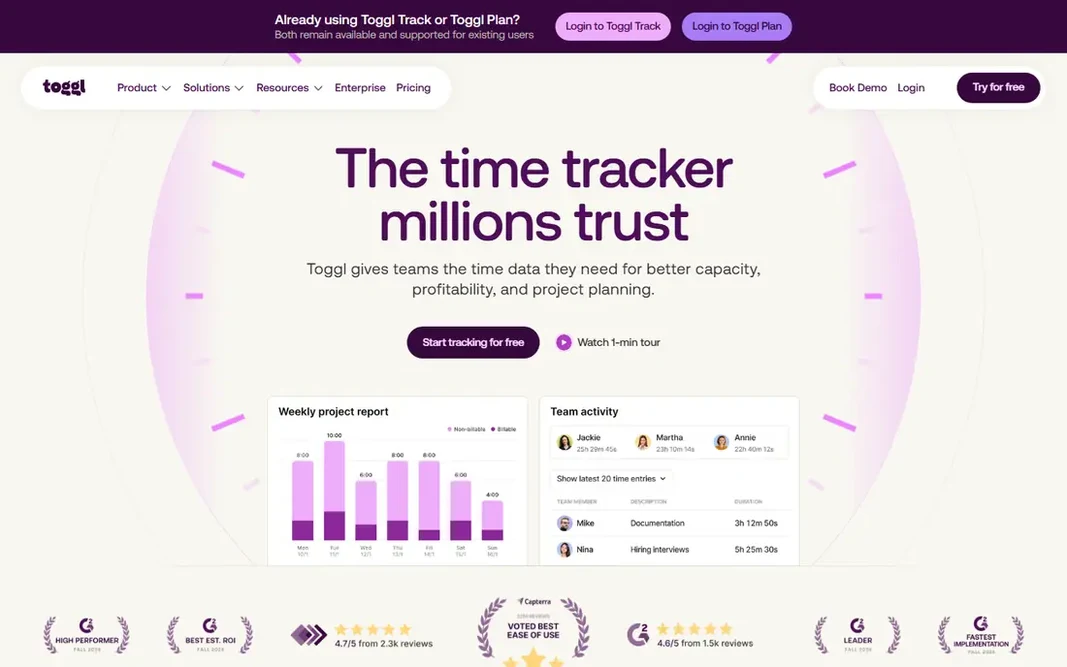
Toggl Track makes the most sense for straightforward time tracking for billable work. Toggl Track solves a different problem from the other tools here. You start a timer, add a project, and stop it when the work ends. On cost, Toggl Track starts like this: $10 per user/month. Toggl Track offers a free plan. The main drawbacks: Time data needs discipline to stay accurate.

Free plan: Yes

Website: toggl.com

Strengths

  • Links up with plenty of task tools
  • One click timers on web and mobile

Watch out for

  • Not a task manager on its own
3

monday.com

Visual planning across departments
$9 per user/month (billed yearly)

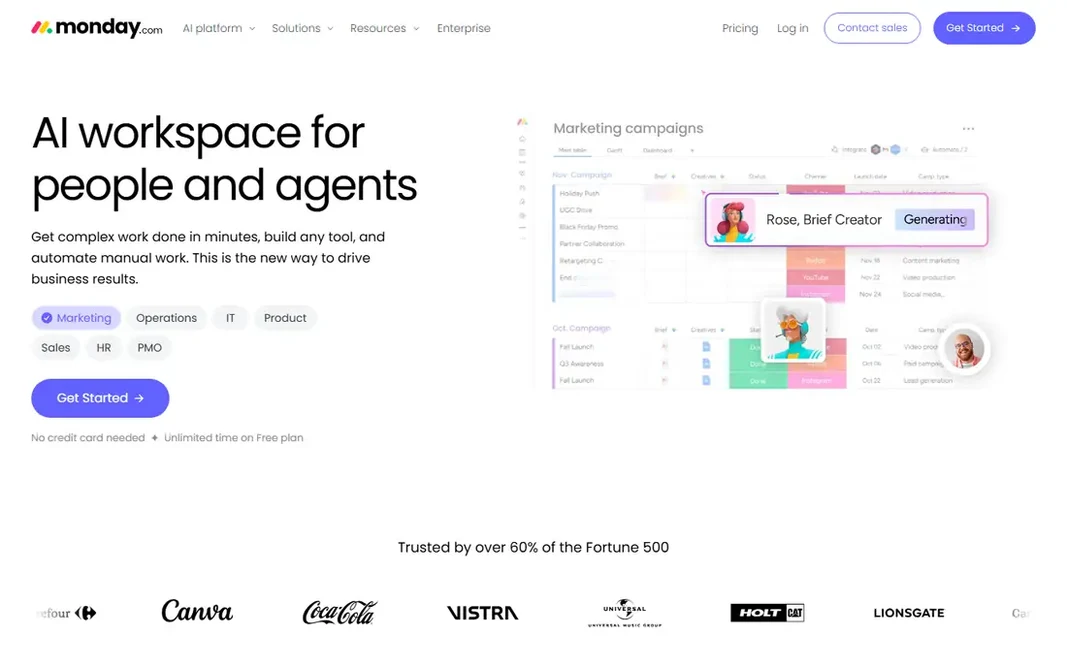
monday.com makes the most sense for visual planning across departments. monday.com is aimed at managers who want a dashboard, not just a list. Worth adding: the Basic plan is listed at $9 per seat a month billed yearly, and premium plans frequently need a minimum number of seats. Downsides: Setup can take time. So a very small team should check the total, not the per seat headline. In practice, boards use color, status labels, and columns to display progress, owners, and dates in one view. In practice, if you only need tasks, it is more than you need. What you pay to start with monday.com: $9 per user/month. A free plan is available with monday.com.

Free plan: Yes

Website: monday.com

Strengths

  • Dashboards for managers
  • Numerous templates

Watch out for

  • Minimum seat rules on premium plans in some listings
4

Notion

Notes, docs, and tasks in one place
$10 per user/month (billed yearly)

For notes, docs, and tasks in one place, Notion is a natural candidate. The same adaptability is the risk. The free plan is ample for personal use, and the Plus plan at $10 per user a month billed yearly layers on version history and bigger uploads for teams. In daily use, a new user who opens a blank Notion page commonly stalls. A team without a clear structure can end up with a beautiful mess. Starting cost for Notion: $10 per user/month. You can start on Notion without paying. Drawbacks to consider: Performance can slow on very large workspaces.

Free plan: Yes

Website: notion.com

Strengths

  • Numerous templates
  • Adaptable pages and databases

Watch out for

  • Offline use is restricted
5

Trello

Visual boards for small teams
$5 per user/month (billed annually)

Pick Trello if this describes you: visual boards for small teams. Power-Ups and automation help, but they are capped on lower plans. Use Trello when the work is visual and stage based, and move to a fuller project tool when you need timelines, budgets, or resource planning in the same place. On cost, Trello starts like this: $5 per user/month. A free plan is available with Trello. Where it is weaker: Automation limits on lower plans.

Free plan: Yes

Website: trello.com

Strengths

  • Drag-and-drop is quick
  • Free plan fits small projects

Watch out for

  • Restricted reporting
6

Todoist

Personal task lists
See website

Think of Todoist for personal task lists. Todoist earns its place by staying out of the way. Trade-offs to know: No built in time tracking. For everyday use, the limit appears when work grows beyond personal lists. The free Beginner plan covers a small number of projects and filters, which is enough to test whether the habit sticks. No starting price is listed for Todoist here; confirm pricing on the vendor site. Todoist includes a free tier.

Free plan: Yes

Website: todoist.com

Strengths

  • Clean lists across phone and desktop
  • Handy free Beginner plan

Watch out for

  • Team features are entry-level compared to Asana
7

TickTick

Tasks, calendar, and focus timers
$3 per user/month

In short, TickTick is for tasks, calendar, and focus timers. Integrations are also narrower than Todoist or Notion, and team collaboration is entry-level. Also, for a student, a freelancer, or a solo professional, those limits seldom matter. Worth adding: the premium price is low compared to most rivals, which makes it simple to justify if you use the calendar and timer each week. On cost, TickTick starts like this: $3 per user/month. A free plan is available with TickTick. What to check first: Free plan caps lists and tasks per list.

Free plan: Yes

Website: ticktick.com

Strengths

  • Low premium price
  • Decent mobile apps

Watch out for

  • Team features are restricted

FAQ

Do these tools publish their prices?

Not all of them. Todoist publishes no starting price, so expect a quote request for it. The rest, Asana included, show a starting price, though seats and billing terms still change the final cost.

How are the tools for productivity apps ordered?

Asana sits first and TickTick last because the order follows typical fit for productivity apps, then price clarity and free access. It is a judgement call, so read each profile for fit and limits.

What is the best free productivity app?

Asana comes first here and is built for team projects with clear ownership. Buyers with other needs may prefer Toggl Track (for straightforward time tracking for billable work) or monday.com (for visual planning across departments). Compare costs and limits first.

Is Notion better than Todoist?

They solve different jobs. Notion is more solid for notes, docs, and linked databases. Numerous people use both, with Todoist for daily tasks and Notion for reference material and planning.

Which options for productivity apps have a free plan?

7 of the 7 tools have a free plan, including Asana, Toggl Track, monday.com and Notion. Free plans usually cap users, projects or features, so check the limits on the vendor page.

Is Asana the right pick for everyone comparing productivity apps?

No single tool suits every team. Asana comes first because it fits team projects with clear ownership, while Toggl Track suits simple time tracking for billable work and monday.com suits visual planning across departments. Match the tool to your own size, budget and workflow before deciding.