Productivity · Researched comparison

Comparing 6 Rated PDF Merging Software Options in 2026

TaskReports may earn a fee from some links on this page, and some placements are paid and labelled. Neither one decides the order. See our disclosure.

The short answer

Start with PDF Candy if you need merging inside a huge free toolset. Smallpdf is the stronger choice for refined merging with the nicest interface, while Soda PDF suits merging inside a full desktop PDF editor. All 6 tools are compared below on price, free plan and limits.

On this page

Key takeaways

  • PDF Candy is the opening pick, best for merging inside a huge free toolset.
  • Check the limits for PDF Candy before you commit: hourly limits on the free web version.
  • For the cheapest start, look at iLovePDF: ~$5/month.
  • iLovePDF is the one to check for highest-rated free online merging.
  • 6 out of 6 tools include a free plan, among them PDF Candy, Smallpdf, Soda PDF and PDF2Go.

Quick comparison

ToolIdeal forFree planMain limit
------------
PDF CandyMerging inside a huge free toolsetYesMerger is basic
SmallpdfRefined merging with the nicest interfaceYesUploads required
Soda PDFMerging inside a full desktop PDF editorYesComplex pricing tiers
PDF2GoStraightforward no-account online mergingYesPlain interface
SejdaPrivate free merging without watermarksYesSubscription for heavy use
iLovePDFHighest-rated free online mergingYesFree tier shows ads
★ Best overall

PDF Candy

Merging inside a huge free toolset

  • 40+ free PDF tools in one place
  • Straightforward merge workflow
PriceSee website
See PDF Candy pricing

Pick PDF Candy if this describes you: merging inside a huge free toolset. Free web use has hourly limits, and unlimited processing needs the desktop app or premium plan. Pricing for PDF Candy is not stated here, so ask the vendor for current figures. Free access exists with PDF Candy. Drawbacks to consider: Desktop app costs additional.

Price: See website

Free plan: Yes

Website: pdfcandy.com

Watch out for

  • Hourly limits on the free web version
2

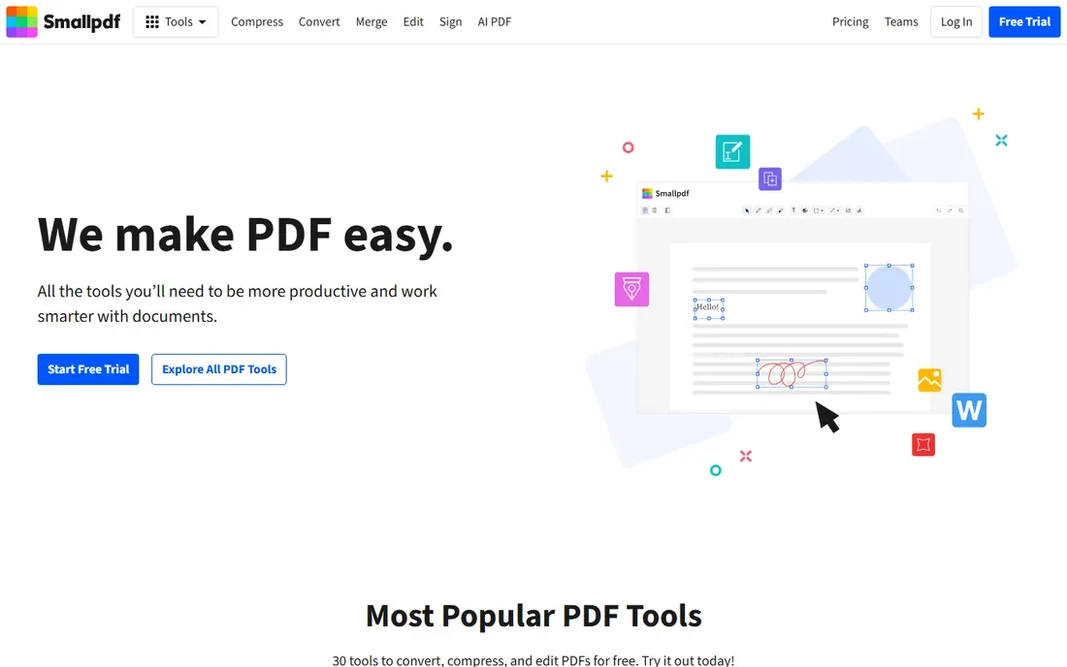
Smallpdf

Refined merging with the nicest interface
~$9/month (Pro, billed yearly)

Smallpdf makes the most sense for refined merging with the nicest interface. For design-conscious users who want the nicest tool, Smallpdf earns its premium. Beyond that, the free level's two-tasks-a-day limit is the tightest here, which pushes regular users to Pro at around $9 per month annually. The design polish is real, and for users who merge as part of a broader document workflow, the suite integration matters. If you merge weekly or more, that limit will frustrate you rapidly. Entry price for Smallpdf: ~$9/month. You can start on Smallpdf without paying. Where it falls short: Pro costs more than iLovePDF.

Free plan: Yes

Website: smallpdf.com

Strengths

  • Merges with compress and convert in one session
  • Cleanest merge workflow in the category

Watch out for

  • Uploads required
3

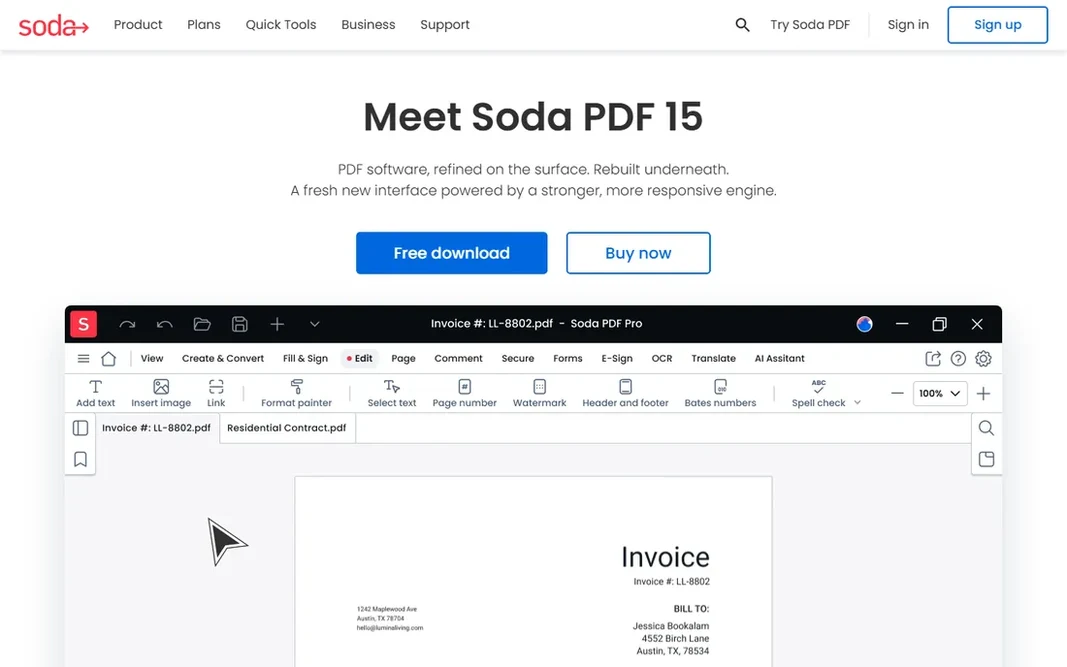
Soda PDF

Merging inside a full desktop PDF editor
See website

In short, Soda PDF is for merging inside a full desktop PDF editor. If you need an editor anyway, Soda PDF's merger is a capable included feature instead of a reason to buy. Limits to weigh: Free version is restricted. As for the details, if merging is all you need, the free tools above are more straightforward and quicker to use. Soda PDF contains merging in a full PDF editor: combine files, then edit, annotate or convert them in the same application. Pricing for Soda PDF is not stated here, so ask the vendor for current figures. Free access exists with Soda PDF.

Free plan: Yes

Website: sodapdf.com

Strengths

  • Batch processing
  • Online and desktop versions

Watch out for

  • Complicated pricing levels
4

PDF2Go

Straightforward no-account online merging
See website

Think of PDF2Go for straightforward no-account online merging. It is deliberately straightforward: upload, arrange, merge, download. Limits to weigh: Premium needed for higher limits; Slower on very large files. Where PDF2Go stands out: Works with Dropbox and Google Drive. No account, no ramp-up time. Pricing for PDF2Go is not stated here, so ask the vendor for current figures. PDF2Go has a free plan.

Free plan: Yes

Website: pdf2go.com

Strengths

  • No sign-up needed
  • Optional page sorting before merging

Watch out for

  • Plain interface
5

Sejda

Private free merging without watermarks
~$7/month

For private free merging without watermarks, Sejda is a natural candidate. The free level lets a handful of tasks per hour with files under 50 MB and 200 pages, which takes care of most personal and small-business merging. For confidential documents that should not sit on a server, Sejda's deletion policy and offline choice make it the most trustworthy free merger here. It also takes care of mixed-orientation files gracefully, keeping broad and portrait pages intact rather than forcing one layout on the merged document. For everyday use, the premium plan at around $7 per month removes the limits. A desktop app keeps sensitive files off the internet entirely. Sejda starts at: ~$7/month. A free plan is available with Sejda. Limits to weigh: Subscription for heavy use.

Free plan: Yes

Website: sejda.com

Strengths

  • Desktop app for offline merging
  • No watermarks on free output

Watch out for

  • Hourly task limits on free
6

iLovePDF

Highest-rated free online merging
~$5/month (Premium, billed annually)

iLovePDF targets highest-rated free online merging. The free tier permits up to 25 files per merge task, which spans nearly every real-world need. The interface is straightforward enough for anyone. The main drawbacks: Premium needed for heavy batch work. Premium at around $5 per month billed yearly removes ads, raises limits and layers on desktop and mobile apps. For daily document assembly, Premium is the cheapest premium choice among the top-rated tools. It also deals with the merge-then-compress workflow well: combine scanned pages into one file, then run the compressor to bring the size down for emailing, all without leaving the site. Price to start with iLovePDF: ~$5/month. A free plan is available with iLovePDF.

Free plan: Yes

Website: ilovepdf.com

Strengths

  • Full PDF suite around the merger
  • Drag-and-drop reordering

Watch out for

  • File size caps on free

Pre-purchase checklist

  • Confirm the entry price on the vendor page. For PDF Candy, Soda PDF and PDF2Go that means a quote rather than a fixed price.
  • Check what the free option really includes: PDF Candy, Smallpdf, Soda PDF and others offer a free plan, and usage caps differ.
  • Before choosing PDF Candy, weigh its main limit: hourly limits on the free web version.
  • Read the plan comparison for Sejda carefully; key features often start on a higher tier.
  • Get the contract term, renewal terms and any onboarding fees from PDF Candy in writing.

FAQ

What is the best free PDF merger?

Start with PDF Candy if you need merging inside a huge free toolset. Smallpdf is the better match for refined merging with the nicest interface, and Soda PDF for merging inside a full desktop PDF editor. The best choice depends on budget, team size and workflow.

Is PDF Candy the right pick for everyone comparing rated PDF merging software?

No single tool suits every team. PDF Candy comes first because it fits merging inside a huge free toolset, while Smallpdf suits polished merging with the nicest interface and Soda PDF suits merging inside a full desktop PDF editor. Match the tool to your own size, budget and workflow before deciding.

How are the tools for rated PDF merging software ordered?

The order follows typical fit for rated PDF merging software, with PDF Candy first and iLovePDF last, then price clarity and free access. It is editorial judgement, not a score, so another team could rank the tools differently.

Which options for rated PDF merging software have a free plan?

6 of the 6 tools have a free plan, including PDF Candy, Smallpdf, Soda PDF and PDF2Go. Free plans usually cap users, projects or features, so check the limits on the vendor page.

Is there a limit to how numerous PDFs I can merge?

Free online tools impose limits: iLovePDF permits about 25 files per task, Smallpdf about two tasks a day, Sejda a handful of tasks per hour with size caps. Premium plans remove these limits.

Can I merge PDFs on my phone?

Yes. iLovePDF, Smallpdf and Sejda all work in mobile browsers, and iLovePDF and Smallpdf have dedicated mobile apps. PDF24's online tools also work on phones.