
Productivity · Researched comparison

Best Rated PDF Reading Software in 2026: 6 Tools Compared

TaskReports may earn a fee from some links on this page, and some placements are paid and labelled. Neither one decides the order. See our disclosure.

The short answer

For Windows power users, PDF-XChange Editor is where this list starts. PDFgear fits free editing; Nitro PDF Pro fits workflow teams. The full list of 6 tools follows, with prices and free plan facts.

On this page

Key takeaways

  • The list opens with PDF-XChange Editor, aimed at Windows power users.
  • The cheapest monthly starting price in the list is $9.99 per month, offered by PDF Expert.
  • PDF-XChange Editor, PDFgear, Foxit PDF Reader, Adobe Acrobat Reader: these are the 4 tools out of 6 that offer a free plan.
  • PDF Expert suits Mac power users.

Quick comparison

ToolSuited toPrice fromBiggest drawback
------------
PDF-XChange EditorWindows power users$59.50 one-timeWindows only
PDFgearFree editingFreeSupport depth trails enterprise vendors

Nitro PDF ProWorkflow teams$179.99 one-timeCustom team pricing
Foxit PDF ReaderEnterprise readingFreeUpgrade prompts can distract
Adobe Acrobat ReaderOverall free readingFreeHeavier resource footprint
PDF ExpertMac power users$9.99 per monthApple devices only
★ Best overall

PDF-XChange Editor

Windows power users

  • 3D support
  • Latest versions add audio playback and scan correction
Price$59.50 one-time
See PDF-XChange Editor pricing

PDF-XChange Editor makes the most sense for Windows power users. The drawbacks are product and AI limits. Limits to weigh: Interface busier than SumatraPDF or PDFgear. It is Windows only, has no AI features, and its interface is busier than more straightforward readers. Its latest versions add audio playback and scan correction, which suit users who work with scanned documents and long PDFs. Starting cost for PDF-XChange Editor: $59.50 one-time. PDF-XChange Editor has a free plan.

Price: $59.50 one-time

Free plan: Yes

Website: pdf-xchange.com

Watch out for

  • Windows only
2

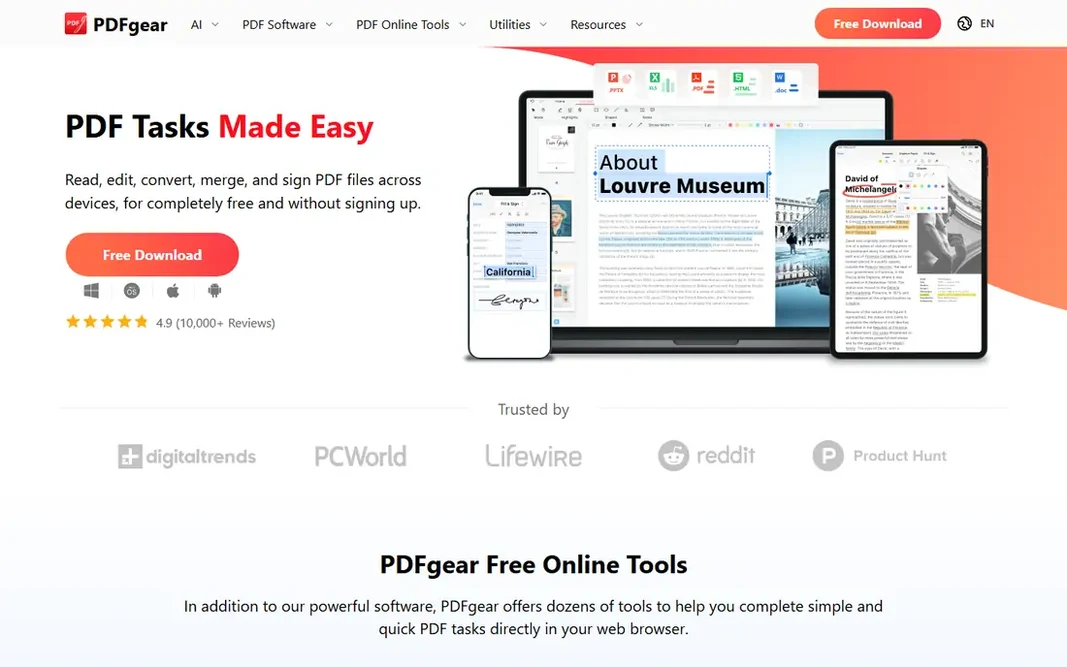
PDFgear

Free editing
Free

PDFgear serves free editing. The drawbacks are privacy notes and enterprise scale. Reasons to shortlist it: Fully free with no hidden paywalls. For everyday use, PDFgear fits individuals, students, and small businesses that want full PDF features free. PDFgear pricing: Free. PDFgear includes a free tier. Trade-offs to know: Smaller enterprise presence than Adobe or Foxit.

Free plan: Yes

Website: pdfgear.com

Strengths

  • AI chat
  • Full editing, annotations, OCR, forms, e-sign, conversion, compression

Watch out for

  • Support depth trails enterprise vendors
3

Nitro PDF Pro

Workflow teams
$179.99 one-time

For workflow teams, Nitro PDF Pro is a natural candidate. Free evaluation is trial only, team pricing is custom, and its review base is smaller than Adobe or Foxit. Points against: Custom team pricing. Highlights: One-time license at 179.99 dollars. More specifically, Nitro PDF Pro fits workflow teams that want editing and signing with a one-time license. As for the details, for teams that edit and sign contracts on a regular basis, Nitro one-time pricing beats Adobe subscription totals over time. Entry price for Nitro PDF Pro: $179.99 one-time. No free plan comes with Nitro PDF Pro.

Free plan: No

Website: gonitro.com

Strengths

  • Contract collaboration features
  • Team plans available

Watch out for

  • Trial only at no cost evaluation
4

Foxit PDF Reader

Enterprise reading
Free

Pick Foxit PDF Reader if this describes you: enterprise reading. It gives you a familiar ribbon-style interface with highlighting, comments. What to check first: Advanced features need premium upgrade to Foxit PDF Editor from 159 dollars a year. Where Foxit PDF Reader stands out: light performance. A typewriter function for adding text, plus solid enterprise support including MSI packages for managed deployment. Advanced features like editing text and graphics need the premium Foxit PDF Editor from 159 dollars a year, with Pro at 109 dollars a year for the reader level, and upgrade prompts can distract. Price to start with Foxit PDF Reader: Free. A free plan is available with Foxit PDF Reader.

Free plan: Yes

Website: foxit.com/pdf-reader

Strengths

  • Enterprise MSI deployment
  • Annotations, commenting, highlighting

Watch out for

  • Upgrade prompts can distract
5

Adobe Acrobat Reader

Overall free reading
Free

For overall free reading, Adobe Acrobat Reader is a natural candidate. Adobe Acrobat Reader is the overall free choice for daily reading, with single and two-page views, scrolling, Read Mode, full-screen, and themes, plus annotations, comments, form filling, and signing. An AI Assistant add-on from 4.99 dollars per month layers on chat with PDFs, whereas Pro at 19.99 dollars a month layers on full editing. Where Adobe Acrobat Reader stands out: Annotations, comments. Also, the drawbacks are weight and price. In daily use, Adobe Acrobat Reader fits users who want full feature compatibility and the industry standard reader. Price to start with Adobe Acrobat Reader: Free. A free plan is available with Adobe Acrobat Reader. Watch-outs: Heavier resource footprint; Pro costs 19.99 dollars a month.

Free plan: Yes

Website: adobe.com/acrobat/pdf-reader.html

Strengths

  • Form filling, signing
  • Free reading with full feature compatibility

Watch out for

  • Subscription cost often cited as high
6

PDF Expert

Mac power users
$9.99 a month

PDF Expert was built for Mac power users. It gives you single and two-page views, split view, themes, and bookmarks, plus annotation tools that suit Mac power users who read and mark up documents daily. Downsides: 9.99 dollars a month or 79.99 dollars a year. PDF Expert fits Mac and iPad users who want the best Apple-native reading experience. Price to start with PDF Expert: $9.99 per month. PDF Expert has no permanent free option.

Free plan: No

Website: pdfexpert.com

Strengths

  • Native Mac choice with refined interface
  • Quick performance and iPad sync

Watch out for

  • No Windows or Android version

FAQ

What is the cheapest option for rated PDF reading software in this list?

On published monthly entry prices, PDF Expert is the lowest here at $9.99 per month. Entry price is only part of the cost, because seats, add-ons and billing terms can change the total.

Do these tools publish their prices?

Yes. Every tool from PDF-XChange Editor to PDF Expert shows a starting price, though seats, add-ons and billing terms still change the final cost.

What is the best free PDF reader?

Start with PDF-XChange Editor if you need Windows power users. PDFgear is the better match for free editing, and Nitro PDF Pro for workflow teams. The best choice depends on budget, team size and workflow.

How are the tools for rated PDF reading software ordered?

The order follows typical fit for rated PDF reading software, with PDF-XChange Editor first and PDF Expert last, then price clarity and free access. It is editorial judgement, not a score, so another team could rank the tools differently.

Is PDF-XChange Editor the right pick for everyone comparing rated PDF reading software?

No single tool suits every team. PDF-XChange Editor comes first because it fits Windows power users, while PDFgear suits free editing and Nitro PDF Pro suits workflow teams. Match the tool to your own size, budget and workflow before deciding.