
Productivity · Researched comparison

Best RPA Software (2026): 7 Options Compared

TaskReports may earn a fee from some links on this page, and some placements are paid and labelled. Neither one decides the order. See our disclosure.

The short answer

Automation Anywhere leads the list, best for cloud-native RPA for teams. Alternatives: Microsoft Power Automate for RPA inside the Microsoft stack, and SS&C Blue Prism for governed enterprise bot fleets. Prices, free plans and limits for all 7 tools follow.

On this page

Key takeaways

  • Automation Anywhere is the opening pick, best for cloud-native RPA for teams.
  • UiPath comes with a trade-off: real enterprise deployments run into custom quotes.
  • Automation Anywhere, Microsoft Power Automate, UiPath, Make, n8n: these are the 5 tools out of 7 that offer a free plan.
  • For self-hosted workflow automation, n8n is worth a look.

Quick comparison

ToolIdeal forKey limitationStarts atFree option
---------------
Automation AnywhereCloud-native RPA for teamsEnterprise pricing opaque$750 per monthYes
Microsoft Power AutomateRPA inside the Microsoft stackLicensing is genuinely complex$15 per user/monthYes
SS&C Blue PrismGoverned enterprise bot fleetsNo self-serve trialSee websiteNo
UiPathEnterprise RPA with agentic automationBasic tier is limited$25 per monthYes
Nintex RPANo-code RPA with process systemSmaller community$90 per user/monthFree trial
MakeVisual automation at low costSmaller app catalog$9 per monthYes
n8nSelf-hosted workflow automationSelf-hosting needs technical upkeep€20 per monthYes
★ Best overall

Automation Anywhere

Cloud-native RPA for teams

  • Capable document automation with GenAI
  • Cloud-native from the ground up
Price$750 a month (Cloud Starter Pack)
See Automation Anywhere pricing

Automation Anywhere works best for cloud-native RPA for teams. The Community Edition is free for students, developers and small companies (with usage limits). The premium entry point is the Cloud Starter Pack at $750 a month, which bundles one Bot Creator, one Control Room and one unattended Bot Runner, with extra runners added a la carte. Downsides: Entry premium level is $750/month. Deployment and scaling avoid the infrastructure overhead of traditional RPA. Worth adding: the marketplace and community are smaller than UiPath's, and some advanced features still need training to use well. The cloud-first architecture is the differentiator against older on-premise RPA. On cost, Automation Anywhere starts like this: $750 per month. Automation Anywhere includes a free tier.

Price: $750 a month (Cloud Starter Pack)

Free plan: Yes

Website: automationanywhere.com

Watch out for

  • Enterprise pricing opaque
2

Microsoft Power Automate

RPA inside the Microsoft stack
$15 per user/month (Premium)

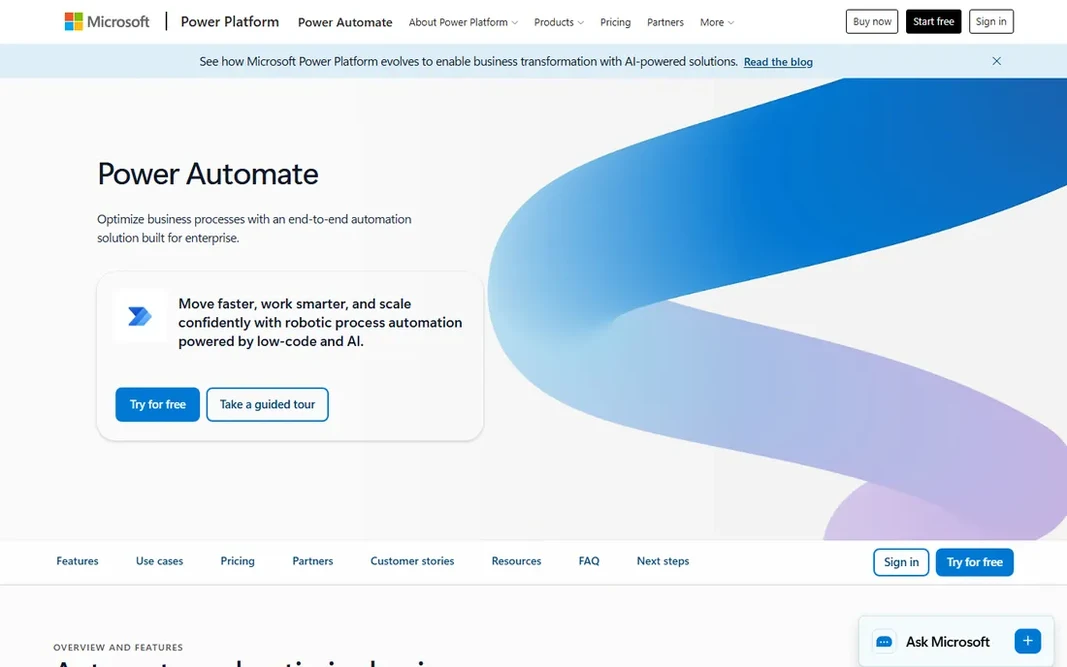
Where Microsoft Power Automate fits: RPA inside the Microsoft stack. Power Automate is the automation layer of the Microsoft Power Platform, spanning cloud flows and desktop RPA. As for the details, a free level with standard connectors is included for work accounts, plus a 30-day trial. For Microsoft 365 shops, the value is unmatched. More specifically, unattended automation uses the Process license at $150 per bot a month (or $215 hosted on Microsoft VMs). The honest catch is licensing complexity. For everyday use, premium costs $15 per user a month on annual billing and comes with premium connectors, attended desktop flows, AI Builder credits and process mining. Microsoft Power Automate cost at the entry level: $15 per user/month. Microsoft Power Automate includes a free tier. Honest limits: Unattended bots cost $150 each.

Free plan: Yes

Website: microsoft.com/en-us/power-platform/products/power-automate

Strengths

  • Deep Microsoft ecosystem integration
  • Free level seeded with M365

Watch out for

  • Dataverse storage limits bite at scale
3

SS&C Blue Prism

Governed enterprise bot fleets
See website

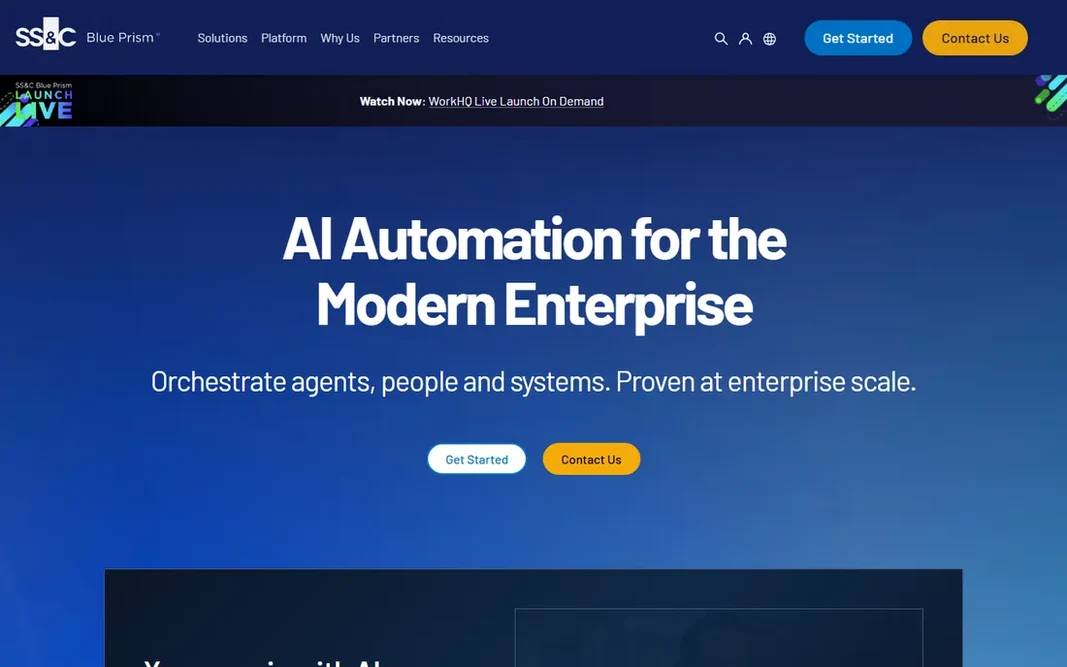
SS&C Blue Prism is a good fit for governed enterprise bot fleets. Every bot action is logged and auditable, role-based access is granular. The architecture was aimed at IT-governed digital workforces instead of citizen developers. The main drawbacks: Pricing is completely quote-based. For everyday use, the honest trade-offs are modernity and transparency. From a buyer's view, everyone else should start elsewhere. Blue Prism, now part of SS&C, is the veteran enterprise RPA system, most solid in banking, insurance and other regulated industries where auditability and governance matter most. In practice, for organizations with compliance teams that require to approve everything, that heritage is the point. SS&C Blue Prism does not show a starting price in this comparison, so check the vendor site for current pricing. SS&C Blue Prism has no permanent free option.

Free plan: No

Website: blueprism.com

Strengths

  • Capable on-premise heritage
  • Mature enterprise track record

Watch out for

  • Older interface feel than newer rivals
4

UiPath

Enterprise RPA with agentic automation
$25 a month (Automation Cloud Basic)

In short, UiPath is for enterprise RPA with agentic automation. The honest catch is that the $25 entry point is not the enterprise product. Buy UiPath when you have a funded automation program; smaller teams should look at Power Automate or the cloud tools below. From a buyer's view, the free Community edition comes with attended automation and development tools. Also, real unattended automation, orchestration at scale and agentic features live in quote-only levels, and enterprise deployments often run into six figures annually. In practice, AI agents now sit alongside deterministic bots in one governed layer. On cost, UiPath starts like this: $25 per month. UiPath includes a free tier. Watch-outs: Real enterprise deployments run into custom quotes.

Free plan: Yes

Website: uipath.com

Strengths

  • Huge template and integration ecosystem
  • Market-leading RPA with agentic capabilities

Watch out for

  • Steep ramp-up time for complicated logic
5

Nintex RPA

No-code RPA with process system
$90 per user/month (Standard)

Where Nintex RPA fits: no-code RPA with process product. Nintex RPA Standard is priced from $90 per user a month with a 5-user minimum, and Enterprise runs $140 per workflow per month with a 10-workflow minimum. For everyday use, SAP and terminal emulator support spans legacy enterprise apps. Honest limits: RPA sometimes priced as a separate module. A free trial is available, and the product also provides a 30-day trial of the wider automation cloud. The honest caveats: the entry cost is high for small teams given the minimums, and eSignature and RPA are at times priced as separate modules, so confirm what is included in writing. Nintex RPA cost at the entry level: $90 per user/month. Free plan details: Free trial.

Free plan: Free trial

Website: nintex.com

Strengths

  • No-code bot building for business users
  • Free trial available

Watch out for

  • $90 per user with a 5-user minimum
6

Make

Visual automation at low cost
$9 per month (Core)

For visual automation at low cost, Make is a natural candidate. Billing is per operation: each module that runs in a scenario costs a credit. For ops teams and agencies building serious automations on a budget, it is the sweet spot. Highlights: Feature-rich visual scenario builder. Also, the honest caveats: every module action counts, so long scenarios burn credits quick. There is a real 1 to 2 day ramp-up time. On cost, Make starts like this: $9 per month. Free access exists with Make. Watch-outs: Ramp-up time steeper than Zapier; Smaller app catalog.

Free plan: Yes

Website: make.com

Strengths

  • Very cheap per operation
  • Free plan with 1,000 credits

Watch out for

  • Per-operation billing punishes multi-step scenarios
7

n8n

Self-hosted workflow automation
€20 a month (Starter, annual)

Choose n8n for self-hosted workflow automation. Native AI nodes, LangChain support and full JavaScript/Python control make it the choice for AI pipelines and data-sensitive work that must stay on your own servers. n8n pricing: €20 per month. A free plan is available with n8n. Points against: Cloud Starter is in euros.

Free plan: Yes

Website: n8n.io

Strengths

  • Full code and AI control
  • Free self-hosted Community edition with unlimited executions

Watch out for

  • Self-hosting needs technical upkeep

Pre-purchase checklist

  • Confirm the entry price on the vendor page. For SS&C Blue Prism that means a quote rather than a fixed price.
  • Check what the free option really includes: Automation Anywhere, Microsoft Power Automate, UiPath and others offer a free plan, and usage caps differ.
  • Take the trial from Nintex RPA and push a live task through it before you pay.
  • Before choosing Automation Anywhere, weigh its main limit: entry premium level is $750/month.
  • Look at the renewal terms for Microsoft Power Automate: auto-renewal, notice periods and price changes can matter more than the first-year price.
  • Add up seats, add-ons and usage charges for UiPath before comparing it with cheaper entries.

FAQ

Do these tools publish their prices?

Not all of them. SS&C Blue Prism publishes no starting price, so expect a quote request for it. The rest, Automation Anywhere included, show a starting price, though seats and billing terms still change the final cost.

What does per-bot pricing mean?

Unattended RPA bots are licensed individually since each bot is a worker running on a machine. Power Automate charges $150 per bot a month, Automation Anywhere sells extra Bot Runners a la carte on top of its $750 Starter Pack, and enterprise vendors quote per-bot fleets.

Can RPA work with applications that have no API?

Yes, that is exactly what desktop RPA is for. This is how Power Automate desktop flows, UiPath and Nintex automate legacy ERPs, terminal emulators and old desktop software that exposes no API.

Can I try these options before paying?

Often, yes. Automation Anywhere, Microsoft Power Automate, UiPath and others have a free plan and Nintex RPA offers a free trial. Use your own data and a real task during the test, and check what the free tier or trial limits before you rely on it.

Which options for RPA software have a free plan?

On this list, Automation Anywhere, Microsoft Power Automate, UiPath, Make and n8n include a free plan. Caps on seats, usage or features are common, so test the free plan against your real workload. One other tool offers a trial instead.

How are the tools for RPA software ordered?

Automation Anywhere sits first and n8n last because the order follows typical fit for RPA software, then price clarity and free access. It is a judgement call, so read each profile for fit and limits.