Productivity · Researched comparison

Scheduling App Compared: 6 Tools, Prices and Limits

TaskReports may earn a fee from some links on this page, and some placements are paid and labelled. Neither one decides the order. See our disclosure.

The short answer

Our first pick is Setmore, best for free booking pages for small teams. For a different need, YouCanBookMe covers custom branded booking pages and Cal.com covers free individual scheduling. Details, prices and limits for the rest of the 6 tools are below.

On this page

Key takeaways

  • Setmore is the opening pick, best for free booking pages for small teams.
  • For premium bookings on a low budget, TidyCal is worth a look.
  • Pricing for YouCanBookMe, Zoho Bookings and Calendly is quote-based, which adds a sales step before you can compare cost.
  • 6 out of 6 tools include a free plan, among them Setmore, YouCanBookMe, Cal.com and Zoho Bookings.

Quick comparison

ToolBest fitStarts atMain limit
------------
SetmoreFree booking pages for small teams$0Design options are simpler than some rivals
YouCanBookMeCustom branded booking pagesSee websiteAdvanced team features sit on higher tiers
Cal.comFree individual scheduling$0Some team features require premium plans
Zoho BookingsSmall business appointmentsSee websitePricing depends on staff count
CalendlyGeneral meeting bookingSee websiteAdvanced features sit behind premium plans
TidyCalPremium bookings on a low budget$0Team features are more basic
★ Best overall

Setmore

Free booking pages for small teams

  • Unlimited appointments
  • Free plan supports up to four users

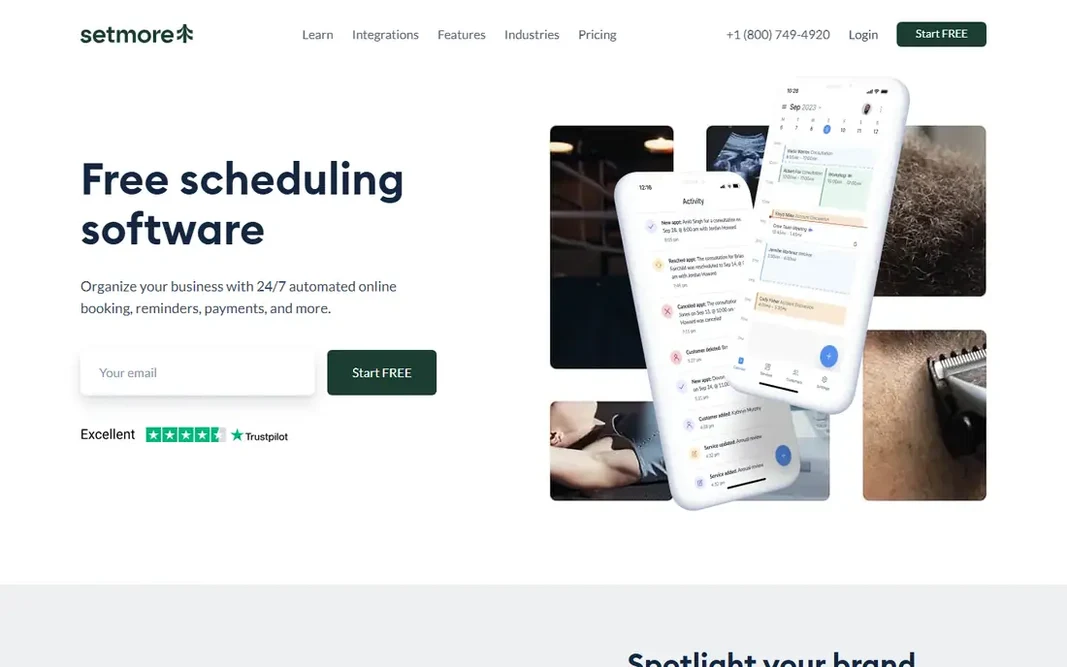
Pick Setmore if this describes you: free booking pages for small teams. The free plan comes with unlimited appointments, payment acceptance, email reminders, and calendar sync for up to four users. Customers can book at any hour, which helps fill gaps that phone booking frequently misses. The main drawbacks: Design choices are more straightforward than some rivals. In practice, Pro brings SMS reminders, two-way calendar sync, recurring appointments, and removal of Setmore branding. You list services, display live availability, add your logo and reviews, and share the link on social media or in person with a QR code. On top of that, Setmore provides small service firms a booking page that works like a small website. Setmore cost at the entry level: $0. Free access exists with Setmore.

Price: $0

Free plan: Yes

Website: setmore.com

Watch out for

  • SMS reminders and some branding controls need Pro
2

YouCanBookMe

Custom branded booking pages
See website

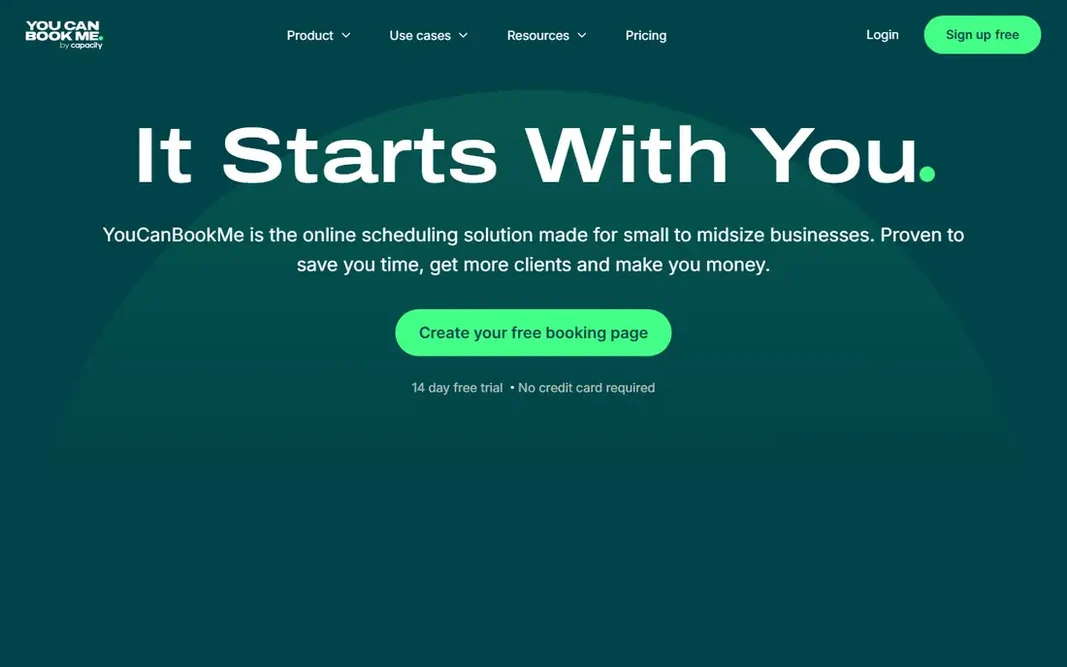
YouCanBookMe works best for custom branded booking pages. Automatic confirmations, reminders, and follow-up messages cut no-shows, whereas Zapier links bookings to CRMs and other tools. In practice, payment collection is a clear strength. Check the vendor site for YouCanBookMe pricing; none is listed in this comparison. A free plan is available with YouCanBookMe. Where it falls short: premium plan pricing is not plainly shown on the homepage.

Free plan: Yes

Website: youcanbook.me

Strengths

  • Capable automation choices
  • Highly configurable booking pages

Watch out for

  • Advanced team features sit on higher levels
3

Cal.com

Free individual scheduling
$0

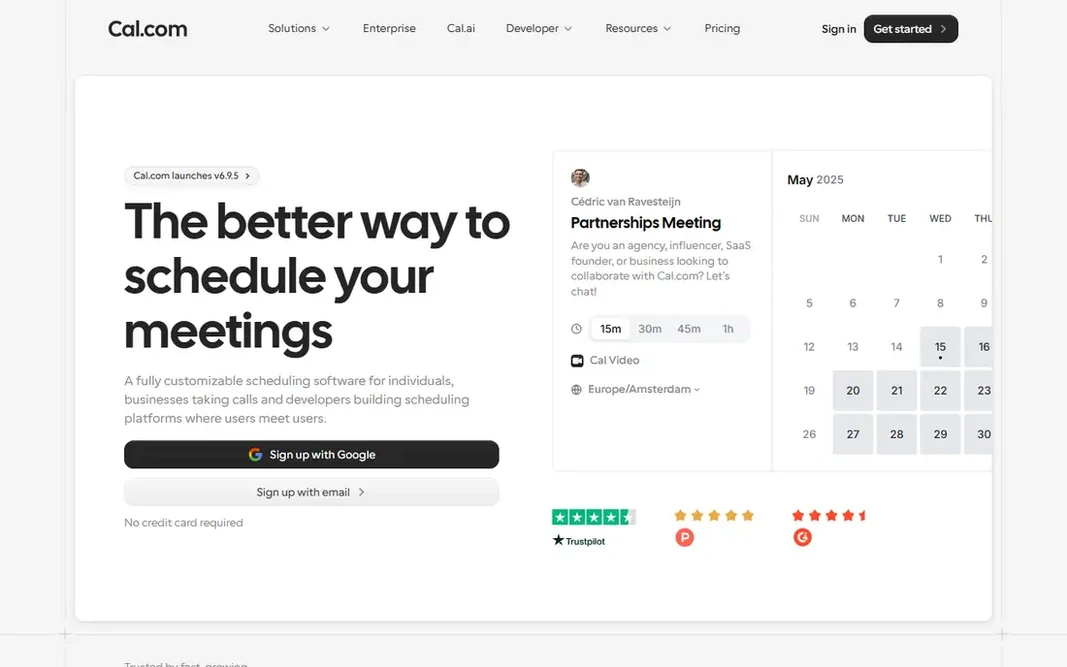
Cal.com works best for free individual scheduling. Cal.com stands out since its free plan is not a thin demo. On top of that, individuals get unlimited event types, calendar sync, workflow automation, Stripe payments, and Cal Video without paying. That makes it a capable pick for freelancers, developers, and anyone who wants full control without a monthly bill. If you value open source software and want to self-host, Cal.com also provides that path, which few competitors match. Cal.com starts at: $0. Cal.com offers a free plan. Where it falls short: Some team features need premium plans.

Free plan: Yes

Website: cal.com

Strengths

  • Stripe payments and video options included
  • Open source choice

Watch out for

  • Interface can feel technical for new users
4

Zoho Bookings

Small business appointments
See website

Where Zoho Bookings fits: small business appointments. Zoho Bookings spans the full appointment journey, from a branded booking page to automatic reminders and follow-up. Integrations with Google Calendar, Outlook, Zoom, Stripe, PayPal, and WhatsApp keep bookings connected to tools plenty of companies already use. Points against: Best value if you already use Zoho products. A free plan continues after a 15-day premium trial, which hands small firms a low-risk way to test the system. In daily use, Zoho Bookings makes most sense for teams that already use Zoho CRM, Zoho Mail, or Zoho Books, since bookings can feed straight into customer records and follow-up work. This comparison lists no price for Zoho Bookings; ask the vendor. Zoho Bookings offers a free plan.

Free plan: Yes

Website: zoho.com/bookings

Strengths

  • Staff and workspace controls
  • Does well with Zoho CRM and other Zoho apps

Watch out for

  • Pricing relies on staff count
5

Calendly

General meeting booking
See website

Calendly is aimed squarely at general meeting booking. You link a calendar, set your working hours, produce an event type, and share a link. Worth adding: Invitees pick a time that is already free, and both sides receive a confirmation. What to check first: Per-user pricing brings up for bigger teams. That straightforward loop removes most of the email back and forth that slows down meeting setup. Those features matter for sales and recruiting teams that book at volume. No starting price is listed for Calendly here; confirm pricing on the vendor site. Calendly offers a free plan.

Free plan: Yes

Website: calendly.com

Strengths

  • Solid team scheduling on premium plans
  • Straightforward booking links

Watch out for

  • Advanced features sit behind premium plans
6

TidyCal

Premium bookings on a low budget
$0

Pick TidyCal if this describes you: premium bookings on a low budget. Bundles and subscriptions let coaches and consultants sell session packs or recurring bookings without a separate billing tool. The free plan spans entry-level booking, whereas premium choices add more booking types and team features. Clients pick a time and pay upfront through Stripe or PayPal. In daily use, TidyCal is a solid fit for solo professionals who charge for their time and want to avoid a high monthly subscription. It is less suited to large organizations that need in-depth admin controls and compliance features. On top of that, you build an account, add services and prices, and share a link. Price to start with TidyCal: $0. TidyCal includes a free tier. What to check first: Team features are more entry-level.

Free plan: Yes

Website: tidycal.com

Strengths

  • Subscriptions on a straightforward page
  • Lifetime deal choice in the past

Watch out for

  • Fewer enterprise controls than bigger systems

FAQ

Do I need a premium plan to accept payments?

No, not always. Calendly and YouCanBookMe also support payments, but the exact plan that includes them can change, so check the current pricing page before you decide.

Which options for scheduling app have a free plan?

On this list, 6 of 6 tools include a free plan, among them Setmore, YouCanBookMe, Cal.com and Zoho Bookings. Caps on seats, usage or features are common, so test the free plan against your real workload.

Can I try these tools before paying?

Often, yes. Setmore, YouCanBookMe, Cal.com and others have a free plan. Use your own data and a real task during the test, and check what the free tier or trial limits before you rely on it.

Do these tools publish their prices?

Not all of them. YouCanBookMe, Zoho Bookings and Calendly publish no starting price, so expect a quote request for those. The rest, Setmore included, show a starting price, though seats and billing terms still change the final cost.

Is Calendly or Acuity better for a service business?

Acuity is normally better for service firms that require intake forms, packages, gift certificates, and multi-staff calendars. Calendly is more straightforward and quicker for general meetings, sales calls, and interviews.

Can scheduling apps prevent double bookings?

Google Calendar, Outlook, and Apple Calendar sync block times that are already taken. Make sure two-way sync is turned on, and test it with a booking before you depend on it for client work.