Productivity · Researched comparison

Which Shared Calendar App Fits You? 5 Tools Compared

TaskReports may earn a fee from some links on this page, and some placements are paid and labelled. Neither one decides the order. See our disclosure.

The short answer

Start with Teamup if you need sharing schedules with outside partners. TimeTree fits families and small groups; Google Calendar fits Google Workspace teams and households. The other 2 tools in the list cover narrower or pricier cases.

On this page

Key takeaways

  • This list starts with Teamup, which is built for sharing schedules with outside partners.
  • Check the limits for TimeTree before you commit: fewer business integrations than Google or Zoho.
  • Fantastical is the one to check for power users on Apple and Windows.
  • Teamup, TimeTree, Google Calendar, Zoho Calendar: these are the 4 tools out of 5 that offer a free plan.
  • Starting prices begin at $4.49 per month with TimeTree.

Quick comparison

ToolPrice fromFree planBiggest drawbackBest fit
---------------
TeamupSee websiteYesFull features require a premium planSharing schedules with outside partners
TimeTree$4.49 per monthYesNo advanced booking page featuresFamilies and small groups
Google CalendarSee websiteYesFewer team resource controls than TeamupGoogle Workspace teams and households
Zoho CalendarSee websiteYesInterface is functional rather than polishedSmall companies using Zoho apps
FantasticalSee websiteNoAndroid phone support is still limitedPower users on Apple and Windows
★ Best overall

Teamup

Sharing schedules with outside partners

  • Numerous views
  • Including Scheduler and Table
PriceSee website
See Teamup pricing

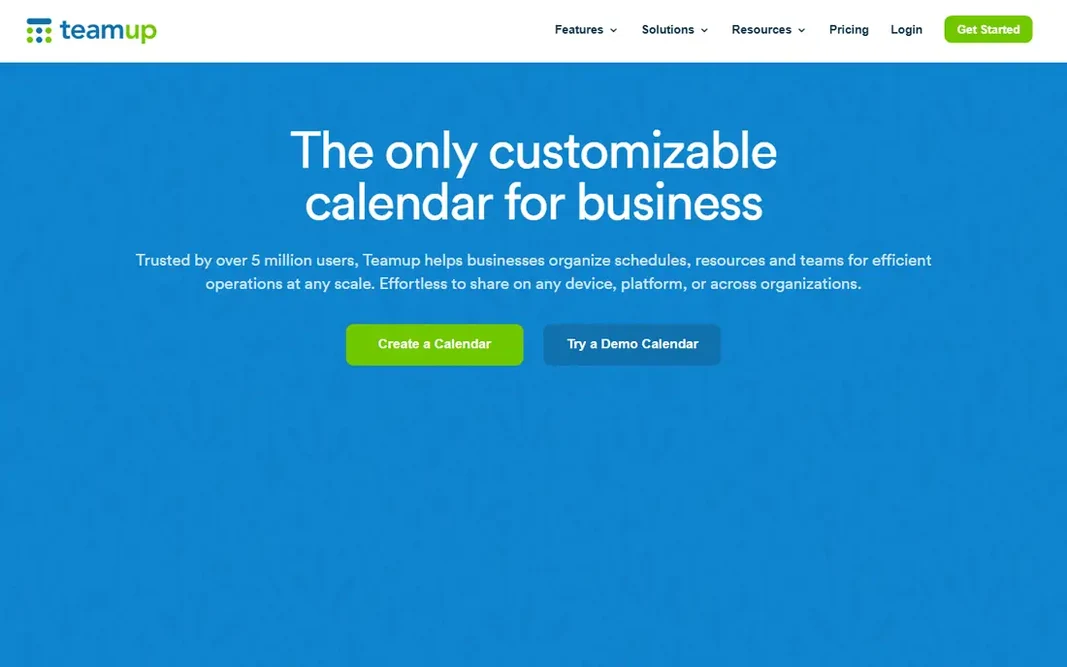
Teamup makes the most sense for sharing schedules with outside partners. Teamup was made for schedules that cross company lines. Highlights: Nine permission levels for access control. Limits to weigh: Full features need a premium plan. That link-based access removes a typical point of friction, since outside partners do not have to join your email system or install a specific app to check a date. Pricing for Teamup is not stated here, so ask the vendor for current figures. Teamup includes a free tier.

Price: See website

Free plan: Yes

Website: teamup.com

Watch out for

  • Design feels plain next to newer calendar apps
2

TimeTree

Families and small groups
$4.49 a month

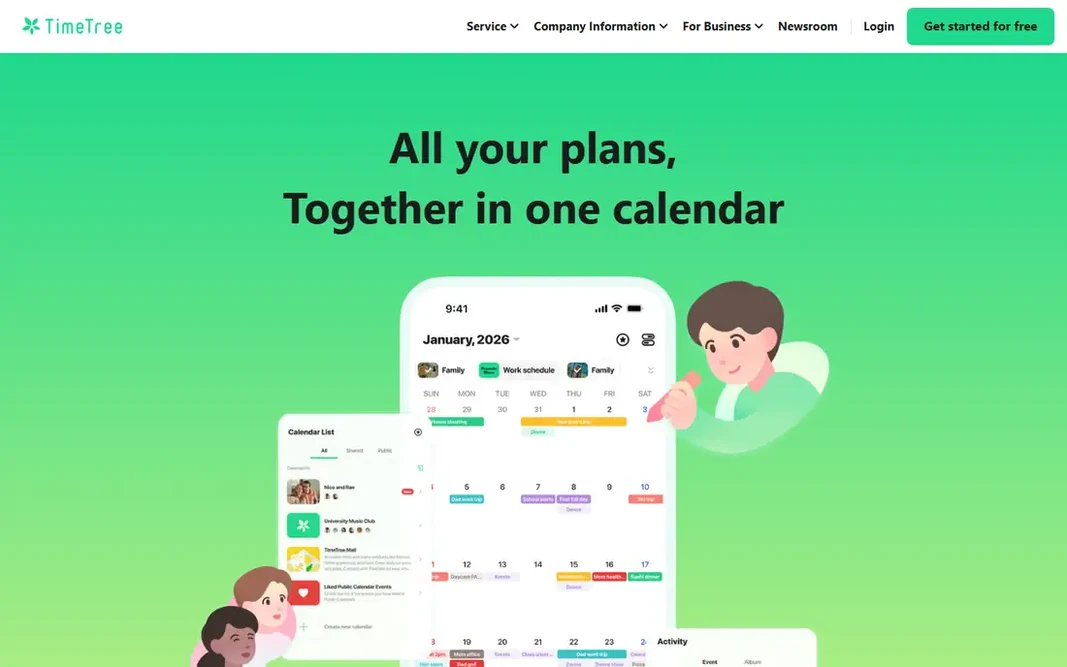
Where TimeTree fits: families and small groups. You produce a calendar for your household, another for a sports team, and another for a school group, then invite the right people to each one. Each member sees only the calendars they belong to, and filters let you view one group at a time or see everything together. TimeTree is built around groups, not individual schedules. Also, the free version includes the core need: shared events, notes, and group chat around plans. Those extras are pleasant, but they are not required for entry-level sharing. TimeTree cost at the entry level: $4.49 per month. TimeTree includes a free tier. Drawbacks to consider: Fewer business integrations than Google or Zoho.

Free plan: Yes

Website: timetreeapp.com

Strengths

  • Several shared calendars for different groups
  • Premium plan is low cost

Watch out for

  • No advanced booking page features
3

Google Calendar

Google Workspace teams and households
See website

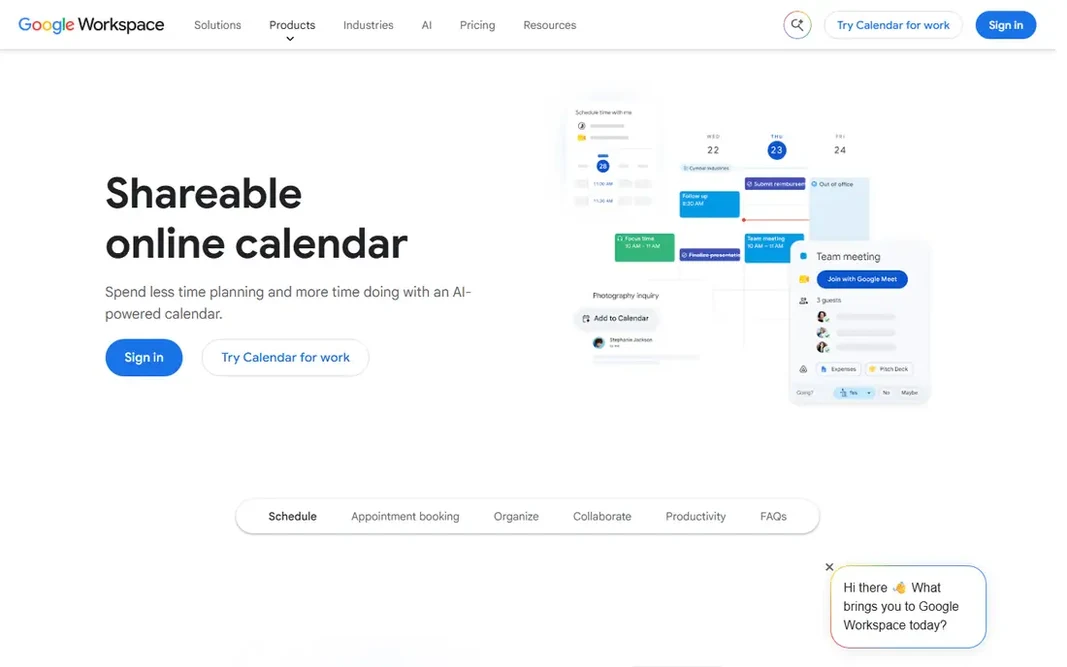
Google Calendar serves Google Workspace teams and households. For a team already using Google Workspace, this is frequently the right default, since documents, email, and video calls sit in the same account system. In daily use, if your primary need is a clear shared schedule for people you know, it is hard to beat for price and simplicity. Points against: Booking features are less complete than Calendly. Worth adding: the calendar also manages the basics with care. From a buyer's view, recurring events, reminders, time zone display, and invitations are quick to set up, and events created from Gmail can be added with a small amount of effort. Google Calendar can do some of that with additional calendars and settings, but it is not built as a resource planner. Google Calendar shows no starting price here, so confirm the cost on the vendor site. You can start on Google Calendar without paying.

Free plan: Yes

Website: calendar.google.com

Strengths

  • Straightforward sharing controls
  • Performs well on web, iOS, Android

Watch out for

  • Fewer team resource controls than Teamup
4

Zoho Calendar

Small companies using Zoho apps
See website

Pick Zoho Calendar if this describes you: small firms using Zoho apps. Zoho Calendar hands small firms a capable shared calendar at no starting cost. For everyday use, for a business that already uses Zoho for email or customer records, that connection keeps scheduling close to the rest of the work. Limits to weigh: Interface is functional instead of refined. Beyond that, you can produce group calendars for teams and projects, book resources for example rooms or equipment, and invite people inside or outside your company to events. From a buyer's view, the calendar works on the web and on mobile apps, and it links with Zoho Mail, Zoho Meeting, and external tools such as Zoom and Microsoft Teams. Time zone display, color-coded categories, and custom reminders help teams that work across regions or manage numerous events per day. Smart Add is a small feature with a large effect on daily use. No starting price is listed for Zoho Calendar here; confirm pricing on the vendor site. Zoho Calendar includes a free tier.

Free plan: Yes

Website: zoho.com/calendar

Strengths

  • Other calendars
  • Syncs with Google, Outlook

Watch out for

  • Best value is inside the wider Zoho suite
5

Fantastical

Power users on Apple and Windows
See website

Fantastical serves power users on Apple and Windows. Fantastical brings together calendars from Google, iCloud, Exchange, and other sources into one clean view. Natural language entry is the feature most users notice first: typing a sentence with a title, a person, and a time builds a complete event. From a buyer's view, for Mac, iPhone, iPad, and Windows users who live in their calendar, Fantastical is a refined upgrade over an entry-level calendar app. Scheduling features, including openings that let others pick a time and proposals that let a group vote on choices, make it handy for work plus personal planning. Fantastical does not show a starting price in this comparison, so check the vendor site for current pricing. Fantastical has no permanent free option. Downsides: Full features need a premium subscription.

Free plan: No

Website: flexibits.com/fantastical

Strengths

  • Natural language event creation
  • Solid time zone and weather display

Watch out for

  • Android phone support is still restricted

Pre-purchase checklist

  • Get a written quote from Teamup, Google Calendar, Zoho Calendar and Fantastical; the list shows no starting price for them.
  • Check what the free option really includes: Teamup, TimeTree, Google Calendar and Zoho Calendar offer a free plan, and usage caps differ.
  • Before choosing Teamup, weigh its main limit: design feels plain next to newer calendar apps.
  • Ask whether TimeTree integrates with your current software, and whether that comes standard or as an add-on.
  • Confirm you can export your data from Zoho Calendar, so leaving later does not mean losing records.

FAQ

Can I try these tools before paying?

Often, yes. Teamup, TimeTree, Google Calendar and Zoho Calendar have a free plan. Use your own data and a real task during the test, and check what the free tier or trial limits before you rely on it.

Which options for shared calendar app have a free plan?

Teamup, TimeTree, Google Calendar and Zoho Calendar offer a free plan in this list. Free plans usually cap users, projects or features, so check the limits on the vendor page.

Is a free shared calendar app enough for a small business?

For plenty of small teams, yes. You should move to a premium plan when you need advanced permissions, resource booking, branded booking pages, or admin controls for a bigger team.

Do these tools publish their prices?

Not all of them. Teamup, Google Calendar, Zoho Calendar and Fantastical publish no starting price, so expect a quote request for those. The rest, TimeTree included, show a starting price, though seats and billing terms still change the final cost.

What is the cheapest option for shared calendar app in this list?

On published monthly entry prices, TimeTree is the lowest here at $4.49 per month. Entry price is only part of the cost, because seats, add-ons and billing terms can change the total.

Should I use one calendar app for work and personal plans?

Numerous people keep a work calendar, a personal calendar. A family calendar in Google Calendar or Fantastical, then share only the calendars that others have to see.