Productivity · Researched comparison

6 Strong Task Apps in 2026

TaskReports may earn a fee from some links on this page, and some placements are paid and labelled. Neither one decides the order. See our disclosure.

The short answer

If you need shared lists and reminders, Any.do is the first tool to look at here. Microsoft To Do is the stronger choice for free lists inside Microsoft 365, while Todoist suits quick capture on every device. Prices, free plans and limits for all 6 tools follow.

On this page

Key takeaways

  • Any.do sits first on this list: shared lists and reminders.
  • Starting prices begin at $4.99 per month with Any.do.
  • The main caution on Todoist: calendar layout needs Pro.
  • Any.do, Microsoft To Do, Todoist, Remember The Milk: these are the 4 tools out of 6 that offer a free plan.

Quick comparison

ToolStarts atFree accessVendor site
------------
Any.do$4.99 per monthYesany.do
Microsoft To DoFreeYestodo.microsoft.com
Todoist$5 per monthYestodoist.com
OmniFocus$9.99 per monthFree trialomnigroup.com
Things 3$9.99 one-timeNoculturedcode.com
Remember The MilkSee websiteYesrememberthemilk.com
★ Best overall

Any.do

Shared lists and reminders

  • Free personal lists
  • Shared family lists
Price$4.99 a month (billed yearly)
See Any.do pricing

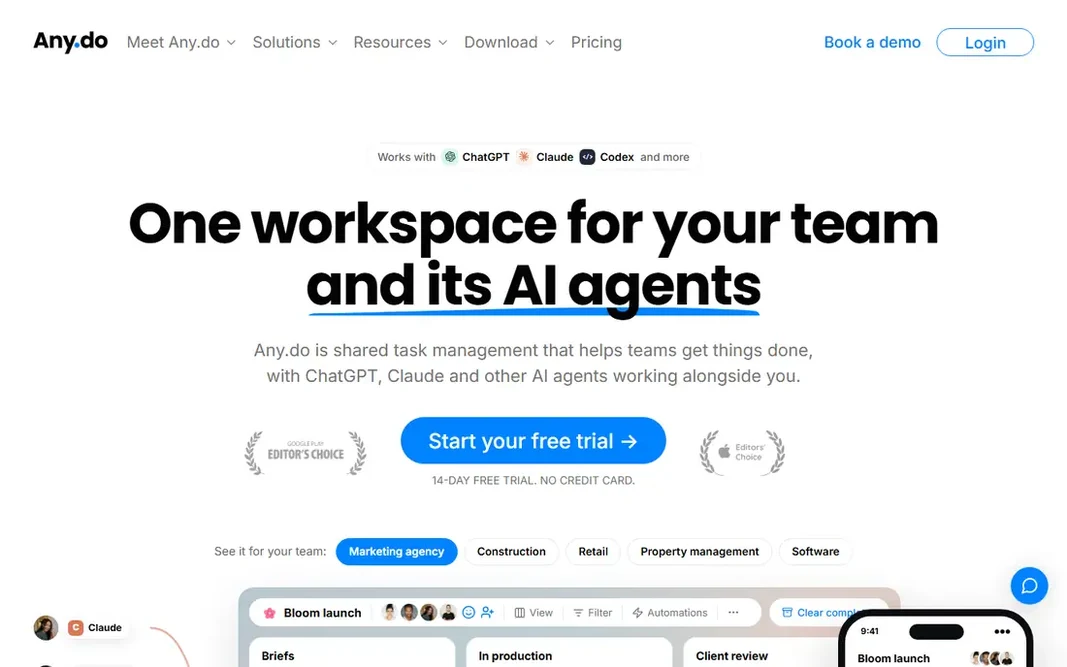
For shared lists and reminders, Any.do is a natural candidate. Any.do is a decent middle ground between a bare list and a full project tool. In daily use, premium costs $4.99 a month billed yearly and brings location reminders, WhatsApp reminders, and other extras. As for the details, families can share lists and a grocery list that updates in live. On top of that, the personal to-do list, planner, calendar, and reminders are free, and the app runs on iPhone, Android, Mac, Windows, and the web. Any.do cost at the entry level: $4.99 per month. A free plan is available with Any.do. The main drawbacks: Advanced reminders need Premium.

Price: $4.99 a month (billed yearly)

Free plan: Yes

Website: any.do

Watch out for

  • Team boards are entry-level next to Asana or Trello
2

Microsoft To Do

Free lists inside Microsoft 365
Free

Choose Microsoft To Do for free lists inside Microsoft 365. Microsoft To Do is the sensible free choice if you already live in Outlook or Microsoft 365. Worth adding: lists, steps (subtasks), and file attachments include everyday personal use. In daily use, Tasks sync with Outlook, and the My Day view provides you a clean daily shortlist. As for the details, if your list is largely errands, appointments, and straightforward work tasks, that may not matter. If you handle many projects, you will outgrow it rapidly. Entry price for Microsoft To Do: Free. Free access exists with Microsoft To Do. Points against: No natural-language date parsing like Todoist.

Free plan: Yes

Website: todo.microsoft.com

Strengths

  • My Day view for daily focus
  • Fully free

Watch out for

  • No projects or tags of real depth
3

Todoist

Quick capture on every device
$5 a month (billed yearly)

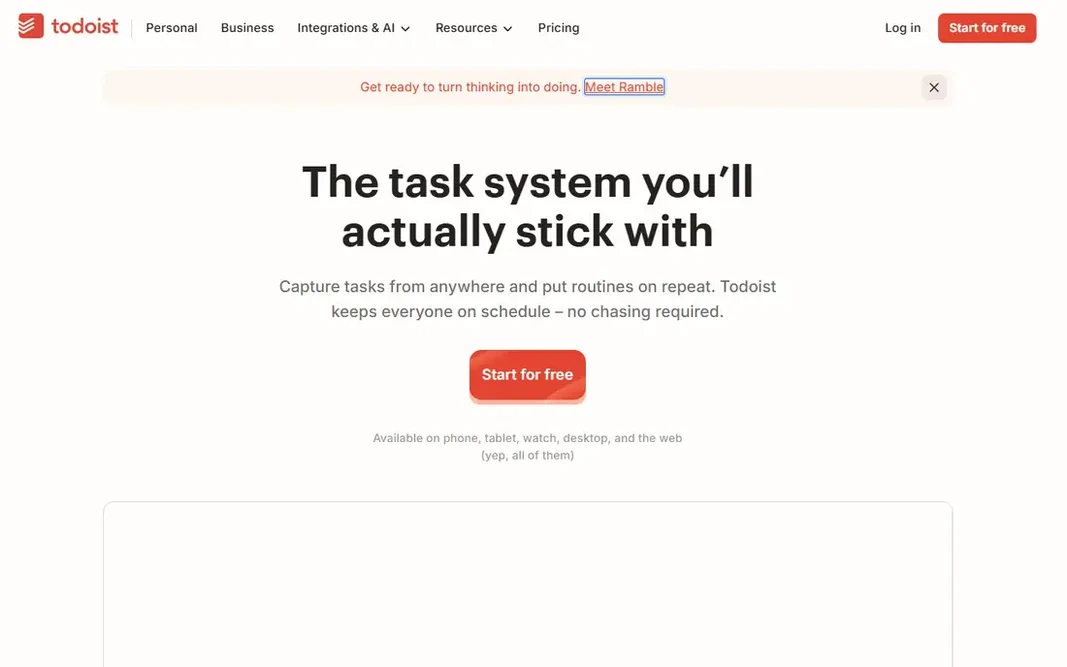
Todoist works best for fast capture on every device. The free Beginner plan covers 5 projects and 3 filter views, which is enough for a personal list. As for the details, teams that share numerous projects need the Business plan at $8 per user a month billed yearly, since Pro keeps team projects at 5. In daily use, Todoist wins on speed. That quick-add box is the reason plenty of people stay with Todoist for years, even when other apps look fancier. Starting cost for Todoist: $5 per month. Todoist offers a free plan. Where it falls short: Calendar layout needs Pro.

Free plan: Yes

Website: todoist.com

Strengths

  • Runs on nearly every system
  • Natural-language fast add

Watch out for

  • Free plan caps at 5 projects
4

OmniFocus

Deep GTD-style systems
$9.99 a month

OmniFocus is built with deep GTD-style systems in mind. Try the 14-day trial before committing. The Forecast view presents calendar events beside due tasks, which helps daily planning. A one-time Standard license costs $74.99, and Pro is $149.99, but licenses do not bundle web access. Starting cost for OmniFocus: $9.99 per month. Trial and free access: Free trial. Where it falls short: Apple devices only.

Free plan: Free trial

Website: omnigroup.com/omnifocus

Strengths

  • Forecast view with calendar events
  • Deep Apple integration

Watch out for

  • No real collaboration features
5

Things 3

Apple-only personal planning
$9.99 one-time (iPhone)

For Apple-only personal planning, Things 3 is a natural candidate. Things costs $49.99 on Mac, $9.99 on iPhone (including Apple Watch), and $19.99 on iPad, each a one-time purchase, so a full set runs about $80. There is no Windows, Android, or web version, and no way to share a list in live with someone else. What Things 3 does well: Beautiful. Trade-offs to know: Sold separately per device. Worth adding: areas, projects, headings, checklists, and tags handle personal planning well, and the Today and Upcoming views make daily planning straightforward. More specifically, only the Mac app gives you a trial (15 days). Price to start with Things 3: $9.99 one-time. Things 3 has no permanent free option.

Free plan: No

Website: culturedcode.com/things

Strengths

  • No subscription
  • Calm design

Watch out for

  • No live sharing
6

Remember The Milk

Long-running lists with smart lists
See website

Remember The Milk is a good fit for long-running lists with smart lists. It works on phones, the web, and inside Google apps, and it recently added AI assistant connections for Claude and ChatGPT. Also, for someone with hundreds of recurring tasks who likes saved searches more than boards, it still earns its place. Remember The Milk shows no starting price here, so confirm the cost on the vendor site. Remember The Milk has a free plan. What to check first: Interface feels dated.

Free plan: Yes

Website: rememberthemilk.com

Strengths

  • Long track record
  • Runs almost everywhere

Watch out for

  • Pro pricing is not shown plainly on the homepage

FAQ

Which task app is a good match for most people?

This list starts with Any.do, which fits shared lists and reminders. For other needs, Microsoft To Do is aimed at free lists inside Microsoft 365, and Todoist at quick capture on every device. Check each tool's price and main limit first.

What is the cheapest option for task app in this list?

On published monthly entry prices, Any.do is the lowest here at $4.99 per month. Entry price is only part of the cost, because seats, add-ons and billing terms can change the total.

What is the best task app for Apple users only?

This list starts with Any.do, which fits shared lists and reminders. For other needs, Microsoft To Do is aimed at free lists inside Microsoft 365, and Todoist at quick capture on every device. Check each tool's price and main limit first.

Do any of these apps work for teams?

Todoist Business and Any.do Teams both support shared projects, but neither replaces a full project tool like Asana for bigger teams. OmniFocus and Things 3 are personal tools with no live sharing.

Do these tools publish their prices?

Not all of them. Remember The Milk publishes no starting price, so expect a quote request for it. The rest, Any.do included, show a starting price, though seats and billing terms still change the final cost.

Which options for task app have a free plan?

On this list, Any.do, Microsoft To Do, Todoist and Remember The Milk include a free plan. Caps on seats, usage or features are common, so test the free plan against your real workload. One other tool offers a trial instead.