How we rank
Productivity · Researched comparison

Best Time Tracking Apps for iPad in 2026: 7 Options Compared

TaskReports may earn a fee from some links on this page, and some placements are paid and labelled. Neither one decides the order. See our disclosure.

The short answer

Toggl Track is the first pick for most iPad users because it has a native app, a simple timer and a free plan for up to 5 users. Harvest suits freelancers who bill clients and need invoices next to their hours. Clockify is the low-cost alternative for teams that want unlimited free users and a cheap paid tier.

On this page

Key takeaways

  • Toggl Track offers the lowest entry price at $9 per user per month and a free plan for up to 5 users.
  • Harvest charges $12 per seat per month and includes invoicing, making it a fit for client billing on iPad.
  • Clockify has a free plan with unlimited users and a $3.99 per user per month entry price for paid features.
  • Not every tool has a native iPad app; some run in the iPad browser, so check the App Store listing before you commit.

Quick comparison

ToolBest fitStarting price
Toggl TrackIndividuals and small teams who want a simple timer$9 per user per month
HarvestFreelancers and studios that invoice clients for hours$12 per seat per month

ClockifyBudget-conscious teams that need unlimited free users$3.99 per user per month
HubstaffRemote teams that need activity and location dataSee vendor pricing page
TimeCampTeams that want automatic tracking alongside manual timersSee vendor pricing page
EverhourTeams that track time inside project management toolsSee vendor pricing page
ClickTimeAgencies that need timesheets, approvals and billing ratesSee vendor pricing page

How we chose

We picked tools that have a native iPad app or a working iPad browser experience, a published entry price and a free plan or trial. We compared fit for the use case, entry price, free access and main limits. Sources are vendor websites and public documentation. Prices change, so confirm the current number on the vendor site before you buy.

★ Best overall

Toggl Track

Individuals and small teams who want a simple timer

  • Native iPad app with one-tap timers
  • Free plan covers up to 5 users
Price$9 per user per month
See Toggl Track pricing
toggl.comHomepage, Nov 2026
Toggl Track homepage

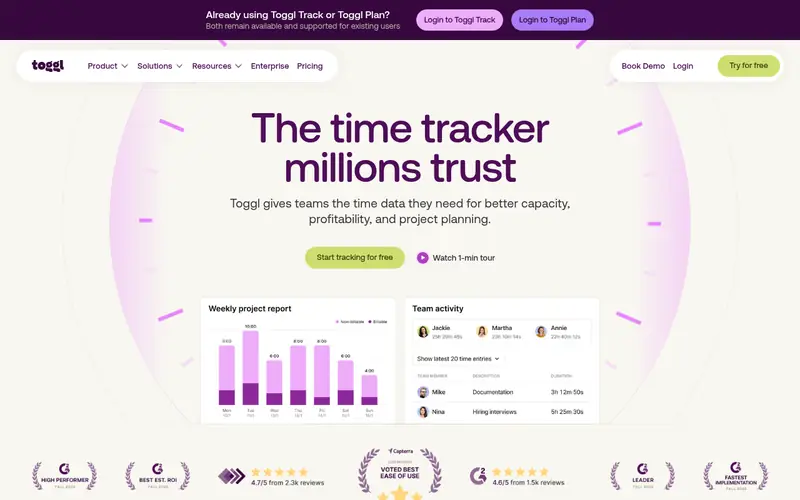
Toggl Track is a time tracking tool built around a start and stop timer. The iPad app shows a running timer, a list of recent entries and a project picker, so you can log hours without opening a laptop. Entries sync to the web account, which matters when you switch devices during the day. The free plan covers up to 5 users and includes basic time entries and projects. Paid plans start at $9 per user per month and add billable rates, rounding and more reporting. Teams that need detailed client reporting should compare the plan tiers before choosing. Skip Toggl Track if you need built-in invoicing. It tracks time well, but billing documents are handled elsewhere.

Price: $9 per user per month

Free plan: Yes

Website: toggl.com

Watch out for

  • Paid tiers add cost per seat
  • Advanced reporting sits on higher plans
2

Harvest

Freelancers and studios that invoice clients for hours
$12 per seat per month
getharvest.comHomepage, Nov 2026
Harvest homepage

Harvest combines a timer with invoicing and expense tracking. On iPad you can start a timer, attach notes to an entry and review billable hours before you send an invoice. The invoice and project budget views are the main reason people pick it over a plain timer. There is no free plan. New accounts get a 30-day trial, and paid plans start at $12 per seat per month. The entry tier limits the number of active projects, so check the plan details if you run many clients at once. Harvest fits freelancers and small studios that bill by the hour. It is less suited to internal teams that only need to record time and never send an invoice.

Free plan: Free trial (30 days)

Website: getharvest.com

Strengths

  • Invoices and time tracking in one account
  • Native iPad app for timers and expenses

Watch out for

  • No free plan after the trial
  • Per-seat pricing adds up for larger teams

3

Clockify

Budget-conscious teams that need unlimited free users
$3.99 per user per month
clockify.meHomepage, Nov 2026
Clockify homepage

Clockify offers a free plan with unlimited users and unlimited tracking. That makes it a common choice for teams that want to test time tracking across a group before paying. The iPad app supports timers, manual entries and a calendar view. Paid plans start at $3.99 per user per month. The paid tiers add admin controls, timesheet approvals and more report types. The free plan still covers basic tracking, so small teams can stay on it for a long time. The trade-off is complexity. Clockify has many settings and screens, and new users may need time to set up projects and rates. Teams that want a minimal timer may find it heavy.

Free plan: Yes

Website: clockify.me

Strengths

  • Free plan with unlimited users
  • Low entry price for paid features

Watch out for

  • Some reports are locked to paid plans
  • Interface has many settings to learn
4

Hubstaff

Remote teams that need activity and location data
See vendor pricing page
hubstaff.comHomepage, Nov 2026
Hubstaff homepage

Hubstaff is built for teams that manage remote or field workers. On iPad it records time and can capture activity levels and location, depending on the plan and the settings an admin turns on. That data feeds timesheets and payroll reports. The free trial runs 14 days. Paid plans are priced per user and vary by feature set, so check the vendor pricing page for current numbers. Features like screenshots and location tracking are optional but change how the tool feels to staff. Hubstaff is a poor fit for solo freelancers who just want a timer. It suits managers who need proof of hours and activity across a distributed team.

Free plan: Free trial (14 days)

Website: hubstaff.com

Strengths

  • Tracks time with activity and location options
  • iPad app supports timers and screenshots

Watch out for

  • Activity monitoring can feel intrusive
  • Pricing is quoted per plan, so confirm on the site
5

TimeCamp

Teams that want automatic tracking alongside manual timers
See vendor pricing page
timecamp.comHomepage, Nov 2026
TimeCamp homepage

TimeCamp records time in two ways: a manual timer and automatic tracking that logs which apps and sites you use. On iPad the manual timer and timesheet views work, while the automatic tracking is strongest on desktop. The free plan is aimed at solo users and covers basic tracking. Team features, billing rates and integrations sit on paid plans. Prices change by plan and billing period, so confirm the current entry price on the vendor site. TimeCamp suits people who want a record of where their work time goes without starting a timer for every task. It is less useful if you only bill by project and need clean client invoices.

Free plan: Yes

Website: timecamp.com

Strengths

  • Automatic app and website tracking option
  • Free plan for solo users

Watch out for

  • Automatic tracking needs setup and rules
  • Paid tiers are needed for team features
6

Everhour

Teams that track time inside project management tools
See vendor pricing page
everhour.comHomepage, Nov 2026
Everhour homepage

Everhour adds timers and time reports to project management tools. If your team plans work in a supported app, the iPad browser experience lets you start timers against tasks and see budget status without switching systems. There is a 14-day trial and no free plan after it. Pricing is per user and depends on the plan, so check the vendor pricing page. The tool is less useful as a standalone tracker because its main value is the integration. Choose Everhour if your work already lives in a task tool and you want hours attached to those tasks. Skip it if you need a general-purpose timer with no other software in the mix.

Free plan: Free trial (14 days)

Website: everhour.com

Strengths

  • Time tracking embedded in tools like Asana and Trello
  • Reports tie hours to tasks

Watch out for

  • Best value only if you already use a supported tool
  • No long-term free plan
7

ClickTime

Agencies that need timesheets, approvals and billing rates
See vendor pricing page
clicktime.comHomepage, Nov 2026
ClickTime homepage

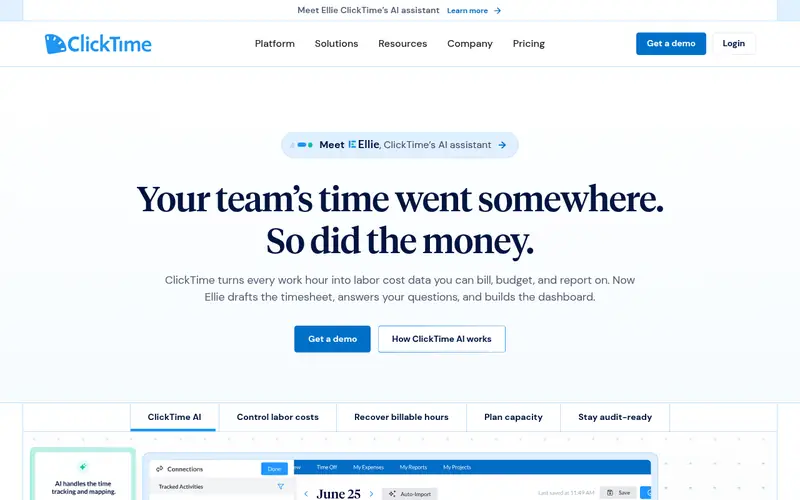
ClickTime is a timesheet and resource planning tool for agencies and professional services firms. On iPad you use the mobile web app to enter time, submit timesheets and check project budgets. Approval flows route entries to managers. There is a 30-day trial and no free plan. Plans are priced per user and vary by feature set, so confirm details on the vendor pricing page. Setup takes more effort than a simple timer because you define clients, projects and approval rules. ClickTime fits firms that need formal timesheets and cost controls. It is more than a solo freelancer needs.

Free plan: Free trial (30 days)

Website: clicktime.com

Strengths

  • Timesheet approvals and budget tracking
  • Mobile web access on iPad

Watch out for

  • Interface is aimed at administrators
  • Entry pricing requires a quote or plan check

Pre-purchase checklist

  • Confirm the tool has a native iPad app or a usable mobile web version.
  • Check whether the free plan has a user limit or a feature limit.
  • Verify the entry price per user per month and the billing period.
  • Check that timesheet approvals and reports are on the plan you need.
  • Confirm data sync between the iPad app and the web account.

FAQ

Do these time tracking apps work offline on iPad?

Some apps let you start a timer without a connection and sync later, but behavior varies by tool. Check the vendor documentation for offline support before you rely on it in the field.

Is there a free time tracking app for iPad?

Yes. Toggl Track, Clockify and TimeCamp all offer free plans with limits. Toggl Track covers up to 5 users, Clockify offers unlimited users, and TimeCamp's free plan is aimed at solo users.

Which app is best for billing clients from an iPad?

Harvest is the strongest fit because invoices and time tracking share one account. Toggl Track and ClickTime also support billable rates, but check which plan includes them.

Do I need a paid plan to track time with a team?

Not always. Clockify's free plan supports unlimited users, and Toggl Track's free plan covers up to 5 users. Paid plans add approvals, rates and more reports.

Can I use these apps on iPhone as well as iPad?

Most vendors ship a companion iPhone app alongside the iPad app. Confirm the App Store listing for the specific tool before you standardize on it.