
How we rank
Productivity · Researched comparison

Best Time Tracking for Freshdesk in 2026

TaskReports may earn a fee from some links on this page, and some placements are paid and labelled. Neither one decides the order. See our disclosure.

The short answer

Harvest is the first pick for teams that want a dedicated timer with a native Freshdesk integration and clean client reporting. Clockify suits teams that need a free start, since its free plan covers unlimited users and includes a Freshdesk app. Toggl Track is a good alternative for solo agents and small teams that want simple start-and-stop tracking with a low entry price.

On this page

Key takeaways

  • Freshdesk has built-in time tracking on paid plans, so the cheapest path is often the plan you already have.
  • Harvest, Toggl Track, Clockify and Everhour connect to Freshdesk through native integrations or the Freshworks Marketplace.
  • Clockify has a free plan with unlimited users and a free Freshdesk integration; Harvest starts at $12 per seat per month.
  • RescueTime and Timely are standalone trackers that do not sync tickets, so use them only for internal time records.

Quick comparison

ToolBest fitStarting price
HarvestAgencies billing client support hours$12 per seat per month
Toggl TrackSolo agents and small support teams$9 per user per month
ClockifyBudget-conscious teams that need many seats$3.99 per user per month
EverhourTeams that plan capacity alongside trackingSee vendor pricing page
RescueTimeMeasuring where agent time actually goesSee vendor pricing page
TimelyTeams that prefer automatic time captureSee vendor pricing page
HubstaffRemote support teams needing activity dataSee vendor pricing page

How we chose

We picked tools that either list a Freshdesk integration or work as a standalone timer for support work. Criteria were fit for ticket-based tracking, the published entry price, whether a free plan or trial exists, and the main limits of each plan. Details come from vendor websites and public documentation. Prices and plan features change, so confirm current terms on the vendor site before buying.

★ Best overall

Harvest

Agencies billing client support hours

    Price$12 per seat per month
    See Harvest pricing
    getharvest.comHomepage, Nov 2026
    Harvest homepage

    Harvest is a time tracking and invoicing tool with a native Freshdesk integration listed in the Freshworks Marketplace. Agents start a timer from a ticket and the tracked time lands in Harvest against the right project and client. That makes it a fit for support teams that bill hours back to clients and need invoices from the same data. Plans are priced per seat. The entry plan covers the core timer, projects and reports; higher tiers add invoicing features and team capacity. Harvest does not offer a permanent free plan, only a trial, so small teams should weigh the per-seat cost against the hours they bill. Skip Harvest if you only need internal time records and never invoice clients. A free tool covers that case at no cost.

    Price: $12 per seat per month

    Free plan: Free trial (30 days)

    Website: getharvest.com

    Watch out for

    • Check current limits on the vendor page

    2

    Toggl Track

    Solo agents and small support teams
    $9 per user per month
    toggl.comHomepage, Nov 2026
    Toggl Track homepage

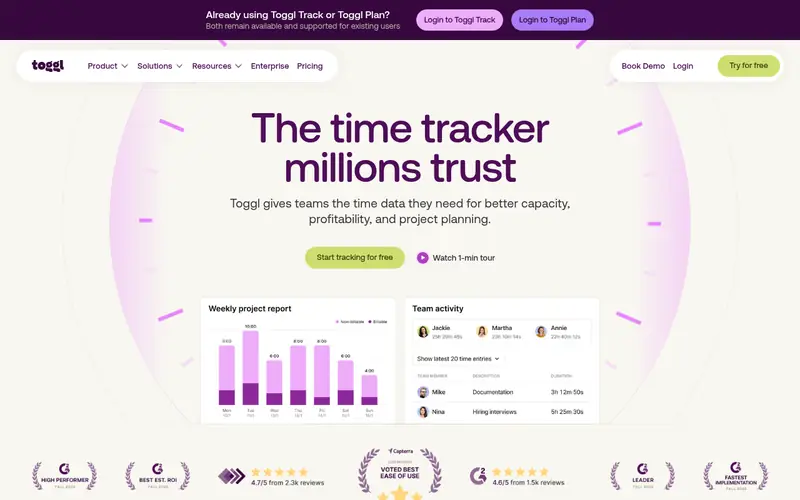
    Toggl Track is a standalone timer with a free plan for up to 5 users and a paid entry plan billed per user. It records time with one click and produces reports by project, client and tag. A Freshdesk integration is available so agents can start timers from tickets. The free plan covers basic tracking and limited reporting, which is enough for a small support desk that needs to see where hours go. Paid plans add billable rates, saved reports and project estimates. The tool is lighter on invoicing than Harvest, so teams that bill clients may need a second tool. Choose Toggl Track if you want a low-friction timer and do not need invoicing in the same product.

    Free plan: Yes

    Website: toggl.com

    Strengths

      Watch out for

      • Check current limits on the vendor page

      3

      Clockify

      Budget-conscious teams that need many seats
      $3.99 per user per month
      clockify.meHomepage, Nov 2026
      Clockify homepage

      Clockify offers a free plan with unlimited users and unlimited tracking, plus a Freshdesk integration in its app marketplace. Agents can start and stop timers from a ticket and the entries appear in Clockify reports. For a support desk with many agents, the unlimited-user free plan removes per-seat cost from the decision. Paid plans add billable rates, timesheet approvals, and admin controls. The entry paid tier is low per user, which keeps the upgrade path affordable. Reporting is solid but less polished than Harvest for client invoicing. Skip Clockify if you need invoicing built in. It tracks and reports time but does not issue client invoices.

      Free plan: Yes

      Website: clockify.me

      Strengths

        Watch out for

        • Check current limits on the vendor page
        4

        Everhour

        Teams that plan capacity alongside tracking
        See vendor pricing page
        everhour.comHomepage, Nov 2026
        Everhour homepage

        Everhour is a time tracker that embeds timers inside other tools and offers a Freshdesk integration. It focuses on budgets, estimates and capacity planning, so support managers can compare tracked hours against planned hours per project. Pricing is per seat and tiered by features; the vendor page lists current rates. There is no permanent free plan, only a trial. The tool is strongest when you already plan work in a project tool and want time data to feed those plans. Skip Everhour if you want a simple timer only. Its planning features add setup work that small desks do not need.

        Free plan: Free trial (14 days)

        Website: everhour.com

        Strengths

          Watch out for

          • Check current limits on the vendor page

          5

          RescueTime

          Measuring where agent time actually goes
          See vendor pricing page
          rescuetime.comHomepage, Nov 2026
          RescueTime homepage

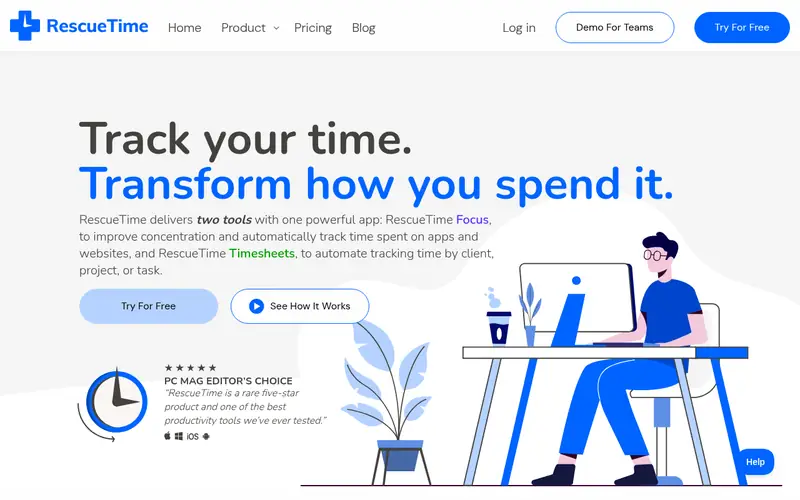
          RescueTime runs in the background and records which apps and sites an agent uses, then groups that activity into categories. It does not sync Freshdesk tickets, so it is not a billing tool. It is useful for a support manager who wants to see how much of the day goes to ticket work versus other tasks. The free plan covers basic automatic tracking and limited history. Paid plans add detailed reports, alerts and longer data retention. Because it tracks at the device level, teams should set clear expectations with agents before turning it on. Skip RescueTime if you need ticket-level time entries or client billing. It measures activity, not billable hours.

          Free plan: Yes

          Website: rescuetime.com

          Strengths

            Watch out for

            • Check current limits on the vendor page
            6

            Timely

            Teams that prefer automatic time capture
            See vendor pricing page
            TimelyHomepage image unavailable

            Timely records work automatically from calendars and apps and lets users review and assign entries to projects. It does not have a native Freshdesk integration, so ticket-level tracking requires manual entry or a workaround. The tool suits teams that dislike manual timers and want a memory-based record of the day. Pricing is per user and listed on the vendor site; there is no permanent free plan. Reports cover projects and team utilization. Skip Timely if ticket-level accuracy matters. Without a Freshdesk connection, agents must link time to tickets by hand.

            Free plan: Free trial (14 days)

            Website: timelyapp.com

            Strengths

              Watch out for

              • Check current limits on the vendor page
              7

              Hubstaff

              Remote support teams needing activity data
              See vendor pricing page
              hubstaff.comHomepage, Nov 2026
              Hubstaff homepage

              Hubstaff combines time tracking with activity monitoring, screenshots and payroll features. It connects to Freshdesk through its integrations directory so agents can track time against tickets while the tool records activity data. Pricing is per user and tiered; the vendor page lists current rates. There is no permanent free plan. The monitoring features are heavier than most support desks need, and teams should review consent and privacy rules before enabling them. Skip Hubstaff if you only need simple ticket timers. The monitoring layer adds cost and management overhead.

              Free plan: Free trial (14 days)

              Website: hubstaff.com

              Strengths

                Watch out for

                • Check current limits on the vendor page

                Pre-purchase checklist

                • Confirm the Freshdesk integration is still listed and supported on the vendor's site or the Freshworks Marketplace.
                • Check whether the plan you need includes billable rates and client reports, not just a timer.
                • Compare per-seat pricing against the number of agents who will actually log time.
                • Verify how the tool handles time entries when a ticket is reassigned or closed.
                • Review data retention and monitoring policies if the tool records activity or screenshots.

                FAQ

                Does Freshdesk have built-in time tracking?

                Yes. Freshdesk includes time tracking on paid plans. Agents log time against tickets, and the data appears in ticket and agent reports. The free plan does not include the feature, so you need a paid tier to use it.

                Which time tracking tool integrates with Freshdesk?

                Harvest, Toggl Track, Clockify and Everhour list Freshdesk integrations, and Hubstaff lists one in its integrations directory. Check each vendor page before buying, since integrations can change. Standalone tools like RescueTime and Timely do not sync tickets.

                Is there a free time tracker for Freshdesk?

                Clockify offers a free plan with unlimited users and a Freshdesk integration. Toggl Track has a free plan for up to 5 users. Both have limits on reporting and paid features, so review the plan details before relying on them for billing.

                Can I bill clients from Freshdesk time data?

                Not directly. Freshdesk reports time but does not issue client invoices. Pair it with Harvest, which tracks ticket time and creates invoices, or export time data to your billing tool.

                What should I check before choosing a tool?

                Confirm the integration is current, the plan includes the reports you need, and the per-seat price fits your team size. Also check how entries behave when tickets are reassigned, and review any monitoring or data retention terms.