How we rank
Productivity · Researched comparison

Best Time Tracking for Microsoft Project in 2026

TaskReports may earn a fee from some links on this page, and some placements are paid and labelled. Neither one decides the order. See our disclosure.

The short answer

Tempo Timesheets is the first pick for teams that plan in Microsoft Project but log hours in Jira, because it connects Jira work to project plans. If you want a standalone timesheet that imports Microsoft Project files, try TimeCamp. If you need a low-cost tool with a free plan for small teams, try Clockify. Each option below lists its published entry price or points to the vendor pricing page.

On this page

Key takeaways

  • Microsoft Project does not include a built-in timesheet, so teams pair it with a separate time tracking tool.
  • Tempo Timesheets is the first pick for Jira shops that plan in Microsoft Project and log hours in Jira.
  • Most tools here bill per user per month, and several offer a free tier or free trial.
  • Only some tools import or export Microsoft Project files directly; check the integration before you buy.

Quick comparison

ToolBest fitStarting price
Tempo TimesheetsJira teams that plan schedules in Microsoft ProjectSee vendor pricing page
TimeCampTeams that want to import Microsoft Project filesSee vendor pricing page

ClockifySmall teams that want a free timesheetSee vendor pricing page
HarvestClient teams that bill hours against project budgetsSee vendor pricing page
Toggl TrackIndividuals and small teams that need quick timersSee vendor pricing page
WrikeTeams that want planning and timesheets in one toolSee vendor pricing page
SmartsheetTeams that manage plans and hours in spreadsheetsSee vendor pricing page

How we chose

We picked tools that support time tracking for teams that plan in Microsoft Project. Criteria were fit for the use case, published entry price, free access, and main limits such as user caps or missing imports. We used vendor websites and public documentation only. We did not run hands-on tests. Prices change, so confirm the current price on the vendor site before you buy.

★ Best overall

Tempo Timesheets

Jira teams that plan schedules in Microsoft Project

  • Deep Jira time tracking
  • approval workflows for timesheets
PriceSee vendor pricing page
See Tempo Timesheets pricing
tempo.ioHomepage, Nov 2026
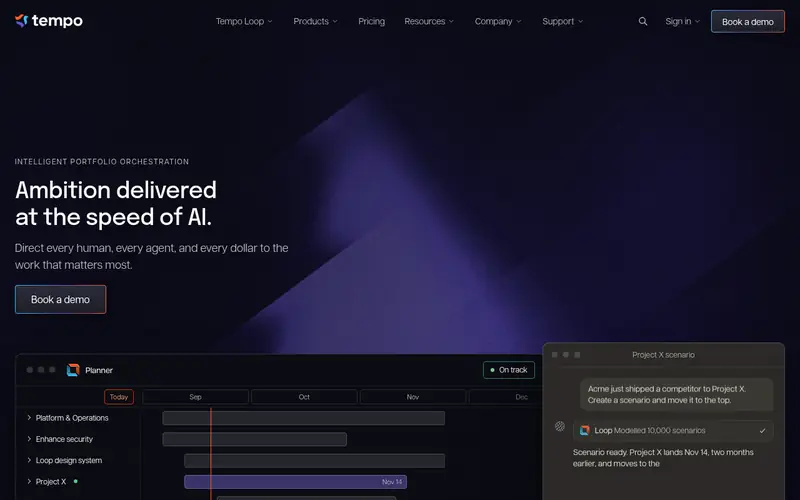
Tempo Timesheets homepage

Tempo Timesheets is a time tracking app for Jira. Teams that build schedules in Microsoft Project and track work in Jira use it to log hours against issues and epics. It adds timesheets, approvals and reports inside Jira. The Microsoft Project connection is indirect: you plan in Project and track in Jira, not the other way around. Pricing is per Jira user and depends on the Jira plan, so check the vendor page. A 30-day free trial is listed. Teams that do not use Jira should skip it, because it does not run as a standalone timesheet.

Price: See vendor pricing page

Free plan: Free trial (30 days)

Website: tempo.io

Watch out for

  • Requires Jira
  • Microsoft Project link is indirect
2

TimeCamp

Teams that want to import Microsoft Project files
See vendor pricing page
timecamp.comHomepage, Nov 2026
TimeCamp homepage

TimeCamp is a standalone time tracking tool with a Microsoft Project import. You can bring in project plans and track hours against tasks. It also offers automatic tracking that records activity on the desktop. Reports cover project hours and billable time. The free plan is listed for a single user. Paid tiers add more users, integrations and billing features. Confirm the current Microsoft Project import details and price on the vendor page. It suits small teams that want one tool for plans and hours without Jira.

Free plan: Yes

Website: timecamp.com

Strengths

  • Imports Microsoft Project files
  • automatic time tracking

Watch out for

  • Free plan is limited to one user
  • advanced features cost more
3

Clockify

Small teams that want a free timesheet
See vendor pricing page
clockify.meHomepage, Nov 2026
Clockify homepage

Clockify is a time tracker with a free plan for unlimited users. Teams log hours with a timer or a manual timesheet. It reports on project and client hours. For Microsoft Project users, the fit is basic: you manage the plan in Project and track hours in Clockify. The free plan covers core tracking. Paid plans add features such as approvals and more detailed reports. Check the vendor page for current limits and prices. It suits small teams that want low-cost hours tracking and do not need a direct Project file link.

Free plan: Yes

Website: clockify.me

Strengths

  • Free plan for unlimited users
  • simple timesheet setup

Watch out for

  • Microsoft Project link is limited
  • advanced reports are paid
4

Harvest

Client teams that bill hours against project budgets
See vendor pricing page
getharvest.comHomepage, Nov 2026
Harvest homepage

Harvest is a time tracking and invoicing tool. Teams log hours against projects and tasks, then turn them into invoices. Budget alerts show when hours approach a limit. It fits client work where hours feed billing. Harvest does not list a direct Microsoft Project import, so you track hours separately from the plan. Pricing is per user per month, and a 30-day free trial is listed. Confirm current prices on the vendor page. It suits agencies that bill by the hour and keep plans in Project.

Free plan: Free trial (30 days)

Website: getharvest.com

Strengths

  • Clear budget and invoice tools
  • simple timesheets

Watch out for

  • No direct Microsoft Project import
  • per-seat cost adds up
5

Toggl Track

Individuals and small teams that need quick timers
See vendor pricing page
toggl.comHomepage, Nov 2026
Toggl Track homepage

Toggl Track is a time tracking tool built around simple timers. You start a timer, assign it to a project, and review reports later. It works on desktop and mobile. For Microsoft Project users, it is a manual companion: you track hours in Toggl and compare them to your plan. A free plan is listed for small teams, with paid tiers for more features. Check the vendor page for current limits. It suits freelancers and small teams that want fast timers and do not need a direct Project file link.

Free plan: Yes

Website: toggl.com/track

Strengths

  • Fast one-click timers
  • works across devices

Watch out for

  • Limited project planning
  • Microsoft Project link is manual
6

Wrike

Teams that want planning and timesheets in one tool
See vendor pricing page
wrike.comHomepage, Nov 2026
Wrike homepage

Wrike is a work management platform with built-in timesheets. Teams log hours against tasks and projects, and managers review them in reports. It can import Microsoft Project files, which helps teams move plans into Wrike. A free plan is listed with limited features. Paid tiers add more users, automation and reporting. Check the vendor page for current prices and import details. It suits teams that want to replace separate planning and time tools with one platform.

Free plan: Yes

Website: wrike.com

Strengths

  • Timesheets inside a work management tool
  • built-in approvals

Watch out for

  • Microsoft Project support is via import
  • free plan is limited
7

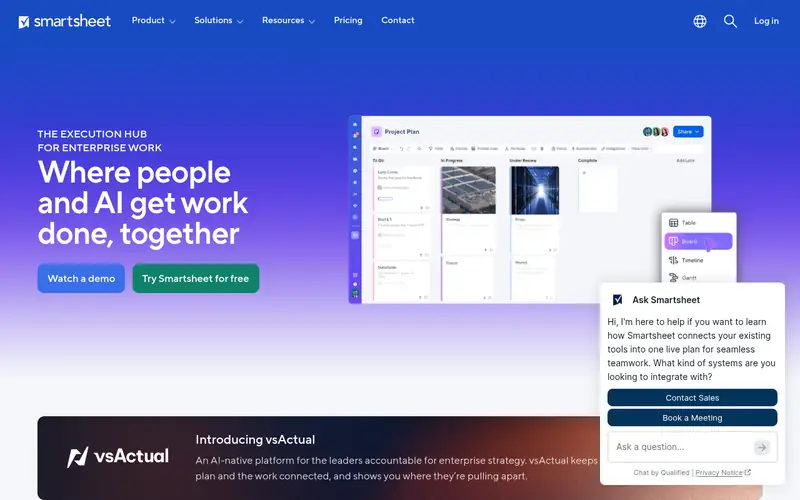
Smartsheet

Teams that manage plans and hours in spreadsheets
See vendor pricing page
smartsheet.comHomepage, Nov 2026
Smartsheet homepage

Smartsheet is a spreadsheet-based work management tool. Teams build project sheets and log time against rows. It can import Microsoft Project files on paid plans, so plans and hours can sit in one place. Pricing is per user per month, and a 30-day free trial is listed. Confirm current prices and import limits on the vendor page. It suits teams that like spreadsheets and want time tracking next to their project plan.

Free plan: Free trial (30 days)

Website: smartsheet.com

Strengths

  • Familiar spreadsheet layout
  • time tracking on rows

Watch out for

  • Per-user pricing
  • Microsoft Project import needs a paid plan

Pre-purchase checklist

  • Confirm the tool imports or exports Microsoft Project files if you need a direct link.
  • Check the free plan user limit and which features are paid.
  • Compare the per-user price against your team size.
  • Confirm timesheet approvals and reporting meet your needs.
  • Check how hours export to billing or payroll systems.

FAQ

Does Microsoft Project have built-in time tracking?

Microsoft Project focuses on scheduling and planning. It does not include a full timesheet for logging daily hours. Teams usually pair it with a separate time tracking tool and compare logged hours to the plan.

Can I import a Microsoft Project file into a time tracking tool?

Some tools list Microsoft Project import, including TimeCamp, Wrike and Smartsheet. Others, such as Clockify and Toggl Track, expect manual setup. Check the vendor page for current import support before you buy.

Which option has a free plan?

Clockify lists a free plan for unlimited users. TimeCamp, Toggl Track and Wrike list free plans with limits. Tempo Timesheets, Harvest and Smartsheet list free trials instead. Confirm current limits on each vendor page.

Do these tools replace Microsoft Project?

Most do not. They track hours and report on them. Wrike and Smartsheet can hold project plans too, but teams that need Microsoft Project scheduling often keep it and add a time tracking tool alongside.

How is pricing structured?

Most tools here charge per user per month, and the entry price depends on the plan and team size. Several list free plans or free trials. Prices change, so check the vendor pricing page for the current figure.