How we rank
Productivity · Researched comparison

Best Time Tracking for ServiceNow in 2026

TaskReports may earn a fee from some links on this page, and some placements are paid and labelled. Neither one decides the order. See our disclosure.

The short answer

ServiceNow Time Card is the first pick if you already run ServiceNow and want time entry tied to incidents, problems and change records without a second system. If you need a standalone tracker that can push hours into ServiceNow, Harvest and Toggl Track are the usual choices, and Clockify has a free plan for small teams. Pick based on whether you want native records or a separate tool with its own reporting.

On this page

Key takeaways

  • ServiceNow Time Card is the native option and is included with the ITSM Pro package, but it is not sold as a standalone product.
  • Harvest, Toggl Track and Clockify connect to ServiceNow through their own integrations or public APIs and have low entry prices.
  • Tempo Timesheets and Workfront are built for project and portfolio time capture and need separate setup work to link to ServiceNow records.
  • Most standalone tools bill per user per month, so cost depends on how many agents or technicians log hours.

Quick comparison

ToolBest fitStarting price
ServiceNow Time CardTeams already running ServiceNow ITSMSee vendor pricing page
HarvestSmall teams billing client hoursSee vendor pricing page

Toggl TrackIndividuals and teams wanting a fast timerSee vendor pricing page
ClockifyBudget-conscious teams needing a free tierSee vendor pricing page
Tempo TimesheetsTeams already using Jira for project workSee vendor pricing page
Adobe WorkfrontLarge teams managing project portfoliosSee vendor pricing page
Jira Service ManagementTeams comparing ServiceNow alternativesSee vendor pricing page

How we chose

We picked tools that either ship inside ServiceNow or document a way to send time data into it through an API or integration. We looked at fit for service desk and project time capture, entry price, free access and the main limits on each plan. Sources are vendor homepages, pricing pages and public documentation. Prices and plan limits change, so confirm current details on the vendor site before you buy.

★ Best overall

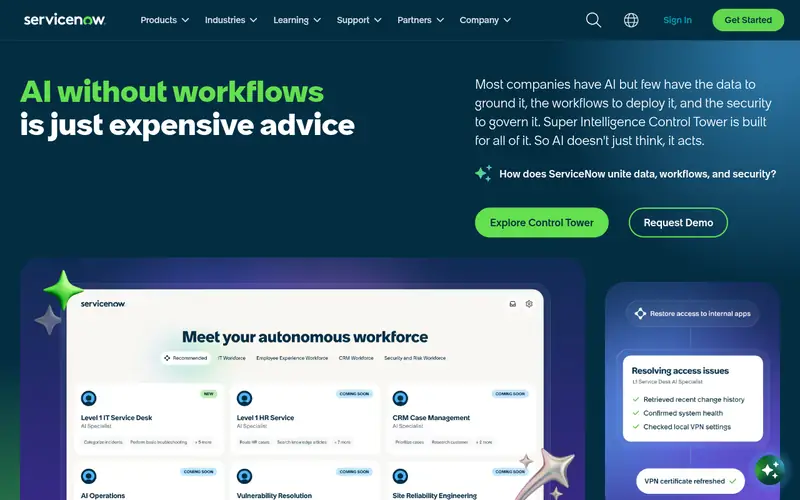
ServiceNow Time Card

Teams already running ServiceNow ITSM

  • Native to ServiceNow records
  • no separate integration to maintain
PriceSee vendor pricing page
See ServiceNow Time Card pricing
servicenow.comHomepage, Nov 2026
ServiceNow Time Card homepage

Time Card is the time entry module inside ServiceNow. Agents log hours against tasks, incidents, problems and change requests, and the data stays in the same platform as the records. That removes the need to sync hours between systems. It is part of the ServiceNow platform, so you get it only by buying the relevant ServiceNow packages. Pricing is quote-based. ServiceNow publishes package tiers rather than a per-seat time tracking price, so confirm the current bundle with the vendor. Setup usually involves configuring time sheets, approval rules and charge codes. Skip it if you do not run ServiceNow, or if you want a cheap standalone tracker for a small team. The platform cost is high for time tracking alone.

Price: See vendor pricing page

Free plan: No

Website: servicenow.com

Watch out for

  • Not sold standalone
  • requires a ServiceNow subscription
2

Harvest

Small teams billing client hours
See vendor pricing page
getharvest.comHomepage, Nov 2026
Harvest homepage

Harvest is a standalone time tracker built around projects, clients and invoices. Teams that log ServiceNow work for billing can track hours in Harvest and map projects to ServiceNow records. Harvest has a public API, so a custom sync or a middleware tool can push entries into ServiceNow. The product is priced per seat with a monthly plan. Harvest publishes its plans on its pricing page, and the entry tier covers a small number of active projects. Reporting covers project budgets, team capacity and billable amounts. Skip Harvest if you need time entries to appear on ServiceNow records in real time. The link is custom work, not a built-in connector.

Free plan: Free trial (30 days)

Website: getharvest.com

Strengths

  • Simple timer and timesheet workflow
  • clear project and client reporting

Watch out for

  • No native ServiceNow connector
  • needs API or middleware work
3

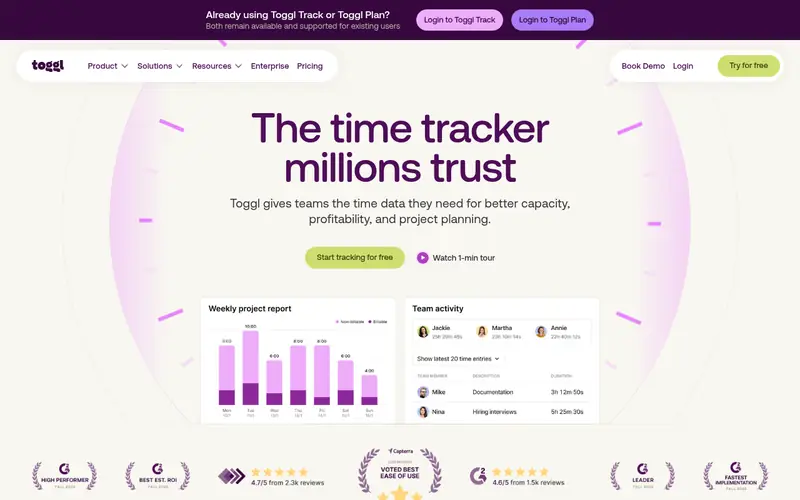
Toggl Track

Individuals and teams wanting a fast timer
See vendor pricing page
toggl.comHomepage, Nov 2026
Toggl Track homepage

Toggl Track is a timer-first time tracker. Users start a timer, tag the entry and assign it to a project. For ServiceNow work, teams can tag entries with ticket numbers and export or sync them through the API. Toggl Track has a free plan for a small number of users, and paid plans add billable rates, rounding and reporting. The vendor lists current limits on its pricing page. The tool is light on ITSM-specific fields such as assignment groups or SLA data. Skip it if you need approvals tied to ServiceNow workflows. Toggl Track handles time capture well but not the service management process around it.

Free plan: Yes

Website: toggl.com

Strengths

  • Quick start and stop timer
  • broad integration and API options

Watch out for

  • ServiceNow sync is custom
  • limited native ITSM fields
4

Clockify

Budget-conscious teams needing a free tier
See vendor pricing page
clockify.meHomepage, Nov 2026
Clockify homepage

Clockify offers a free plan with unlimited users and basic time tracking, which suits small service desks testing a tracker. Paid tiers add timesheet approvals, billing rates and audit logs. The vendor publishes the plan limits on its pricing page. For ServiceNow, Clockify entries can carry ticket numbers in descriptions or custom fields, and the API can move data into ServiceNow. That is a custom build, not a packaged connector. Skip Clockify if you need formal change or incident linkage. It tracks time well but does not model ServiceNow records.

Free plan: Yes

Website: clockify.me

Strengths

  • Free plan for unlimited users
  • timesheet and reporting features

Watch out for

  • No native ServiceNow integration
  • advanced features are paid
5

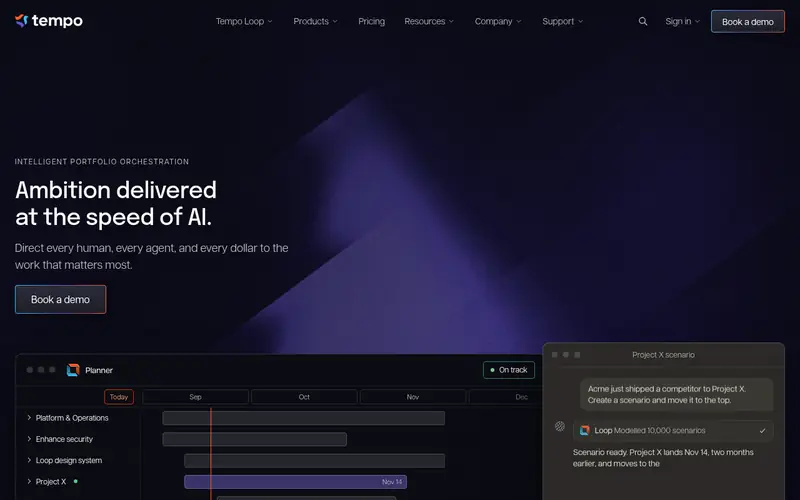
Tempo Timesheets

Teams already using Jira for project work
See vendor pricing page
tempo.ioHomepage, Nov 2026
Tempo Timesheets homepage

Tempo Timesheets is a time tracking app for Jira. Teams that run project work in Jira and service work in ServiceNow can log project hours in Tempo and keep ServiceNow for incident time. Linking the two requires custom integration or a connector. Tempo is priced per user with tiers based on team size. The vendor lists plans on its pricing page. Features include timesheet approvals, budget tracking and reports. Skip Tempo if ServiceNow is your only work platform. It is a Jira add-on, and the ServiceNow side is not native.

Free plan: Free trial (30 days)

Website: tempo.io

Strengths

  • Strong project and portfolio time reporting
  • approval workflows

Watch out for

  • Built for Jira, not ServiceNow
  • ServiceNow link needs custom work
6

Adobe Workfront

Large teams managing project portfolios
See vendor pricing page
Adobe WorkfrontHomepage image unavailable

Workfront is a work management platform with time tracking tied to projects, tasks and portfolios. Large organizations that run ServiceNow for service management and Workfront for project delivery can track project hours in Workfront and keep service hours in ServiceNow. Workfront is quote-based and aimed at larger teams. Setup takes planning. There is no native ServiceNow time connector, so any link is custom. Skip Workfront if you need a simple tracker. It is a portfolio platform, not a lightweight time tool.

Free plan: No

Website: adobe.com/workfront.html

Strengths

  • Deep project and resource time tracking
  • portfolio reporting

Watch out for

  • High cost and setup
  • no native ServiceNow time sync
7

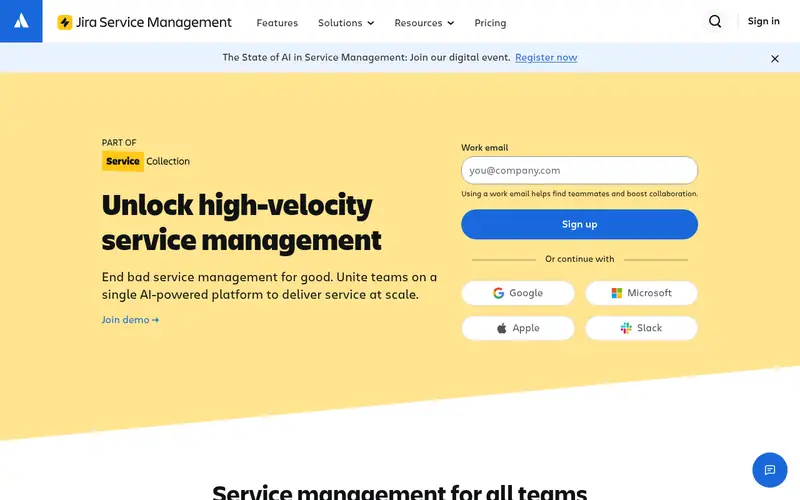
Jira Service Management

Teams comparing ServiceNow alternatives
See vendor pricing page
atlassian.comHomepage, Nov 2026
Jira Service Management homepage

Jira Service Management is a service desk platform with time tracking on requests and issues. Teams that split work between ServiceNow and Jira can log time in Jira for the work handled there. It is a separate platform, not an add-on to ServiceNow. Atlassian publishes per-agent pricing and a free tier with limited agents on its pricing page. Time tracking appears on issues, and reports cover logged hours. Skip it if you want one system. Running both ServiceNow and Jira means two places to check time.

Free plan: Yes

Website: atlassian.com/software/jira/service-management

Strengths

  • Built-in time tracking on requests and issues
  • free tier for small teams

Watch out for

  • Not a ServiceNow add-on
  • separate platform from ServiceNow

Pre-purchase checklist

  • Confirm whether the tool has a native ServiceNow connector or only an API.
  • Check how time entries map to incidents, problems, changes and tasks.
  • Verify the per-user price at your team size, including any minimum seats.
  • Review approval and audit features if you need timesheet sign-off.
  • Test the reporting you need before you commit to an annual plan.

FAQ

Does ServiceNow have built-in time tracking?

Yes. ServiceNow includes a Time Card module for logging hours against tasks and records. It is part of the ServiceNow platform and is not sold as a standalone time tracking product, so you need a ServiceNow subscription to use it.

Can I connect Harvest or Toggl Track to ServiceNow?

Both have public APIs, so a custom sync or middleware can send time entries into ServiceNow. Neither vendor lists a packaged ServiceNow connector as of this writing. Plan for setup work and ongoing maintenance if you take this route.

Is there a free option for ServiceNow time tracking?

Clockify and Toggl Track offer free plans with limits on users or features. ServiceNow Time Card is not free; it comes with a paid ServiceNow subscription. Check each vendor's pricing page for current free plan limits.

What is the difference between native and integrated time tracking?

Native time tracking runs inside ServiceNow, so entries sit on the same records as incidents and changes. Integrated tracking runs in a separate tool and sends data to ServiceNow through an API. Native is simpler to maintain; integrated tools often have better timers and reporting.

Which tool is best for billing client hours from ServiceNow work?

Harvest is built around projects, clients and invoices, so it suits teams that bill for service hours. You track time in Harvest and map projects to ServiceNow records. Confirm the sync approach with your admin before rollout.