How we rank
Productivity · Researched comparison

Best Time Tracking for Smartsheet in 2026

TaskReports may earn a fee from some links on this page, and some placements are paid and labelled. Neither one decides the order. See our disclosure.

The short answer

Harvest is the first pick for teams that bill client hours and want a clean timer plus invoicing next to Smartsheet. Toggl Track suits people who mostly need simple timers and reports, and Clockify suits larger teams that want a free tier with unlimited users. All three connect to Smartsheet through integrations or the API, not a native module, so plan how hours will flow back into your sheets.

On this page

Key takeaways

  • Smartsheet has no native timesheet module, so teams pair it with a standalone tracker that logs hours against sheets, projects or clients.
  • Harvest, Toggl Track and Clockify offer free entry points; Harvest has a free plan limited to two projects and one seat.
  • Most tools on this list integrate through Zapier, the Smartsheet API or a direct connector rather than a built-in Smartsheet app.
  • Entry prices range from free plans to paid seats, so confirm current rates on each vendor pricing page before you buy.

Quick comparison

ToolBest fitStarting price
HarvestClient billing and invoicing teamsSee vendor pricing page
Toggl TrackSimple timers and time reportsSee vendor pricing page
ClockifyLarge teams wanting a free tierSee vendor pricing page
HubstaffRemote teams needing activity dataSee vendor pricing page
EverhourTeams tracking time inside project toolsSee vendor pricing page
TimeCampAutomatic tracking and billing ratesSee vendor pricing page
DeskTimeAutomatic tracking for office and remote teamsSee vendor pricing page
PaymoSmall teams combining tasks, time and invoicesSee vendor pricing page

How we chose

We picked tools that are standalone time trackers and can work alongside Smartsheet through integrations, exports or the API. Criteria were fit for project and client hours, published entry price, free access, and main limits such as seat or project caps. Sources are vendor websites and public documentation. Prices change, so confirm current rates on each vendor pricing page before buying.

★ Best overall

Harvest

Client billing and invoicing teams

  • Built-in invoicing
  • clean timer and reports
PriceSee vendor pricing page
See Harvest pricing
getharvest.comHomepage, Nov 2026
Harvest homepage

Harvest is a time tracking and invoicing tool aimed at agencies and client-service teams. You track hours against projects and tasks, then turn them into invoices. For Smartsheet users, the fit is teams that keep project schedules in Smartsheet but bill hours from a separate tracker. Harvest connects to other apps through its API and integrations, so hours can be pushed to Smartsheet rows with setup work. The free plan covers two projects and one seat, which suits a solo freelancer testing the workflow. Paid plans add more projects, team seats and reporting. Harvest does not include a native Smartsheet integration, so expect to use Zapier or the API. Skip it if you need unlimited free users or deep two-way sync with Smartsheet without configuration.

Price: See vendor pricing page

Free plan: Yes

Website: getharvest.com

Watch out for

  • Free plan limited to two projects and one seat
  • no native Smartsheet app
2

Toggl Track

Simple timers and time reports
See vendor pricing page
toggl.comHomepage, Nov 2026
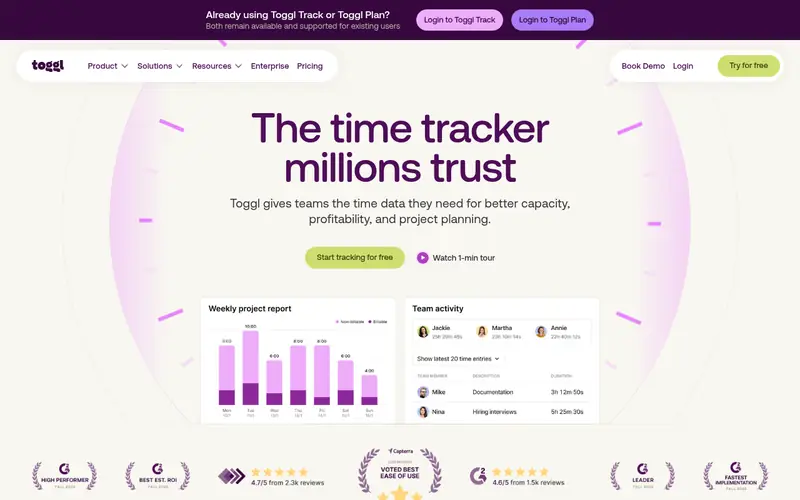
Toggl Track homepage

Toggl Track is a lightweight time tracker with a strong timer and reporting focus. Teams that plan work in Smartsheet can run Toggl Track alongside it and export or sync time entries. The free plan covers basic tracking for small teams, and paid tiers add billable rates, rounding and more reports. It suits people who want minimal setup and a timer that works across desktop and mobile. Toggl Track integrates with many tools and offers an API, so connecting time data to Smartsheet is possible but not native. Skip it if you need full invoicing or detailed project budgeting built in.

Free plan: Yes

Website: toggl.com

Strengths

  • Fast one-click timer
  • broad integration list

Watch out for

  • Limited free plan features
  • invoicing is basic
3

Clockify

Large teams wanting a free tier
See vendor pricing page
clockify.meHomepage, Nov 2026
Clockify homepage

Clockify offers a free plan with unlimited users and unlimited tracking, which makes it a common choice for larger teams. It has timesheet views, project and client tracking, and reporting. For Smartsheet users, Clockify can act as the hours layer while Smartsheet holds the project plan. Paid tiers add admin controls, billing rates and more reports. There is no native Smartsheet integration, so plan on exports, Zapier or the API. It suits teams that want a low-cost start and can accept a busier interface. Skip it if you need polished invoicing or very simple screens.

Free plan: Yes

Website: clockify.me

Strengths

  • Free plan with unlimited users
  • timesheet views

Watch out for

  • Advanced features are paid
  • interface can feel busy
4

Hubstaff

Remote teams needing activity data
See vendor pricing page
hubstaff.comHomepage, Nov 2026
Hubstaff homepage

Hubstaff combines time tracking with activity monitoring, screenshots and project budgets. It fits teams that manage remote or contract workers and want proof of hours alongside Smartsheet project plans. You can track time against projects and clients, then review reports. There is no free plan, only a trial, so cost starts at the paid tier. Hubstaff connects to other tools through integrations and an API, so pushing hours to Smartsheet takes setup. Skip it if monitoring features would create trust issues or if you only need a simple timer.

Free plan: Free trial (14 days)

Website: hubstaff.com

Strengths

  • Activity and screenshot options
  • project budgets

Watch out for

  • No free plan
  • monitoring may not suit all teams
5

Everhour

Teams tracking time inside project tools
See vendor pricing page
everhour.comHomepage, Nov 2026
Everhour homepage

Everhour focuses on time tracking inside project management tools, with budgets, estimates and reports. It suits teams that want hours tied to project budgets and can connect Everhour to Smartsheet through integrations or the API. Pricing starts at a paid tier after a trial. Everhour is strong for budget visibility but does not offer a native Smartsheet module. Skip it if you need a free plan or only occasional tracking.

Free plan: Free trial (14 days)

Website: everhour.com

Strengths

  • Budget and estimate tracking
  • integrates with many project tools

Watch out for

  • No free plan
  • Smartsheet needs integration setup
6

TimeCamp

Automatic tracking and billing rates
See vendor pricing page
timecamp.comHomepage, Nov 2026
TimeCamp homepage

TimeCamp offers automatic time tracking, timesheets and billing rates. It can run beside Smartsheet so project plans stay in Smartsheet while hours are captured in TimeCamp. The free plan is limited, and paid tiers add invoicing, budgets and integrations. It suits teams that want automatic capture rather than manual timers. There is no native Smartsheet integration, so use exports, Zapier or the API. Skip it if you need a very simple free tool or native Smartsheet sync.

Free plan: Yes

Website: timecamp.com

Strengths

  • Automatic time capture
  • billing rate support

Watch out for

  • Free plan is limited
  • setup takes time
7

DeskTime

Automatic tracking for office and remote teams
See vendor pricing page
desktime.comHomepage, Nov 2026
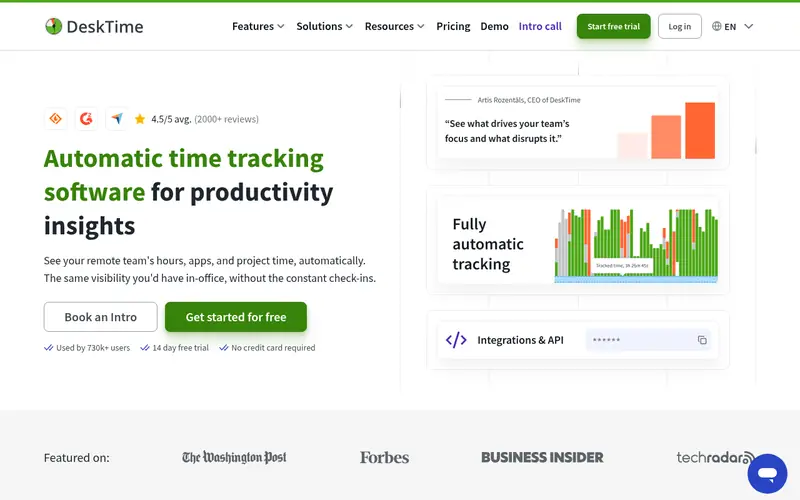
DeskTime homepage

DeskTime tracks time automatically and reports on productivity and app use. It fits teams that want passive tracking alongside Smartsheet plans. The free plan is limited, and paid tiers add more reporting and admin features. DeskTime does not have a native Smartsheet integration, so hours move through exports or the API. It suits managers who want automatic data. Skip it if staff would object to monitoring or if you need client invoicing.

Free plan: Yes

Website: desktime.com

Strengths

  • Automatic tracking
  • productivity reports

Watch out for

  • Limited free plan
  • monitoring focus
8

Paymo

Small teams combining tasks, time and invoices
See vendor pricing page
paymoapp.comHomepage, Nov 2026
Paymo homepage

Paymo combines task management, time tracking and invoicing for small teams and freelancers. It can sit beside Smartsheet, with Paymo handling hours and billing and Smartsheet holding the project schedule. The free plan covers a small team, and paid tiers add more users and features. Paymo has no native Smartsheet integration, so syncing relies on exports, Zapier or the API. It suits small teams that want one tool for tasks, time and invoices. Skip it if you need unlimited free users or deep Smartsheet sync.

Free plan: Yes

Website: paymoapp.com

Strengths

  • Tasks, time and invoicing in one
  • client management

Watch out for

  • Free plan limited to a small team
  • no native Smartsheet app

Pre-purchase checklist

  • Confirm how the tool connects to Smartsheet: native app, Zapier, API or export.
  • Check whether the free plan caps seats, projects or tracked hours.
  • Verify that billable rates and invoicing match your client workflow.
  • Test how time entries map to Smartsheet rows, columns and sheets.
  • Review data export options so hours are not locked in.

FAQ

Does Smartsheet have built-in time tracking?

Smartsheet does not include a native timesheet module. Teams track hours in a separate tool and connect it through integrations, the API or exports.

Which tool is best for billing client hours with Smartsheet?

Harvest is a strong fit because it combines a timer with invoicing. You keep project plans in Smartsheet and bill from Harvest.

Is there a free option for Smartsheet time tracking?

Clockify offers a free plan with unlimited users. Harvest and Toggl Track also have free plans with limits, so check the caps before relying on them.

Can these tools sync time entries to Smartsheet automatically?

Some can through Zapier or the API, but none listed here has a native Smartsheet module. Automatic sync requires setup and testing.

Do I need a paid plan for a small team?

Not always. Free plans from Harvest, Toggl Track, Clockify, TimeCamp, DeskTime and Paymo cover small teams with limits. Paid tiers add seats, reports and billing features.