How we rank
Productivity · Researched comparison

Best Time Tracking Software That Integrates With Stripe in 2026

TaskReports may earn a fee from some links on this page, and some placements are paid and labelled. Neither one decides the order. See our disclosure.

The short answer

Harvest is the first pick for freelancers and small teams that bill by the hour and want tracked time to flow into Stripe-paid invoices. It keeps time tracking and payment collection close together without a full accounting suite. FreshBooks suits readers who also want bookkeeping and expense tracking. Zoho Invoice fits very small operations that want a free starting point with Stripe payments on time-based invoices.

On this page

Key takeaways

  • Harvest connects tracked hours to Stripe invoices so clients can pay by card without a separate payment tool.
  • FreshBooks bundles time tracking, invoicing and Stripe payments in one accounting product, with a free plan limited to a small number of clients.
  • Zoho Invoice is free for small client counts and accepts Stripe payments on invoices that include billable time.
  • Most tools here charge per user per month, so the entry price depends on team size and billing tier.

Quick comparison

ToolBest fitStarting price
HarvestFreelancers and small teams billing hourlySee vendor pricing page
FreshBooksSmall businesses wanting billing and accounting togetherSee vendor pricing page
Zoho InvoiceVery small teams wanting free invoicing with time trackingSee vendor pricing page
XeroSmall businesses wanting accounting with project timeSee vendor pricing page
QuickBooks OnlineBusinesses already using QuickBooks for accountingSee vendor pricing page
Invoice NinjaFreelancers wanting open-source invoicing with time trackingSee vendor pricing page
PaymoSmall teams wanting time tracking and invoicing togetherSee vendor pricing page

How we chose

We selected products that combine time tracking with Stripe payment support for invoices, based on vendor documentation and public pricing pages. Criteria were fit for the use case, entry price clarity, free access and main limits. We did not run hands-on tests or collect user reviews. Prices and plan features change, so confirm details on each vendor site before buying.

★ Best overall

Harvest

Freelancers and small teams billing hourly

  • Time tracking ties directly to invoices
  • Stripe payments can be enabled on invoices
PriceSee vendor pricing page
See Harvest pricing
getharvest.comHomepage, Nov 2026
Harvest homepage

Harvest is a time tracking and invoicing tool built around billable hours. You track time against projects and clients, then turn those hours into invoices. Harvest supports online payment collection, and Stripe is one of the payment options you can connect so clients pay invoices by card. The product is organized around projects, tasks and team timesheets. Rates can be set per project or per person, which matters for agencies that bill different clients at different rates. Invoices pull from tracked time, so the link between hours worked and money collected stays visible. Harvest is a good fit for service businesses that bill by the hour and want a focused tool rather than a full accounting platform. Teams that need payroll, expense management or tax reporting should pair it with accounting software or choose a broader suite. Confirm current Stripe setup steps and plan limits on the vendor site before buying.

Price: See vendor pricing page

Free plan: Free trial (30 days)

Website: getharvest.com

Watch out for

  • Stripe support depends on your plan and setup
  • no full accounting features
2

FreshBooks

Small businesses wanting billing and accounting together

See vendor pricing page
freshbooks.comHomepage, Nov 2026
FreshBooks homepage

FreshBooks is an accounting and invoicing platform with built-in time tracking. You can log hours against clients and projects, then add those hours to invoices. Stripe is supported as a payment method so clients can pay invoices online by card. Because FreshBooks handles expenses, estimates and reports alongside time and billing, it suits small businesses that want one system rather than several. The time tracking is simpler than dedicated tools, so heavy timesheet users may find it basic. FreshBooks offers a free plan, but it caps the number of clients you can bill, which limits it for growing firms. Paid tiers raise client and team limits. Check the current plan comparison on the vendor site, since features and caps change. Skip it if you only need time tracking and already have accounting covered.

Free plan: Yes

Website: freshbooks.com

Strengths

  • Combines time tracking, invoicing and accounting
  • accepts Stripe payments on invoices

Watch out for

  • Free plan limits the number of billable clients
  • higher tiers needed for more team members
3

Zoho Invoice

Very small teams wanting free invoicing with time tracking
See vendor pricing page
zoho.comHomepage, Nov 2026
Zoho Invoice homepage

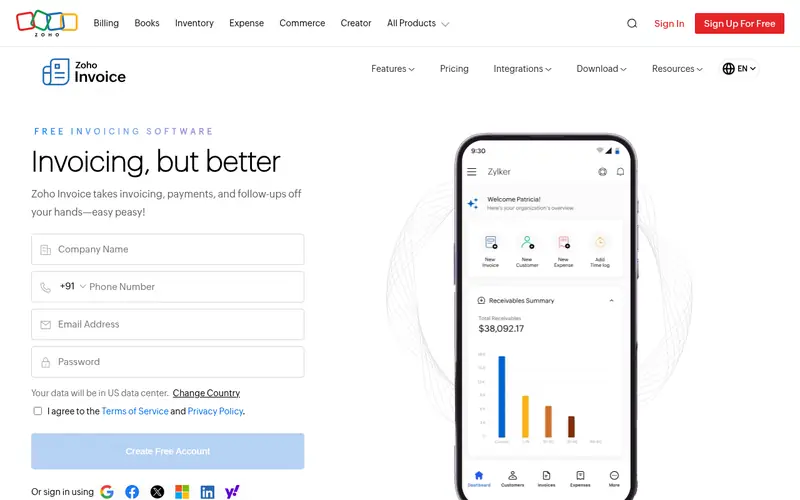
Zoho Invoice is a free invoicing product from Zoho. It includes time tracking so you can log billable hours against projects and clients, then add them to invoices. Stripe is one of the payment gateways you can enable so clients pay invoices online. The free plan is aimed at small operations and caps the number of customers you can manage. For freelancers and tiny teams, that cap is often enough. Larger firms will hit the limit and need a paid Zoho product or a different tool. Time tracking here is functional rather than deep. It covers projects, tasks and billable rates but lacks some of the reporting depth of dedicated time tools. It fits readers who want a free starting point with Stripe payments and simple hour tracking. Confirm the current customer cap and gateway setup on the vendor site.

Free plan: Yes

Website: zoho.com/invoice

Strengths

  • Free for small client counts
  • Stripe payments on invoices that include billable time

Watch out for

  • Part of the wider Zoho ecosystem
  • fewer time tracking features than dedicated tools
4

Xero

Small businesses wanting accounting with project time
See vendor pricing page
xero.comHomepage, Nov 2026
Xero homepage

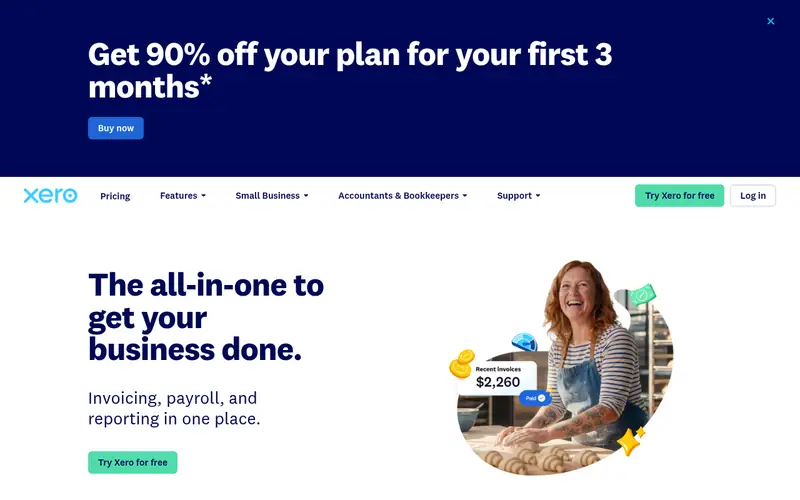
Xero is cloud accounting software with invoicing, expenses and project tracking. Its project features let you record time and expenses against jobs, then bill them. Stripe can be connected as a payment service so invoices are paid online by card. Xero is strongest as an accounting hub. Time tracking supports billing but is not as detailed as dedicated timesheet tools. Businesses that already run accounting in Xero can keep billing and hours in one system. Plan structure matters here: project and time features depend on the tier you choose. Small firms often start on a lower plan and upgrade as needs grow. Check which plan includes projects and how Stripe is connected. Skip it if you want deep time reporting rather than accounting.

Free plan: Free trial (30 days)

Website: xero.com

Strengths

  • Accounting and invoicing in one place
  • Stripe payments can be connected for online invoice payment

Watch out for

  • Time tracking is basic
  • project time features need the right plan
5

QuickBooks Online

Businesses already using QuickBooks for accounting
See vendor pricing page
quickbooks.intuit.comHomepage, Nov 2026
QuickBooks Online homepage

QuickBooks Online is accounting software with invoicing, expenses and time tracking. You can record billable hours against customers and add them to invoices. Stripe can be connected as a payment option so clients pay invoices by card. The time tracking is practical for service businesses that already keep books in QuickBooks. It is not a full project management tool, so teams with complex billing rules may need more. The main value is keeping hours, invoices and accounts in one place. Feature access varies by plan, and some time and project options sit on higher tiers. Entry pricing depends on the current promotion and tier. Confirm which plan includes time tracking and how Stripe payments are configured. It suits existing QuickBooks users more than new buyers comparing time tools.

Free plan: Free trial (30 days)

Website: quickbooks.intuit.com

Strengths

  • Time tracking alongside accounting and invoicing
  • Stripe payments can be enabled on invoices

Watch out for

  • Time tracking is limited on lower plans
  • full features need higher tiers
6

Invoice Ninja

Freelancers wanting open-source invoicing with time tracking
See vendor pricing page
Invoice NinjaHomepage image unavailable

Invoice Ninja is invoicing software with built-in time tracking. You log hours against clients and tasks, then convert them into invoices. Stripe is supported as a payment gateway so clients can pay online. The product appeals to freelancers and small firms that want control over their billing stack. A self-hosted option exists for users who prefer to run their own instance. The hosted free plan has limits, and paid tiers add features and capacity. Time tracking covers the basics: tasks, billable rates and invoice conversion. It is not as detailed as dedicated time tools for large teams. Readers who want a low-cost or open-source path to Stripe-paid invoices should look closely. Confirm current plan limits and gateway support on the vendor site.

Free plan: Yes

Website: invoiceninja.com

Strengths

  • Time tracking built into invoicing
  • Stripe supported as a payment gateway

Watch out for

  • Interface less polished than larger suites
  • advanced features need a paid plan
7

Paymo

Small teams wanting time tracking and invoicing together
See vendor pricing page
paymoapp.comHomepage, Nov 2026
Paymo homepage

Paymo combines project management, time tracking and invoicing. You track time against tasks and projects, then create invoices from billable hours. Stripe is supported so clients can pay invoices online by card. The tool suits small teams that want time, tasks and billing in one place without a separate accounting suite. Timesheets, estimates and invoices are linked, which keeps billable work visible. The free plan is limited in users and features, so growing teams move to paid tiers. Invoicing and payment options can vary by plan, so check what is included. Paymo is a reasonable middle ground for agencies that want more project structure than a pure time tracker. Confirm current limits and Stripe setup on the vendor site.

Free plan: Yes

Website: paymoapp.com

Strengths

  • Time tracking, tasks and invoicing in one tool
  • Stripe supported for online invoice payments

Watch out for

  • Free plan caps users and features
  • some billing options sit on paid tiers

Pre-purchase checklist

  • Confirm Stripe is supported on the plan you intend to buy, not just on higher tiers.
  • Check how tracked hours convert to invoices and whether billable rates can be set per client.
  • Review the free plan limits, such as client caps or user counts, before relying on them.
  • Confirm the per-user or per-company pricing model so you can estimate monthly cost.
  • Check whether the tool handles taxes, currencies and payment fees the way your business needs.

FAQ

Does Harvest integrate with Stripe?

Harvest supports online payment collection on invoices, and Stripe is one of the payment options you can connect. Setup and availability can depend on your plan and region. Check the vendor's payment documentation for current steps before you rely on it for client billing.

Can I track time and get paid by card in one tool?

Yes. The products here combine time tracking with invoicing and Stripe payments. You log hours, convert them to an invoice and let clients pay by card. The depth of time tracking varies, so match the tool to how detailed your billing needs are.

Which option is best for a solo freelancer?

Harvest is a strong fit for hourly freelancers who want a focused time and invoicing tool. Zoho Invoice and Invoice Ninja are lower-cost starting points if you want free or open-source options. Compare client caps and Stripe support on each plan before choosing.

Do these tools replace accounting software?

Most do not. Harvest, Paymo and Invoice Ninja focus on time and billing. FreshBooks, Xero and QuickBooks Online include accounting features. If you need tax reporting and bookkeeping, choose an accounting-capable product or pair a time tool with accounting software.

Are the prices fixed?

No. Vendors change prices and plan features, and many charge per user or per company. Entry prices also depend on promotions. Treat any figure as a starting point and confirm the current price on the vendor's pricing page before you buy.