How we rank
Productivity · Researched comparison

Best Time Tracking Software With Idle Detection in 2026

TaskReports may earn a fee from some links on this page, and some placements are paid and labelled. Neither one decides the order. See our disclosure.

The short answer

Hubstaff is the first pick for teams that want idle detection combined with activity tracking and screenshots. It suits managers who need records of both active and idle time. Toggl Track is a lighter choice for freelancers who only need a simple idle prompt. Time Doctor fits teams that want detailed activity monitoring alongside idle alerts. All three charge per user, and each handles idle time in a different way.

On this page

Key takeaways

  • Hubstaff is the first pick for teams that want idle detection tied to screenshots and activity levels.
  • Most tools on this list charge per user per month, and several offer a free trial instead of a free plan.
  • Idle handling differs: some tools prompt the user to keep or discard idle time, others log it automatically.
  • Confirm current prices and free plan limits on each vendor page before you buy.

Quick comparison

ToolBest fitStarting price
HubstaffTeams that pair idle alerts with activity trackingSee vendor pricing page
Toggl TrackFreelancers and small teams that want simple idle promptsSee vendor pricing page

Time DoctorTeams that want detailed activity monitoring with idle alertsSee vendor pricing page
ClockifyBudget-conscious teams that want idle detection in a free toolSee vendor pricing page
DeskTimeTeams that want automatic idle time trackingSee vendor pricing page
InsightfulTeams that need workforce analytics with idle time dataSee vendor pricing page
VeriatoOrganizations that need monitoring with idle time recordsSee vendor pricing page

How we chose

We selected tools that document idle detection as a feature and that fit common time tracking needs. Criteria included fit for the use case, published entry pricing where available, free access through a plan or trial, and the main limits of each product. Sources are vendor websites and public documentation. Prices and plan details change, so confirm current terms on the vendor site before buying.

★ Best overall

Hubstaff

Teams that pair idle alerts with activity tracking

  • Idle detection with configurable alerts
  • Combines idle time with activity and screenshot records
PriceSee vendor pricing page
See Hubstaff pricing
hubstaff.comHomepage, Nov 2026
Hubstaff homepage

Hubstaff records keyboard and mouse activity and flags idle periods when activity drops. Users get a prompt to keep or discard idle time, and the result feeds into timesheets and reports. Idle detection sits alongside optional screenshots and app and URL tracking, so it fits teams that want a fuller record of the workday. Plans are priced per user per month, and the entry plan limits features such as screenshots and activity tracking to higher tiers. A 14-day free trial is offered. Teams that only need a simple timer without activity monitoring should look at a lighter tool.

Price: See vendor pricing page

Free plan: Free trial (14 days)

Website: hubstaff.com

Watch out for

  • Per-user pricing adds up for large teams
  • Screenshots and activity data may not suit every workplace
2

Toggl Track

Freelancers and small teams that want simple idle prompts
See vendor pricing page
toggl.comHomepage, Nov 2026
Toggl Track homepage

Toggl Track detects when the timer has been running with no activity and asks the user whether to keep or discard the idle time. This keeps timesheets closer to reality without heavy monitoring. The tool is built around a simple timer, so it suits freelancers and small teams that want a light touch. A free plan is available for small teams, and paid plans add features such as billable rates and reporting. It does not offer the same depth of activity or screenshot tracking as monitoring-focused tools. Teams that need detailed activity records should compare other options.

Free plan: Yes

Website: toggl.com/track

Strengths

  • Idle detection prompts users to keep or discard time
  • Simple interface with a free plan for small teams

Watch out for

  • Limited activity monitoring compared with monitoring-focused tools
  • Advanced features require paid plans
3

Time Doctor

Teams that want detailed activity monitoring with idle alerts
See vendor pricing page
timedoctor.comHomepage, Nov 2026
Time Doctor homepage

Time Doctor tracks activity levels and shows a pop-up when a user appears idle, asking whether to continue or stop the timer. It also reports on app and website usage, which helps managers see how time is spent. The combination suits teams that want both idle handling and broader activity data. Pricing is per user per month, and a free trial is offered. The level of monitoring is more than some teams need, and it may not fit workplaces where detailed activity tracking is not appropriate. Smaller teams that only need idle prompts can start with a simpler tool.

Free plan: Free trial (14 days)

Website: timedoctor.com

Strengths

  • Idle alerts with pop-up prompts
  • Detailed activity and app usage reports

Watch out for

  • Monitoring depth may feel heavy for some teams
  • Per-user pricing applies
4

Clockify

Budget-conscious teams that want idle detection in a free tool
See vendor pricing page
clockify.meHomepage, Nov 2026
Clockify homepage

Clockify offers a free plan for unlimited users, and its timer includes idle detection that prompts users when activity stops. This makes it a low-cost entry point for teams that want basic idle handling without a per-user fee at the start. Paid plans add features such as scheduling and more detailed reporting. The free plan covers core time tracking, but some controls are limited. Teams that need deep activity monitoring should compare tools built around monitoring rather than a free timer.

Free plan: Yes

Website: clockify.me

Strengths

  • Free plan for unlimited users
  • Idle detection available in the timer

Watch out for

  • Some advanced features are limited to paid plans
  • Reporting depth varies by plan
5

DeskTime

Teams that want automatic idle time tracking
See vendor pricing page
desktime.comHomepage, Nov 2026
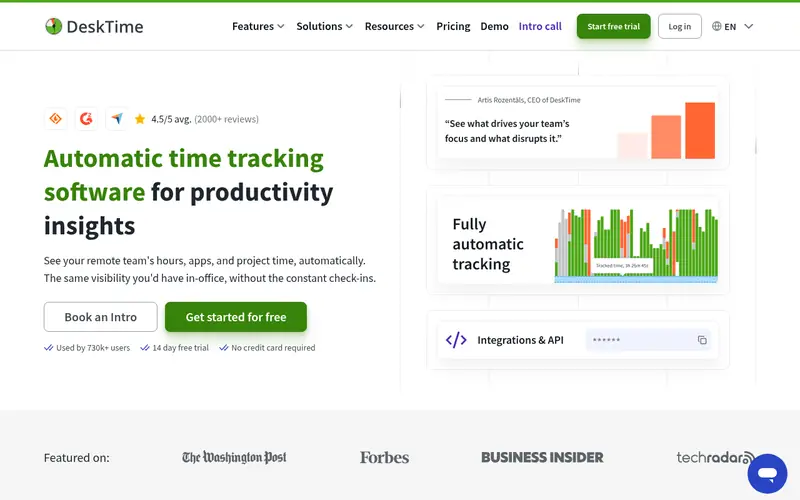
DeskTime homepage

DeskTime tracks active and idle time automatically in the background, without requiring users to start a timer. It reports on productivity, app usage, and time distribution. This suits teams that want passive tracking and clear idle records. The tool is priced per user, and a free trial is available. Because tracking runs automatically, teams should set clear expectations with staff about monitoring. Organizations that prefer manual timers with simple prompts may find it heavier than needed.

Free plan: Free trial (14 days)

Website: desktime.com

Strengths

  • Automatic tracking of idle and active time
  • Reports on productivity and app usage

Watch out for

  • Automatic tracking may not suit all workplaces
  • Per-user pricing applies
6

Insightful

Teams that need workforce analytics with idle time data
See vendor pricing page
insightful.ioHomepage, Nov 2026
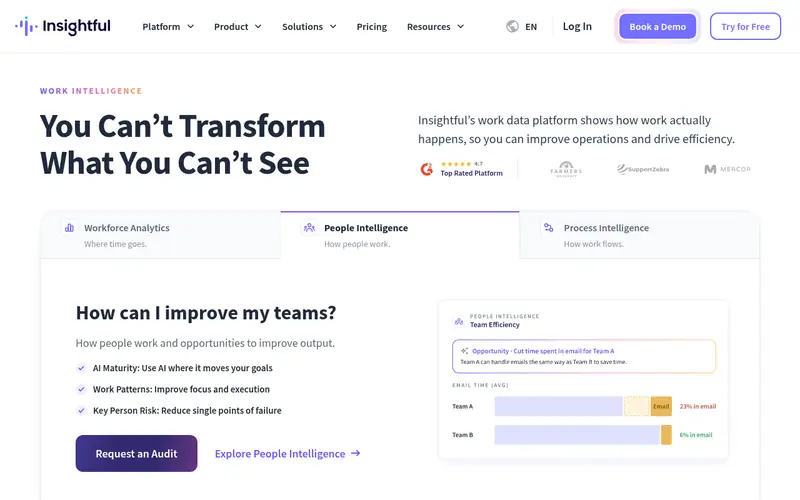
Insightful homepage

Insightful tracks activity and idle time and turns the data into productivity reports. It is aimed at managers who want analytics on how time is used across a team, not just a timer. Idle time is one input in a broader set of workforce metrics. Pricing is not published as a simple per-user rate, so teams need to request a quote. The analytics focus suits larger teams with reporting needs. Small teams that only need idle prompts may find it more than they need.

Free plan: Free trial (N days)

Website: insightful.io

Strengths

  • Idle time tracking with productivity analytics
  • Detailed reports for managers

Watch out for

  • Aimed at larger teams
  • Pricing requires a vendor quote
7

Veriato

Organizations that need monitoring with idle time records
See vendor pricing page
veriato.comHomepage, Nov 2026
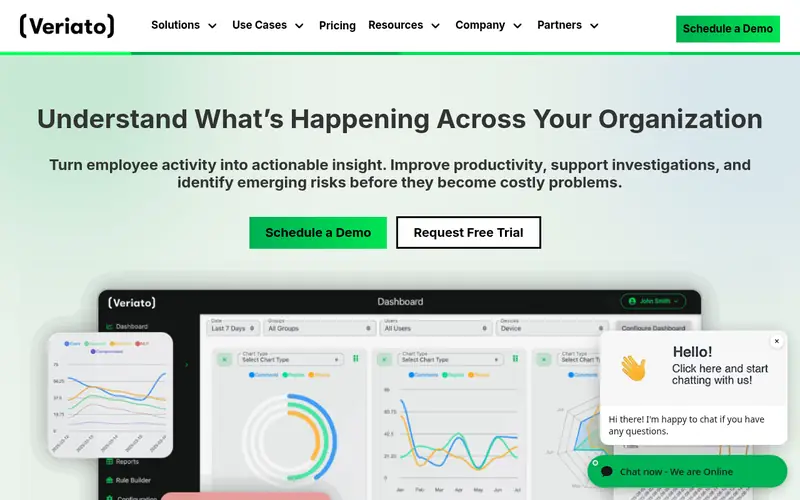
Veriato homepage

Veriato is a monitoring product that records activity, including idle time, as part of its logs. It suits organizations that need detailed records for compliance or oversight. Idle detection is one part of a broader monitoring set. There is no free plan, and pricing is handled through a vendor quote. The product is heavier than a simple time tracker, and it may not fit teams that want a light timer. Organizations should review monitoring policies before adopting it.

Free plan: No

Website: veriato.com

Strengths

  • Records idle and active time as part of monitoring
  • Detailed activity logs

Watch out for

  • Monitoring-focused product with no free plan
  • Pricing requires a vendor quote

Pre-purchase checklist

  • Confirm how the tool handles idle time: prompt, automatic log, or both.
  • Check whether idle detection is included in the entry plan or a higher tier.
  • Review per-user pricing against your team size.
  • Confirm free plan limits or trial length before you start.
  • Set a clear internal policy on monitoring and idle time before rollout.

FAQ

What is idle detection in time tracking software?

Idle detection flags periods when a timer is running but there is no keyboard or mouse activity. The tool may prompt the user to keep or discard that time, or it may log it automatically. This helps keep timesheets closer to actual work.

Does idle detection require screenshots?

No. Some tools pair idle detection with screenshots and activity tracking, while others only prompt the user about idle time. Check the vendor's feature list to see what is included in each plan.

Is there a free time tracker with idle detection?

Clockify offers a free plan for unlimited users, and its timer includes idle detection. Toggl Track also offers a free plan. Free plan features are limited, so confirm what is included before relying on it.

How is idle time handled in reports?

Handling varies by tool. Some record idle time separately from active time, and others let users discard it before it reaches the timesheet. Review sample reports or documentation to see how each tool treats idle time.

Do these tools charge per user?

Most tools on this list charge per user per month on paid plans. A few offer free plans with limits. Confirm the current per-user price and plan limits on the vendor site.