How we rank
Productivity · Researched comparison

Best Time Tracking Software With Screenshots in 2026

TaskReports may earn a fee from some links on this page, and some placements are paid and labelled. Neither one decides the order. See our disclosure.

The short answer

Hubstaff is the first pick for teams that want screenshots tied to timesheets and payroll-ready hours. Time Doctor suits teams that also want detailed activity and distraction reporting. Insightful is a strong alternative for larger teams that need workforce analytics alongside screenshots. All three are paid products with trials, so confirm current limits on each vendor's pricing page before you commit.

On this page

Key takeaways

  • Hubstaff and Time Doctor both combine screenshot capture with activity monitoring and are the most established options for remote teams.
  • Insightful and ActivTrak focus on workforce analytics and can capture screenshots alongside app and URL tracking.
  • Free access varies widely: some tools offer a limited free plan, while others only provide a trial.
  • Screenshot capture is optional in most tools and usually controlled by the workspace admin, not the individual worker.

Quick comparison

ToolBest fitStarting price
HubstaffRemote teams needing screenshots tied to timesheetsSee vendor pricing page
Time DoctorTeams wanting screenshots plus distraction reportingSee vendor pricing page

InsightfulLarger teams needing workforce analytics with screenshotsSee vendor pricing page
ActivTrakAnalytics-led monitoring with optional screenshotsSee vendor pricing page
DeskTimeSmall teams wanting automatic time and screenshot trackingSee vendor pricing page
MonitaskSmall teams wanting screenshots and simple reportsSee vendor pricing page

How we chose

We selected products that list screenshot capture as a time tracking feature, then compared them on fit for the use case, entry price, free access, and main limits. Sources are vendor websites and public documentation. We did not run hands-on tests. Prices and plan limits change, so confirm current terms on each vendor's site before buying.

Best overall

Hubstaff

Remote teams needing screenshots tied to timesheets

  • Screenshots link to timesheets and payroll
  • broad platform support
PriceSee vendor pricing page
See Hubstaff pricing
hubstaff.comHomepage, Nov 2026
Hubstaff homepage

Hubstaff records time against projects and clients and can capture screenshots at set intervals. Screenshots are stored with the time entry, so a manager can review hours and visual activity in one place. The product also tracks activity levels, app and URL use, and supports payroll and invoicing features on higher plans. Plans are tiered by feature set, and screenshot capture is part of the time tracking tiers. The vendor offers a 14-day trial. Pricing is not listed here because tiers change; check the vendor pricing page. Teams that only need simple timers without monitoring should skip it, since the monitoring features add setup and cost.

Price: See vendor pricing page

Free plan: Free trial (14 days)

Website: hubstaff.com

Watch out for

  • Screenshot settings add admin setup
  • activity monitoring may not suit all teams
2

Time Doctor

Teams wanting screenshots plus distraction reporting
See vendor pricing page
timedoctor.comHomepage, Nov 2026
Time Doctor homepage

Time Doctor tracks time by task and project and can take screenshots at intervals set by the admin. It pairs screenshots with reports on app and website use, so managers can see where time went. The tool also supports client billing and payroll exports. The product is aimed at teams and agencies that bill by the hour or manage distributed staff. Plans differ by feature set and user count. A trial is available. Small teams that want a plain timer without monitoring should look elsewhere, and anyone considering it should review the vendor's data and privacy documentation first.

Free plan: Free trial (14 days)

Website: timedoctor.com

Strengths

  • Combines screenshots with app and URL tracking
  • supports payroll and client billing

Watch out for

  • Monitoring depth may be more than small teams need
  • pricing varies by plan
3

Insightful

Larger teams needing workforce analytics with screenshots
See vendor pricing page
insightful.ioHomepage, Nov 2026
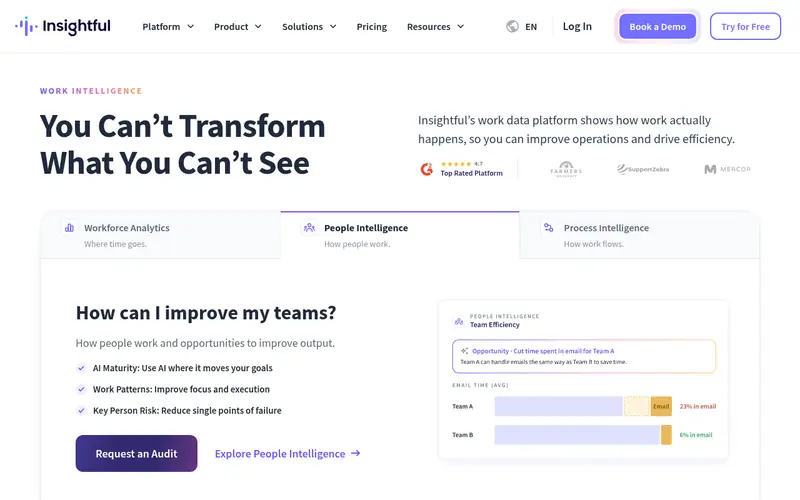
Insightful homepage

Insightful, formerly Workpuls, tracks time and can capture screenshots as part of its monitoring features. It adds attendance tracking, productivity reports, and project time allocation. The focus is on workforce analytics rather than simple timers. The product is built for managed teams and larger organizations. There is no free plan, and pricing is quoted by the vendor based on seats and features. Teams that want a lightweight tool with a free tier should skip it. Review the vendor's monitoring and consent guidance before rolling it out.

Free plan: No

Website: insightful.io

Strengths

  • Strong reporting on productivity and attendance
  • screenshot capture included

Watch out for

  • No free plan
  • setup is aimed at managed teams
4

ActivTrak

Analytics-led monitoring with optional screenshots
See vendor pricing page
activtrak.comHomepage, Nov 2026
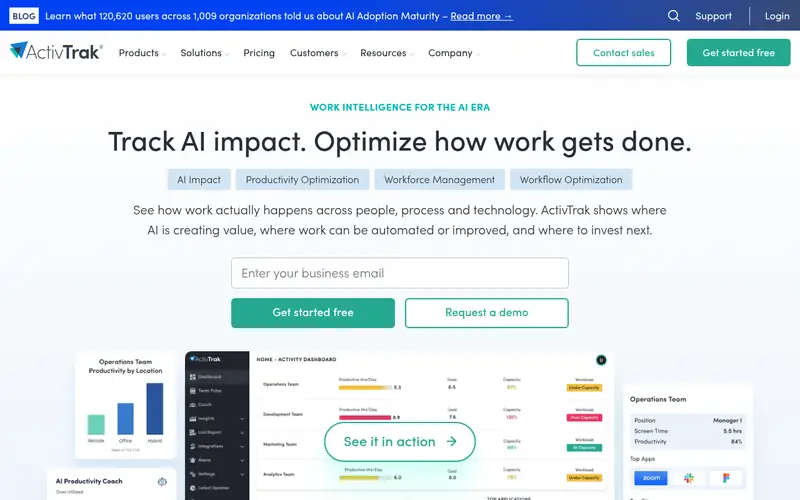
ActivTrak homepage

ActivTrak tracks activity across apps and websites and can capture screenshots on paid plans. It is built around workforce analytics: usage trends, productivity patterns, and team reports. Time tracking is part of that picture rather than the only feature. A free plan is available with limits on features and data retention; confirm current limits on the vendor site. Screenshot capture and advanced reporting sit on paid tiers. Teams that want a simple hourly timer with screenshots may find the analytics layer more than they need.

Free plan: Yes

Website: activtrak.com

Strengths

  • Free plan available
  • strong activity analytics

Watch out for

  • Screenshot features tied to paid tiers
  • analytics focus may exceed simple time tracking needs
5

DeskTime

Small teams wanting automatic time and screenshot tracking
See vendor pricing page
desktime.comHomepage, Nov 2026
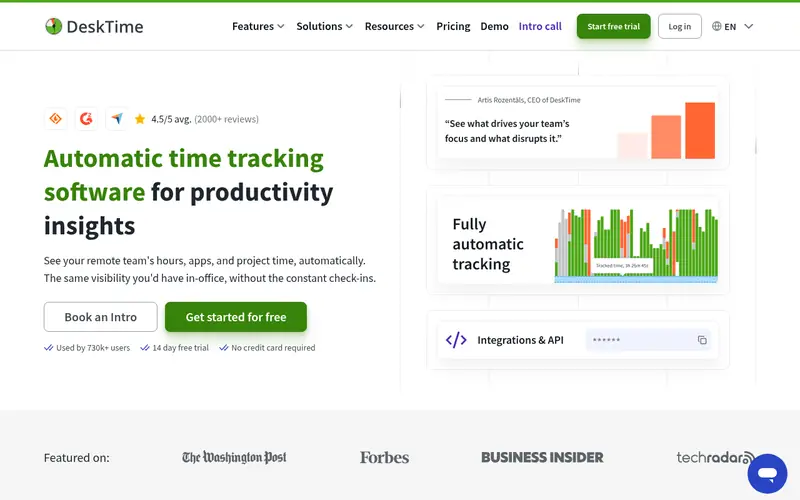
DeskTime homepage

DeskTime tracks time automatically and can take screenshots at intervals. It reports on app and URL use and supports project tracking. The product is aimed at small and mid-sized teams that want low-effort tracking. A free plan exists for a limited number of users with reduced features; check the vendor page for current limits. Paid plans add screenshots, reporting, and integrations. Teams with strict privacy requirements should review the screenshot settings and inform staff before enabling capture.

Free plan: Yes

Website: desktime.com

Strengths

  • Automatic time tracking with screenshots
  • free plan for small teams

Watch out for

  • Free plan limits seats and features
  • screenshot settings need review
6

Monitask

Small teams wanting screenshots and simple reports
See vendor pricing page
monitask.comHomepage, Nov 2026
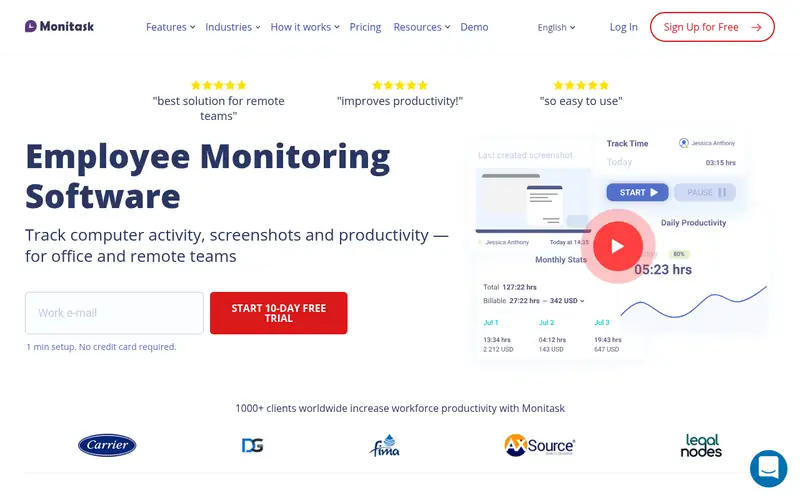
Monitask homepage

Monitask tracks time and can capture screenshots at intervals. It reports on activity, app use, and project time. The product is aimed at small teams and freelancers who want monitoring without a large analytics suite. Plans are priced per user, and a trial is available. The feature set is narrower than the larger platforms, which suits teams that want a focused tool. Confirm current trial length and plan limits on the vendor site.

Free plan: Free trial (varies)

Website: monitask.com

Strengths

  • Screenshot capture with simple reporting
  • easy setup for small teams

Watch out for

  • Fewer integrations than larger rivals
  • pricing varies by plan

Pre-purchase checklist

  • Confirm whether screenshot capture is on by default or must be enabled per workspace.
  • Check how long screenshots are stored and who can view them.
  • Verify the free plan or trial limits, including seat count and feature access.
  • Review the vendor's data handling and consent guidance for monitored staff.
  • Confirm the tool supports the platforms your team uses, such as desktop, mobile, or web.

FAQ

Do these tools take screenshots without the worker knowing?

Most vendors provide settings that control whether workers see capture notices. Policies vary, so review each vendor's documentation and your local rules on monitoring and consent before enabling screenshots.

Is there free time tracking software with screenshots?

Some products offer a free plan, but screenshot features are often limited to paid tiers. ActivTrak and DeskTime list free plans; confirm current limits on their pricing pages, since terms change.

Can I turn screenshots off and still track time?

Yes in most cases. Hubstaff, Time Doctor, and similar tools let an admin disable screenshots while keeping time tracking active. Check the plan settings before you roll out the tool.

How often are screenshots captured?

Intervals are usually set by the workspace admin and can range from a few minutes to longer periods. The exact options depend on the product and plan, so check the vendor's documentation.

Are screenshots suitable for field or shift workers?

Desktop screenshots suit office and remote desk work. For field crews, a GPS or photo-verification time clock app is often a better fit than periodic desktop screenshots.