
Productivity · Researched comparison

Tools for Digital Note Taking: 6 Options Side by Side (2026)

TaskReports may earn a fee from some links on this page, and some placements are paid and labelled. Neither one decides the order. See our disclosure.

The short answer

Our first pick is Apple Notes, best for Apple users who want a built-in app. Obsidian fits private linked notes in plain files; Notion fits structured notes and team workspaces. The full list of 6 tools follows, with prices and free plan facts.

On this page

Key takeaways

  • Apple Notes takes the first slot, best suited to Apple users who want a built-in app.
  • Microsoft OneNote suits Freeform notebooks on any device.
  • What to know about Notion first: plus costs $10 per user per month.
  • A free plan is offered by 6 of the 6 tools, including Apple Notes, Obsidian, Notion and Google Keep.

Quick comparison

ToolBest fitMain limitStarting priceFree tier
---------------
Apple NotesApple users who want a built-in appApple-onlyFreeYes
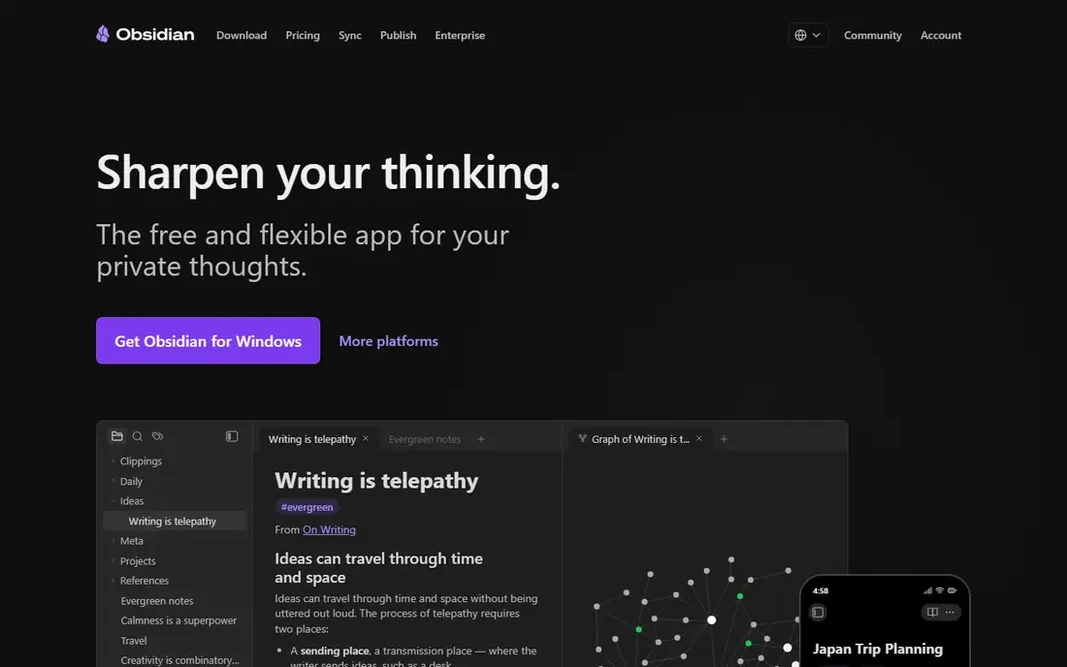
ObsidianPrivate linked notes in plain filesNo real-time collaborationFreeYes
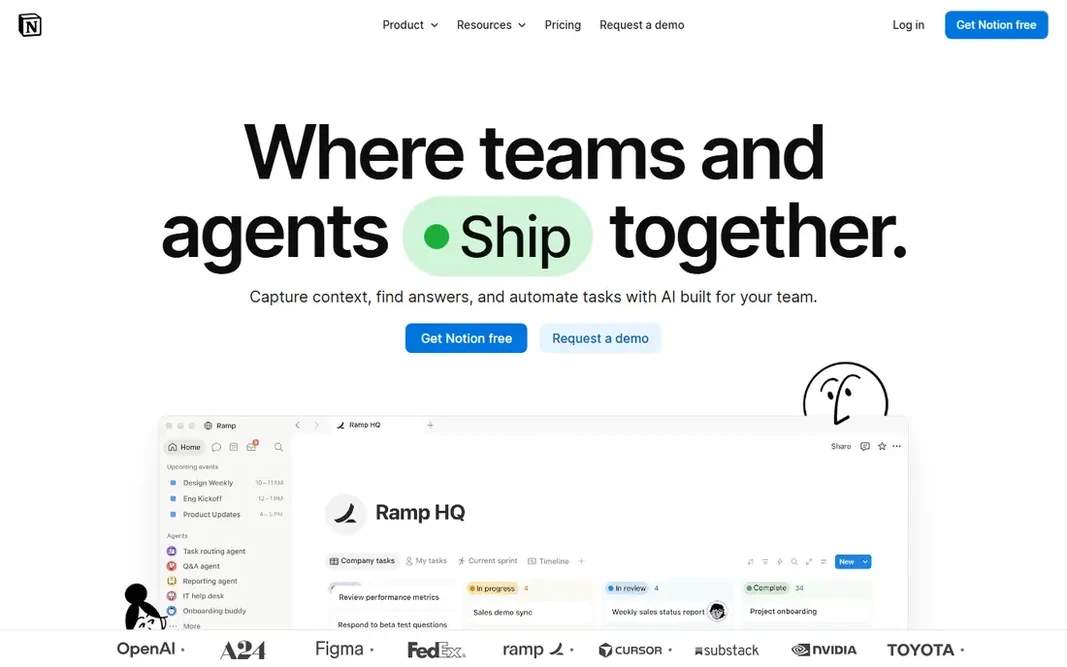
NotionStructured notes and team workspacesLearning curve is steepFreeYes
Google KeepFast notes and listsLimited organizationFreeYes
BearClean Markdown writing on AppleApple-onlyFreeYes
Microsoft OneNoteFreeform notebooks on any deviceOrganization can feel looseFreeYes
★ Best overall

Apple Notes

Apple users who want a built-in app

  • Free with Apple devices
  • Smooth iCloud sync across Apple devices

Apple Notes works best for Apple users who want a built-in app. Recent versions add folders, tags, smart folders, and collaboration, which include most personal note needs without an external app. Beyond that, the limits are ecosystem lock-in. What you pay to start with Apple Notes: Free. Apple Notes includes a free tier. Main advantages: Quick capture. Downsides: Weaker organization than Notion; No Windows or Android app.

Price: Free

Free plan: Yes

Website: apple.com

Watch out for

  • Apple-only
2

Obsidian

Private linked notes in plain files
Free

Obsidian targets private linked notes in plain files. Official sync costs $4 a month billed yearly, and live collaboration is nearly absent without workarounds. From a buyer's view, mobile apps lag behind desktop polish. What you pay to start with Obsidian: Free. Obsidian offers a free plan. Trade-offs to know: Setup takes effort.

Free plan: Yes

Website: obsidian.md

Strengths

  • Plain Markdown files on your disk
  • Free for personal and commercial use

Watch out for

  • No live collaboration
3

Notion

Structured notes and team workspaces
Free

Pick Notion if this describes you: structured notes and team workspaces. Offline access is restricted compared with local apps, and the Plus plan costs $10 per user a month billed yearly, or $12 monthly. What to check first: Offline use is restricted. Worth adding: Notion fits structured work that mixes notes, tasks, and databases. As for the details, pages link to databases, tasks roll up into project views, and teams share workspaces with comments and permissions. Entry price for Notion: Free. A free plan is available with Notion.

Free plan: Yes

Website: notion.com

Strengths

  • Databases, tasks
  • Notes in one workspace

Watch out for

  • Plus costs $10 per user a month
4

Google Keep

Fast notes and lists
Free

Choose Google Keep for fast notes and lists. Google Keep fits fast notes and lists. It syncs with a Google account across web, Android, and iOS, and plugs into Google Docs for longer writing. The starting price for Google Keep: Free. Free access exists with Google Keep. The main drawbacks: Notes can get messy at scale.

Free plan: Yes

Website: keep.google.com

Strengths

  • Very quick capture
  • Free with a Google account

Watch out for

  • Restricted organization
5

Bear

Clean Markdown writing on Apple
Free

Bear targets clean Markdown writing on Apple. The interface is minimal, tags organize notes, and focus mode removes distractions. Bear is Apple-only, and the Pro plan at $2.99 a month layers on sync and export features that free users lack. There are no team features. On top of that, writing feels refined, and notes export cleanly to typical formats. Entry price for Bear: Free. Bear has a free plan. Downsides: No team features.

Free plan: Yes

Website: bear.app

Strengths

  • Focus mode
  • Beautiful clean writing experience

Watch out for

  • Apple-only
6

Microsoft OneNote

Freeform notebooks on any device
Free

Microsoft OneNote is aimed squarely at Freeform notebooks on any device. Microsoft OneNote fits freeform notebooks on any device. It runs on Windows, macOS, iOS, Android, and the web, and handwriting support is capable on tablets. The starting price for Microsoft OneNote: Free. You can start on Microsoft OneNote without paying. Trade-offs to know: Tied to a Microsoft account.

Free plan: Yes

Website: onenote.com

Strengths

  • Solid handwriting support
  • Freeform canvas layout

Watch out for

  • Search is weaker than Evernote

Pre-purchase checklist

  • Confirm the entry price on the vendor page for Apple Notes and the others: seat counts and billing terms change the total.
  • Read the fine print on the free plans from Apple Notes, Obsidian, Notion and others; seat, project and feature caps differ.
  • Before choosing Apple Notes, weigh its main limit: Apple-only.
  • Add up seats, add-ons and usage charges for Obsidian before comparing it with cheaper entries.
  • Pick one real project and run it in Google Keep first; a small pilot shows fit faster than a checklist.

FAQ

How are the tools for tools for digital note taking ordered?

The order follows typical fit for tools for digital note taking, with Apple Notes first and Microsoft OneNote last, then price clarity and free access. It is editorial judgement, not a score, so another team could rank the tools differently.

Which options for tools for digital note taking have a free plan?

6 of the 6 tools have a free plan, including Apple Notes, Obsidian, Notion and Google Keep. Free plans usually cap users, projects or features, so check the limits on the vendor page.

Is Obsidian really free?

Yes. Obsidian is free for personal and commercial use, with unlimited notes and no account needed. Official sync costs $4 a month billed yearly, but you can sync files yourself with iCloud, Git, or Syncthing.

Can I try these tools before paying?

Often, yes. Apple Notes, Obsidian, Notion and others have a free plan. Use your own data and a real task during the test, and check what the free tier or trial limits before you rely on it.

Is Apple Notes the right pick for everyone comparing tools for digital note taking?

No single tool suits every team. Apple Notes comes first because it fits Apple users who want a built-in app, while Obsidian suits private linked notes in plain files and Notion suits structured notes and team workspaces. Match the tool to your own size, budget and workflow before deciding.