Productivity · Researched comparison

5 Scheduling Meetings Ranked for 2026

TaskReports may earn a fee from some links on this page, and some placements are paid and labelled. Neither one decides the order. See our disclosure.

The short answer

Acuity Scheduling comes first here, mainly for service appointments. Look at Reclaim for AI calendar and focus time, and at YouCanBookMe for branded booking pages. All 5 tools are compared below on price, free plan and limits.

On this page

Key takeaways

  • Top of the list is Acuity Scheduling, which targets service appointments.
  • Free plans exist at 4 of 5 tools (Reclaim, YouCanBookMe, Cal.com, Calendly).
  • Cal.com is the lowest-priced starter here at $16 per user per month.
  • What to know about Acuity Scheduling first: more complicated than a straightforward meeting link tool.

Quick comparison

ToolBest forEntry priceBiggest drawback
------------
Acuity SchedulingService appointmentsSee websiteFull features require a premium plan after trial
ReclaimAI calendar and focus timeSee websiteLess suited to simple one-off booking than Calendly
YouCanBookMeBranded booking pagesSee websiteAdvanced team features require higher plans
Cal.comFree-first booking links$16 per user per monthInterface is more technical than Calendly for some users
CalendlyGeneral booking linksSee websiteAdvanced team controls require premium plans
★ Best overall

Acuity Scheduling

Service appointments

  • Payments through Stripe, Square, PayPal
  • Calendar sync and no-show controls

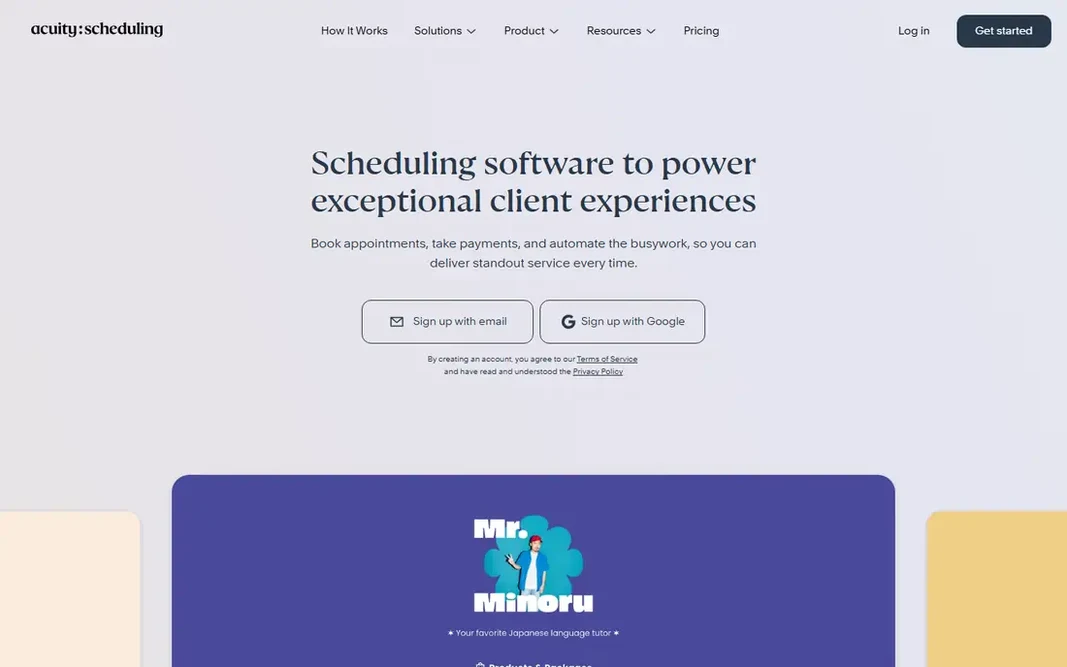
Acuity Scheduling makes the most sense for service appointments. Acuity Scheduling is designed for companies that sell appointments, not just meetings. Honest limits: Full features need a premium plan after trial. No starting price is listed for Acuity Scheduling here; confirm pricing on the vendor site. On free options: Free trial (7 days).

Price: See website

Free plan: Free trial (7 days)

Website: acuityscheduling.com

Watch out for

  • More complex than a straightforward meeting link tool
2

Reclaim

AI calendar and focus time
See website

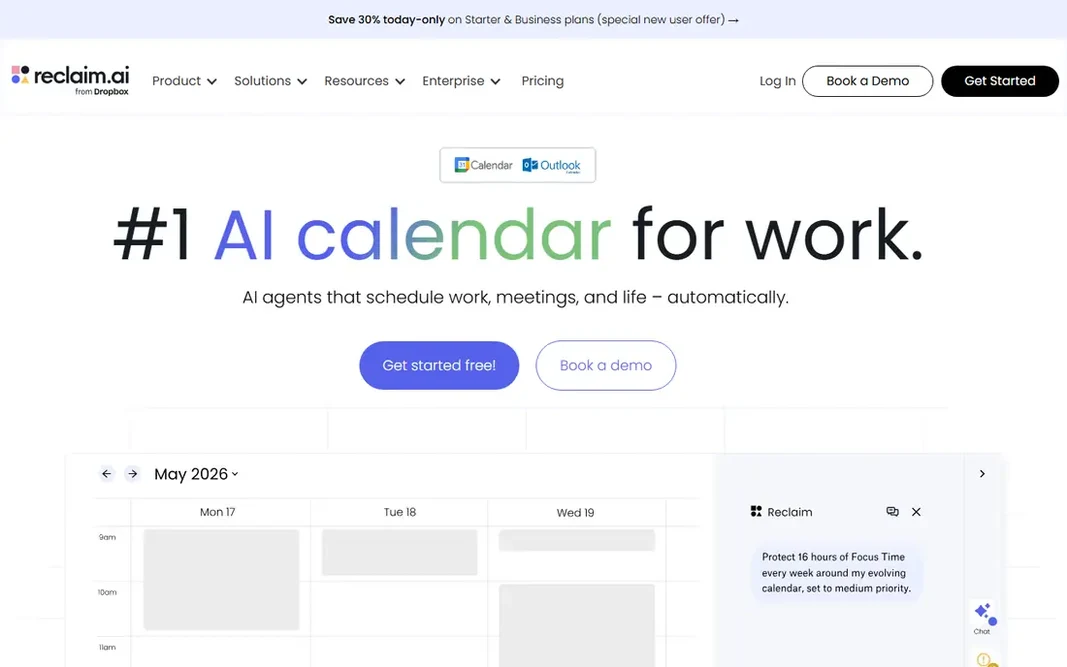
Reclaim is a good fit for AI calendar and focus time. When priorities change, Reclaim can move adaptable tasks and focus blocks to keep important work on the calendar, instead of letting meetings fill every open hour. Beyond that, for users who want their calendar to run itself more actively, Reclaim is the most interesting choice here. Upsides: focus time. Watch-outs: AI features take time to tune to personal habits. For everyday use, Reclaim also gives you scheduling links. So it can replace a straightforward booking tool for plenty of users, though a team that only needs booking links may find Calendly or Cal.com more straightforward. Check the vendor site for Reclaim pricing; none is listed in this comparison. Free access exists with Reclaim.

Free plan: Yes

Website: reclaim.ai

Strengths

  • Automatically schedules tasks, habits
  • Scheduling links plus calendar optimization in one tool

Watch out for

  • Less suited to straightforward one-off booking than Calendly
3

YouCanBookMe

Branded booking pages
See website

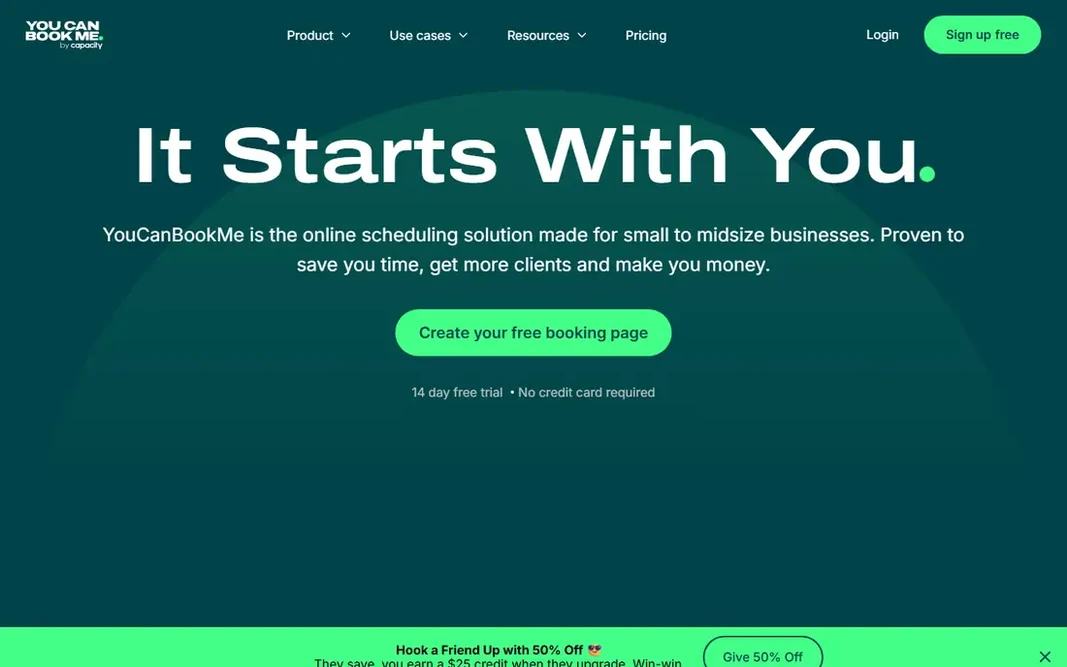
YouCanBookMe is designed for branded booking pages. YouCanBookMe is a decent choice for a small business that wants its booking page to look like its brand. As for the details, branding choices bundle a logo, colors, a background image. Points against: Pricing page shown on the homepage was unclear at check time. A footer, so a booking page can match a website instead of looking like a generic scheduling link. For a small business that values a branded, professional booking page and a usable free plan, YouCanBookMe is a practical pick. Payments through Stripe, Apple Pay, and Google Pay, discount codes, and packages help service firms sell appointments straight from the booking page. Check the vendor site for YouCanBookMe pricing; none is listed in this comparison. A free plan is available with YouCanBookMe.

Free plan: Yes

Website: youcanbook.me

Strengths

  • Payments and automations on higher plans
  • Strong branding with logo, colors, background

Watch out for

  • Advanced team features need higher plans
4

Cal.com

Free-first booking links
$16 per user a month

In short, Cal.com is for free-first booking links. That means a freelancer or small team can offer multiple meeting types, collect payment for some of them, and automate reminders without paying at first. Also, for a business watching costs, that free level is a solid reason to test Cal.com before committing to a premium scheduling tool. Downsides: Interface is more technical than Calendly for some users. For users who value an ample free plan and control over their data, Cal.com is a very good pick. From a buyer's view, the main trade-off is polish: Cal.com is adaptable and powerful, but setting up complicated routing and workflows can feel more technical than the guided setup in Calendly. Cal.com cost at the entry level: $16 per user per month. Cal.com offers a free plan.

Free plan: Yes

Website: cal.com

Strengths

  • Free plan comes with unlimited event types
  • Teams plan brings round-robin and shared availability

Watch out for

  • Some advanced features need a Teams or higher plan
5

Calendly

General booking links
See website

Pick Calendly if this describes you: general booking links. Calendly also links with numerous calendars, video tools, and CRM systems, so a booked meeting can build a video link and a CRM record without manual entry. For everyday use, the free plan is enough for a solo user with one primary event type to test whether booking links cut scheduling work. Downsides: Advanced team controls need premium plans. More specifically, Calendly is the tool most people think of first for scheduling meetings, and for decent reason. For everyday use, guests see open slots in their own time zone, book one, and receive a confirmation and reminders. That straightforward flow handles sales calls, interviews, coaching, and client check-ins with very little setup. Calendly shows no starting price here, so confirm the cost on the vendor site. Calendly offers a free plan.

Free plan: Yes

Website: calendly.com

Strengths

  • Routing forms and team features on premium plans
  • Automatic reminders and rescheduling

Watch out for

  • Less concentrated on group voting than Doodle

FAQ

How are the tools for tools for scheduling meetings ordered?

The order follows typical fit for tools for scheduling meetings, with Acuity Scheduling first and Calendly last, then price clarity and free access. It is editorial judgement, not a score, so another team could rank the tools differently.

Do these tools work with Google Calendar and Outlook?

Confirm the exact connection on the vendor site, since some features, for example Teams links, rely on the calendar type.

Which options for tools for scheduling meetings have a free plan?

Reclaim, YouCanBookMe, Cal.com and Calendly offer a free plan in this list. Free plans usually cap users, projects or features, so check the limits on the vendor page. One other tool offers a trial instead.

Is Acuity Scheduling the right pick for everyone comparing tools for scheduling meetings?

No single tool suits every team. Acuity Scheduling comes first because it fits service appointments, while Reclaim suits AI calendar and focus time and YouCanBookMe suits branded booking pages. Match the tool to your own size, budget and workflow before deciding.

Can I try these tools before paying?

Often, yes. Reclaim, YouCanBookMe, Cal.com and Calendly have a free plan and Acuity Scheduling offers a free trial. Use your own data and a real task during the test, and check what the free tier or trial limits before you rely on it.