Productivity · Researched comparison

Which Transcription Software Fits You? 7 Tools Compared

TaskReports may earn a fee from some links on this page, and some placements are paid and labelled. Neither one decides the order. See our disclosure.

The short answer

Temi comes first here, mainly for cheapest per-minute AI transcription. Descript is the stronger choice for creators editing audio/video by text, while Sonix suits pay-as-you-go multilingual. All 7 tools are compared below on price, free plan and limits.

On this page

Key takeaways

  • The list opens with Temi, aimed at cheapest per-minute AI transcription.
  • Descript comes with a trade-off: transcription hours capped per plan (10-40 hours).
  • Only 4 of the 7 tools have a free plan (Descript, Notta, Otter.ai, Fireflies.ai), so check the caps.
  • Notta is the lowest-priced starter here at $8.17 per month.

Quick comparison

ToolBest forStarts atFree plan
------------
TemiCheapest per-minute AI transcription$0.25 per minuteNo
DescriptCreators editing audio/video by text$16 per monthYes
SonixPay-as-you-go multilingual$22 per month + $5/hourFree trial
NottaMultilingual, ample free level$8.17 per monthYes
Otter.aiMeeting transcription and summaries$8.33 per user/monthYes
TrintNewsrooms, collaborative editing$52 per seat/monthFree trial (7 days)
Fireflies.aiMeeting bot with CRM integration$10 per seat/monthYes
★ Best overall

Temi

Cheapest per-minute AI transcription

  • Quick turnaround
  • Straightforward $0.25 per minute with no subscription
Price$0.25 per minute (pay as you go)
See Temi pricing

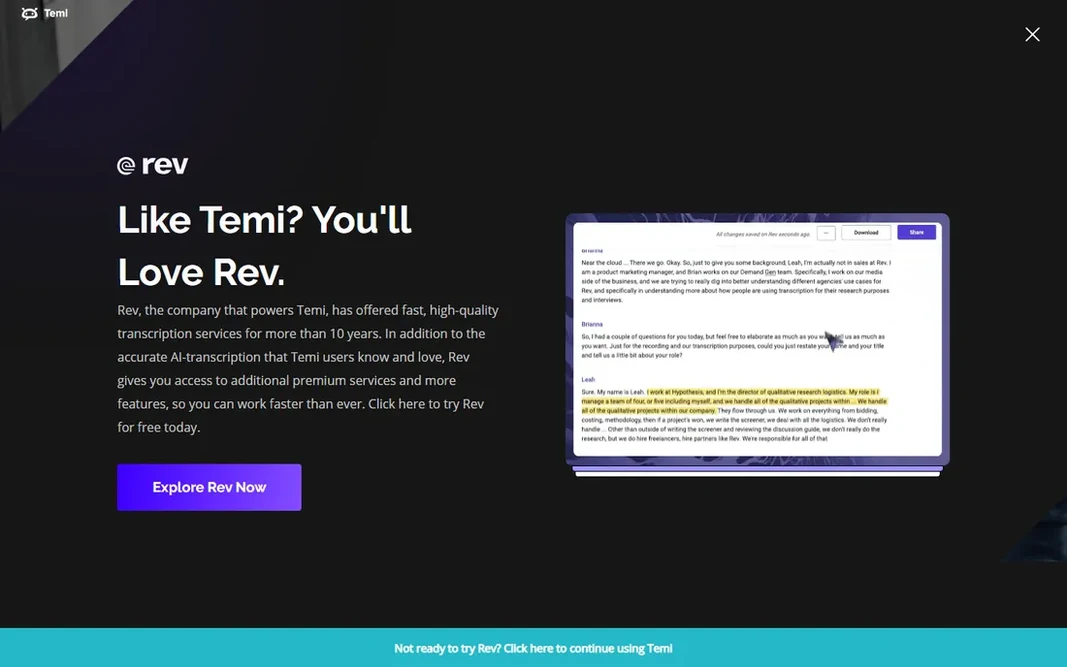
Choose Temi for cheapest per-minute AI transcription. No subscriptions, no minute caps, no feature menus to learn. Accuracy is standard AI level, so proofread anything important. But as the cheapest way to transcribe a single file with no account gymnastics, Temi fills a real niche. Beyond that, there is deliberately little else: no meeting bot, no collaborative editing, no advanced exports. Entry price for Temi: $0.25 per minute. There is no free plan with Temi. Where it is weaker: Fewer features than full products.

Price: $0.25 per minute (pay as you go)

Free plan: No

Website: temi.com

Watch out for

  • No free level
2

Descript

Creators editing audio/video by text
$16 a month (billed annually, Hobbyist)

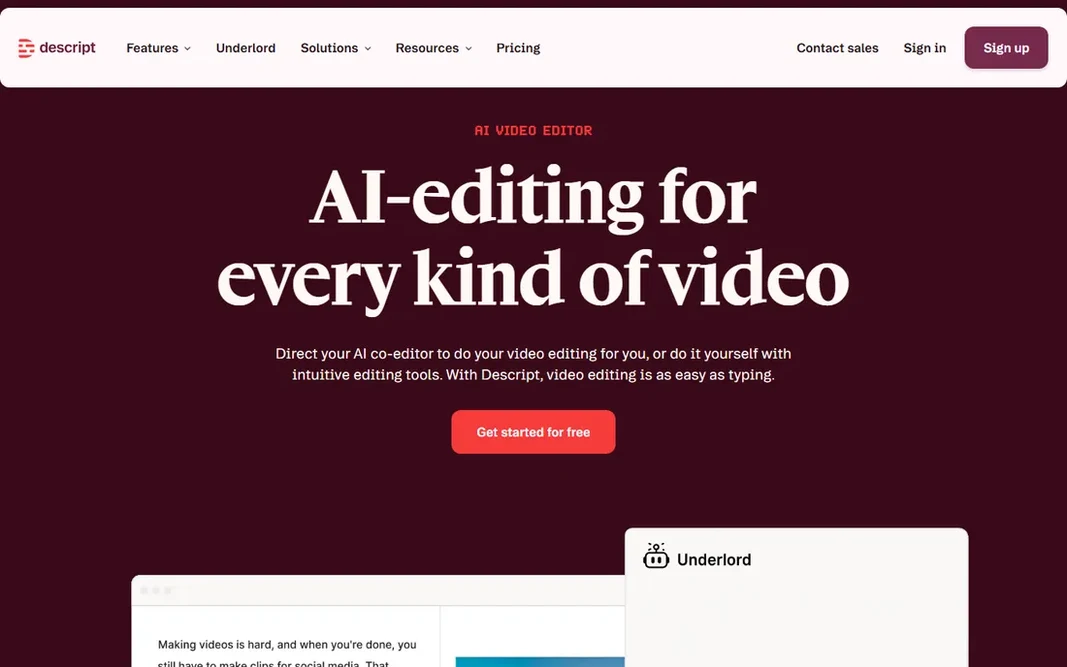
In short, Descript is for creators editing audio/video by text. Descript reimagined what transcription is for: rather than producing a document, it produces an editing interface. Beyond that, for podcasters and video creators, this collapses the edit workflow dramatically. From a buyer's view, if you just need transcripts, more straightforward tools cost less. More specifically, pricing is creator-friendly: Hobbyist at $16 a month billed yearly ($24 month-to-month) contains 10 transcription hours, Creator at $24 ($35) includes 30 hours. Worth adding: the hour caps mean it is not a bulk transcription service; 30 hours covers a serious podcast schedule but not an archive project. Descript pricing: $16 per month. Descript offers a free plan. Drawbacks to consider: Ramp-up time for the editor.

Free plan: Yes

Website: descript.com

Strengths

  • Edit audio and video by editing the transcript text
  • Overdub voice cloning

Watch out for

  • Transcription hours capped per plan (10-40 hours)
3

Sonix

Pay-as-you-go multilingual
$22 a month + $5/hour (Premium); or $10/hour pay as you go

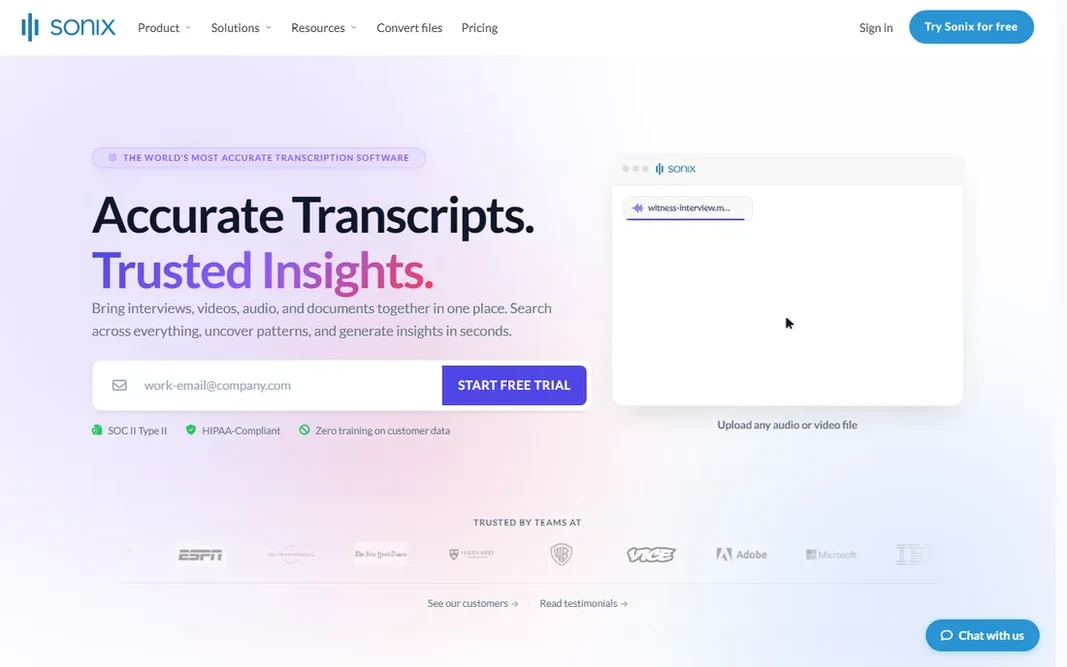
Sonix is designed for pay-as-you-go multilingual. That flexibility beats monthly minute caps when your volume swings wildly month to month. As for the details, the dual pricing (subscription plus hourly) confuses some buyers, so model your actual usage pattern before choosing. Limits to weigh: Less meeting integration. For freelancers and researchers with lumpy audio workloads, it is the most adaptable choice here. Beyond that, language coverage spans 53-plus languages with translation features. Sonix starts at: $22 per month + $5/hour. On free options: Free trial.

Free plan: Free trial

Website: sonix.ai

Strengths

  • Adaptable hourly pricing with no big commitment
  • 53+ languages

Watch out for

  • Subscription plus hourly is confusing
4

Notta

Multilingual, ample free level
$8.17 a month (billed yearly, Pro)

Notta works best for multilingual, ample free level. Notta is the value play: 120 free minutes a month beats every competitor free level, and Pro at about $8.17 a month billed yearly ($13.49 month-to-month) contains 1,800 minutes across 58 languages. The trade-offs are ecosystem and polish: fewer native integrations than Otter or Fireflies, and AI summaries that lag the leaders. It deserves more attention than its brand recognition recommends. More specifically, for multilingual teams and heavy-but-budget-conscious users, the minute math is compelling. The starting price for Notta: $8.17 per month. You can start on Notta without paying. The main drawbacks: Smaller brand with fewer integrations. Highlights: 120 free minutes monthly; the most ample here.

Free plan: Yes

Website: notta.ai

Strengths

  • 58 languages
  • 1,800 minutes on the Pro plan

Watch out for

  • Summary features less mature than Otter
5

Otter.ai

Meeting transcription and summaries
$8.33 per user/month (billed annually)

Otter.ai was built for meeting transcription and summaries. The free level (300 minutes per month) is genuinely handy for light users, and Pro at $8.33 per user a month billed yearly ($16.99 month-to-month) raises the cap to 1,200 minutes with more integrations. Strengths: Live transcription during Zoom, Meet. Beyond that, the bot joins your Zoom, Google Meet, or Teams calls, transcribes live, and produces summaries with action items and key decisions after the call. More specifically, for bulk media transcription, look at Trint or Sonix instead. Otter.ai starts at: $8.33 per user/month. Otter.ai includes a free tier. Where it is weaker: Accuracy drops with heavy accents and crosstalk.

Free plan: Yes

Website: otter.ai

Strengths

  • Ample 300-minute free tier
  • AI summaries with action items

Watch out for

  • Minute caps make it unsuitable for bulk file transcription
6

Trint

Newsrooms, collaborative editing
$52 per seat/month (billed yearly, Starter)

Trint is a good fit for Newsrooms, collaborative editing. Trint is the newsroom standard: upload hours of interviews, get searchable transcripts quick, and collaborate on edits with producers and fact-checkers. In practice, media teams, researchers, and anyone working with interview archives at volume will find the workflow worth it. Where it is weaker: 7-file limit on Starter is tight. The search-across-transcripts feature is what journalists actually pay for. Finding every mention of a name across 40 interviews in seconds changes how stories get built. In practice, at $52 per seat per month for Starter (7 files), it is the priciest AI transcription here. There is no free plan beyond a 7-day trial. Trint starts at: $52 per seat/month. As for free access: Free trial (7 days).

Free plan: Free trial (7 days)

Website: trint.com

Strengths

  • Unlimited files on the Advanced plan
  • Quick quote-finding search

Watch out for

  • No free plan
7

Fireflies.ai

Meeting bot with CRM integration
$10 per seat/month (billed annually)

Fireflies.ai makes the most sense for meeting bot with CRM integration. Language support spans 100-plus languages, and the free tier supplies unlimited transcription with storage limits, which is unusually ample. More specifically, Pro at $10 per seat a month billed yearly ($18 month-to-month) lifts the caps and layers on team features. On cost, Fireflies.ai starts like this: $10 per seat/month. Fireflies.ai has a free plan. The main drawbacks: Meeting-bot etiquette still surprises some guests.

Free plan: Yes

Website: fireflies.ai

Strengths

  • Joins meetings across 100+ languages
  • Unlimited transcription on the free level (storage-capped)

Watch out for

  • Summary quality varies

FAQ

Is Temi the right pick for everyone comparing transcription software?

No single tool suits every team. Temi comes first because it fits cheapest per-minute AI transcription, while Descript suits creators editing audio/video by text and Sonix suits pay-as-you-go multilingual. Match the tool to your own size, budget and workflow before deciding.

Can transcription software manage several speakers?

Yes, with limits. Overlapping speech, similar voices, and large panels degrade results. For panel discussions, expect to correct speaker labels manually.

Do these tools publish their prices?

Yes. Every tool from Temi to Fireflies.ai shows a starting price, though seats, add-ons and billing terms still change the final cost.

How are the tools for transcription software ordered?

The order follows typical fit for transcription software, with Temi first and Fireflies.ai last, then price clarity and free access. It is editorial judgement, not a score, so another team could rank the tools differently.

Which transcription tool is a good match for video subtitles?

Temi comes first here and is built for cheapest per-minute AI transcription. Buyers with other needs may prefer Descript (for creators editing audio/video by text) or Sonix (for pay-as-you-go multilingual). Compare costs and limits first.

What is the cheapest option for transcription software in this list?

On published monthly entry prices, Notta is the lowest here at $8.17 per month. Entry price is only part of the cost, because seats, add-ons and billing terms can change the total.