Productivity · Researched comparison

Comparing 7 Workflow Software Options in 2026

TaskReports may earn a fee from some links on this page, and some placements are paid and labelled. Neither one decides the order. See our disclosure.

The short answer

Our first pick is Kissflow, best for mid-sized and large businesses automating approval-heavy processes. Tallyfy fits teams wanting low-cost workflow documentation and tracking; Nintex fits regulated industries needing governed, compliant workflows. The other 4 tools in the list cover narrower or pricier cases.

On this page

Key takeaways

  • Top of the list is Kissflow, which targets mid-sized and large firms automating approval-heavy processes.
  • The main caution on Nintex: custom-quoted pricing with enterprise sales cycles.
  • For the cheapest start, look at Tallyfy: From $4.16/user/month.
  • Process Street suits teams running repeatable processes that require proof they were followed.

Quick comparison

ToolBest forStarting priceOfficial site
------------
KissflowMid-sized and large firms automating approval-heavy processes$1,500/monthkissflow.com
TallyfyTeams wanting budget-friendly workflow documentation and trackingFrom $4.16/user/monthtallyfy.com
NintexRegulated industries needing governed, compliant workflowsSee websitenintex.com
ZapierAutomating data movement between the apps you already useFreezapier.com
Monday.comTeams that want visual workflows without a BPM project$9/user/monthmonday.com
SmartsheetSpreadsheet-native teams that require workflow structure$9/user/monthsmartsheet.com
Process StreetTeams running repeatable processes that require proof they were followed$25/user/monthprocess.st

How we chose

Each tool was reviewed on what its vendor publishes: price, plan limits, core features and stated drawbacks. We did not run hands-on tests. Seat minimums, billing terms and add-ons can move the real cost, so the starting prices here are a guide and not a quote. The order reflects how well each tool fits the most common buying scenario for workflow software, then price clarity, then free plan access. It is a starting point, not a verdict.

★ Best overall

Kissflow

Mid-sized and large firms automating approval-heavy processes

  • Low-code system that builds full internal apps
  • Not just workflows
Price$1,500/month (50 users)
See Kissflow pricing

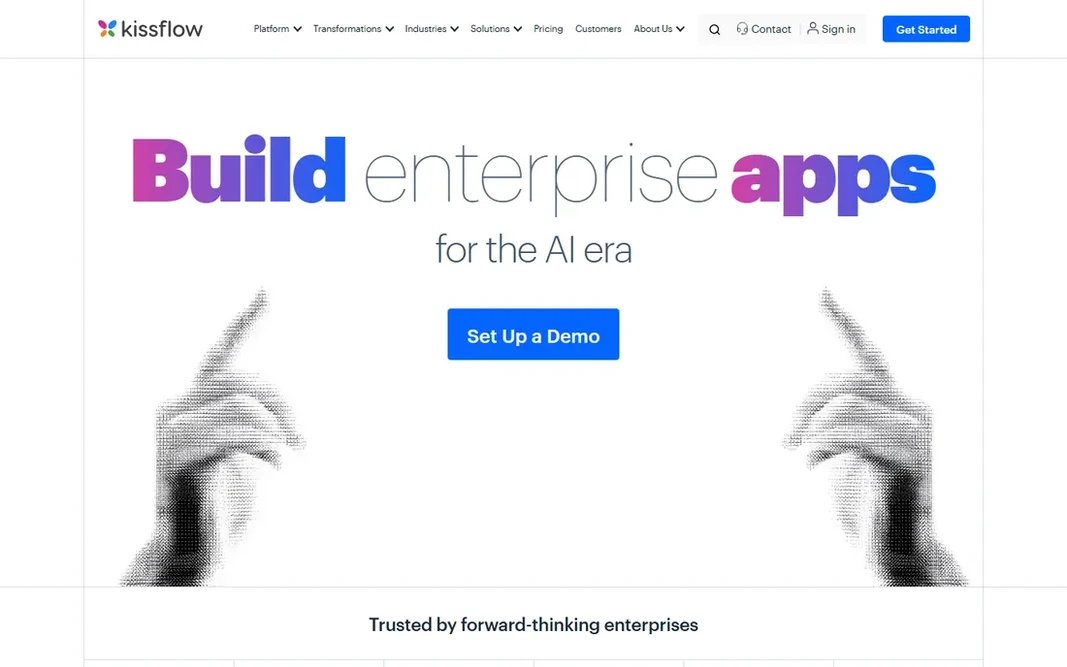
Kissflow targets mid-sized and large companies automating approval-heavy processes. Kissflow is a different animal from the tools above it: a low-code system where workflows are one feature of internal applications you build for procurement, HR, finance and operations. More specifically, the price, the implementation effort and the product complexity only make sense when process volume and compliance requirements justify them. Small teams should not be here. Price to start with Kissflow: $1,500/month. Free plan details: Free trial. Where it falls short: $1,500-a-month entry prices out small teams; Implementation takes real planning. Where it shines: Manages high-volume enterprise processes; Solid governance and approval controls.

Price: $1,500/month (50 users)

Free plan: Free trial

Website: kissflow.com

Watch out for

  • More straightforward needs drown in the system's breadth
2

Tallyfy

Teams wanting budget-friendly workflow documentation and tracking
From $4.16/user/month (Docs, billed yearly)

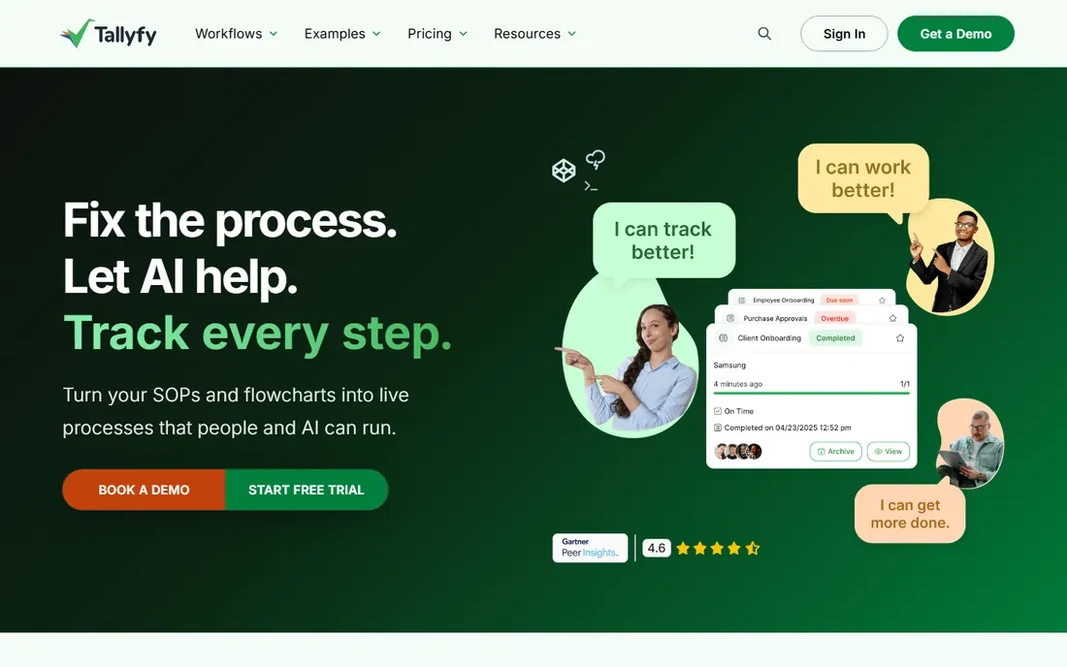
Tallyfy was built for teams wanting low-cost workflow documentation and tracking. The Docs plan at $4.16 a user per month billed yearly handles SOP documentation, playbooks and engagement tracking, whereas Pro at $25 a user per month layers on if-this-then-that rules, custom branding and full workflow automation. As for the details, for small companies that require documented, trackable processes without enterprise pricing, Tallyfy is the value pick, with the honest caveat that its analytics trail the category leaders. On top of that, unlimited guests on premium plans solve the occasional-user problem that plagues per-user tools. Tallyfy is the budget answer to Process Street. Tallyfy starts at: From $4.16/user/month. Free access: Free trial. The main drawbacks: Docs plan has a 10-user minimum.

Free plan: Free trial

Website: tallyfy.com

Strengths

  • The cheapest credible workflow tool here
  • Unlimited guests on premium plans

Watch out for

  • Advanced reporting is thinner than Process Street
3

Nintex

Regulated industries needing governed, compliant workflows
See website

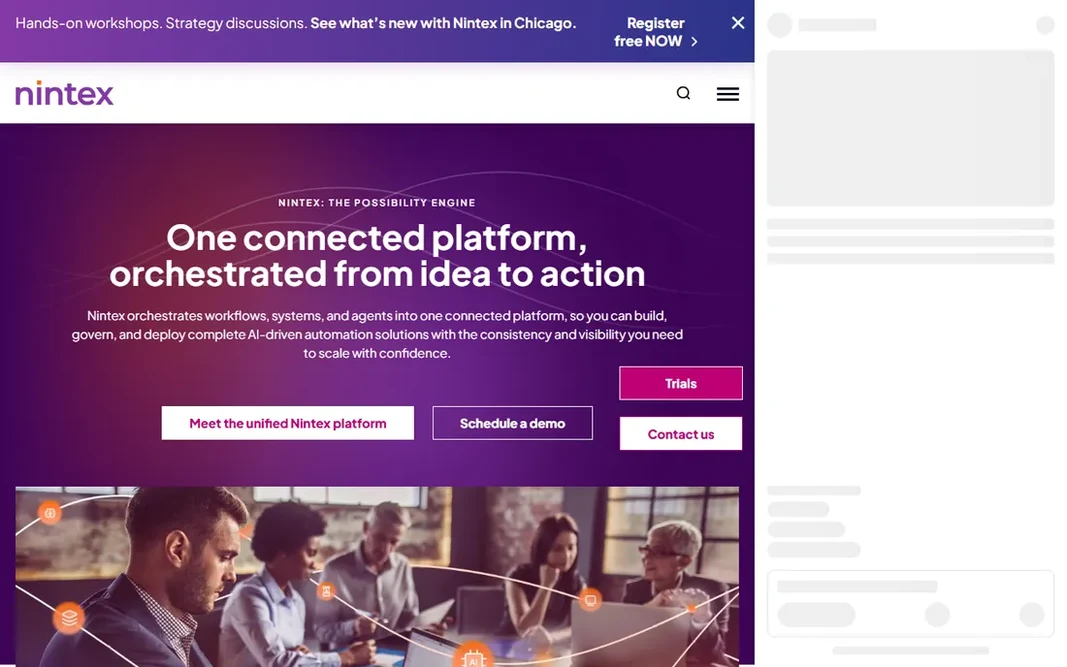
Nintex is designed for regulated industries needing governed, compliant workflows. Nintex is the enterprise answer when workflows carry regulatory weight. Its strengths are document generation, e-signature, process mapping and deep integration with SharePoint and Microsoft 365, all wrapped in governance that satisfies auditors. Trade-offs to know: Custom-quoted pricing with enterprise sales cycles. Worth adding: everyone else should buy something more straightforward. Also, pricing is custom-quoted, which tells you the target buyer. But for financial services, healthcare and government-adjacent work where the workflow itself is regulated, Nintex is the category's serious end. Nintex shows no starting price here, so confirm the cost on the vendor site. Trial and free access: Free trial.

Free plan: Free trial

Website: nintex.com

Strengths

  • Compliance-grade audit trails and governance
  • Deep SharePoint and Microsoft 365 integration

Watch out for

  • Implementation usually needs partners or IT
4

Zapier

Automating data movement between the apps you already use
Free; $19.99/month (billed yearly)

Choose Zapier for automating data movement between the apps you already use. If your problem is "work gets stuck between people," start with the process tools above. Downsides: It automates tasks, not human workflows, so approvals and audit trails are thin. What you pay to start with Zapier: Free. You can start on Zapier without paying.

Free plan: Yes

Website: zapier.com

Strengths

  • Free plan includes 100 tasks per month
  • Non-technical users can build automations in minutes

Watch out for

  • Task-based pricing punishes high-volume use
5

Monday.com

Teams that want visual workflows without a BPM project
$9/user/month (billed annually)

Choose Monday.com for teams that want visual workflows without a BPM project. Monday.com is the workflow tool for teams that do not think of themselves as needing workflow software. More specifically, for compliance-heavy workflows, look at Process Street or Nintex instead. Watch-outs: Per-user pricing brings up quick. For marketing, ops, HR and creative teams running intake, approvals and handoffs, it is the fastest path to an organized process. As for the details, you build a board, add status columns, and set automations like "when a request is approved, notify finance and produce a task." At $9 a user per month billed yearly with a free plan available, the entry cost is low and the ramp-up time is the gentlest here. For everyday use, automation runs are metered by plan, and there is no real BPMN modeling or compliance-grade audit trail. Monday.com starts at: $9/user/month. Monday.com offers a free plan.

Free plan: Yes

Website: monday.com

Strengths

  • Huge template library for typical workflows
  • Ample free plan for small teams

Watch out for

  • Advanced automation runs are capped by level
6

Smartsheet

Spreadsheet-native teams that require workflow structure
$9/user/month (Pro, billed yearly)

Smartsheet is built with spreadsheet-native teams that require workflow structure in mind. If your team runs the business in Excel or Google Sheets, Smartsheet layers on the workflow layer: automatic approval chains, update requests, alerts and dashboards, all on a grid everyone already understands. Pro at $9 a user per month billed yearly is reasonable, and the free plan spans entry-level use. What to check first: Advanced workflow logic needs workarounds. It is not the prettiest tool here and power users will hit the edges of its automation logic. But adoption is the feature: a workflow tool nobody uses is worthless, and Smartsheet gets used since it feels like the spreadsheet the team already trusts. Price to start with Smartsheet: $9/user/month. Free access exists with Smartsheet.

Free plan: Yes

Website: smartsheet.com

Strengths

  • Automatic approval requests and update requests built in
  • Familiar grid interface shortens adoption

Watch out for

  • The interface presents its age
7

Process Street

Teams running repeatable processes that require proof they were followed
$25/user/month (Pro)

In short, Process Street is for teams running repeatable processes that need proof they were followed. Process Street is for processes where skipping a step has consequences: client onboarding, safety checks, financial controls, content publishing. From a buyer's view, workflows run as guided checklists with conditional logic, approvals and enforced order, and every run leaves an audit trail. If you just need shared checklists, less expensive tools exist. From a buyer's view, the pricing model is the central friction: every user who touches a workflow needs a premium seat, which punishes firms with plenty of occasional participants. Pro at $25 a user per month comes with unlimited workflows and runs with 2,000 automation runs per month, and the 14-day trial needs no card. If your processes need proof of compliance, the price is justified. What you pay to start with Process Street: $25/user/month. Free plan details: Free trial (14 days). Downsides: Overkill for straightforward task lists.

Free plan: Free trial (14 days)

Website: process.st

Strengths

  • Checklist workflows with enforced task order and approvals
  • Audit trails that satisfy compliance reviews

Watch out for

  • Per-user pricing with no cheap level for occasional users

FAQ

Which workflow tool is a good match for approvals?

The first pick on this list is Kissflow, because it suits mid-sized and large businesses automating approval-heavy processes. Tallyfy is better for teams wanting low-cost workflow documentation and tracking, and Nintex for regulated industries needing governed, compliant workflows. Check price and limits against your own needs before choosing.

Which options for workflow software have a free plan?

On this list, Zapier, Monday.com and Smartsheet include a free plan. Caps on seats, usage or features are common, so test the free plan against your real workload. Several others offer a trial instead.

What is the best workflow software for small firms?

Kissflow comes first here and is built for mid-sized and large firms automating approval-heavy processes. Buyers with other needs may prefer Tallyfy (for teams wanting budget-friendly workflow documentation and tracking) or Nintex (for regulated industries needing governed, compliant workflows). Compare costs and limits first.

Do I need workflow software or just Zapier?

Different problems. Zapier automates data movement between apps: when X happens, do Y. Workflow software runs human processes: who approves, in what order, with what proof. If work gets stuck between people, you need workflow software.

How are the tools for workflow software ordered?

The order follows typical fit for workflow software, with Kissflow first and Process Street last, then price clarity and free access. It is editorial judgement, not a score, so another team could rank the tools differently.

Do these tools publish their prices?

Not all of them. Nintex publishes no starting price, so expect a quote request for it. The rest, Kissflow included, show a starting price, though seats and billing terms still change the final cost.