Productivity · Researched comparison

Top 7 Mind Mapping Software Options for 2026, Compared

TaskReports may earn a fee from some links on this page, and some placements are paid and labelled. Neither one decides the order. See our disclosure.

The short answer

MindMeister is the first pick on this list for web-based team mapping. MindManager is the stronger choice for business-grade mapping, while SimpleMind suits straightforward offline mapping. Prices, free plans and limits for all 7 tools follow.

On this page

Key takeaways

  • Top of the list is MindMeister, which targets web-based team mapping.
  • Miro fits mind maps in a whiteboard.
  • A free plan is offered by 6 of the 7 tools, including MindMeister, SimpleMind, Coggle and XMind.
  • MindMeister comes with a trade-off: free plan restricted to 3 maps.
  • The lowest published monthly entry price here is $4.99 per user/month, from MindMeister.

Quick comparison

ToolFree tierBest fitMain limit
------------
MindMeisterYesWeb-based team mappingDesktop apps are thin
MindManagerFree trialBusiness-grade mapping$99 a year
SimpleMindYesStraightforward offline mappingDated visuals
CoggleYesFast online mapsSmaller company
XMindYesBest all-rounderInterface is utilitarian
MindNodeYesApple usersApple-only
MiroYesMind maps in a whiteboardCan feel sprawling
★ Best overall

MindMeister

Web-based team mapping

  • Integrates with MeisterTask
  • Best live collaboration
Price$4.99 per user/month
See MindMeister pricing

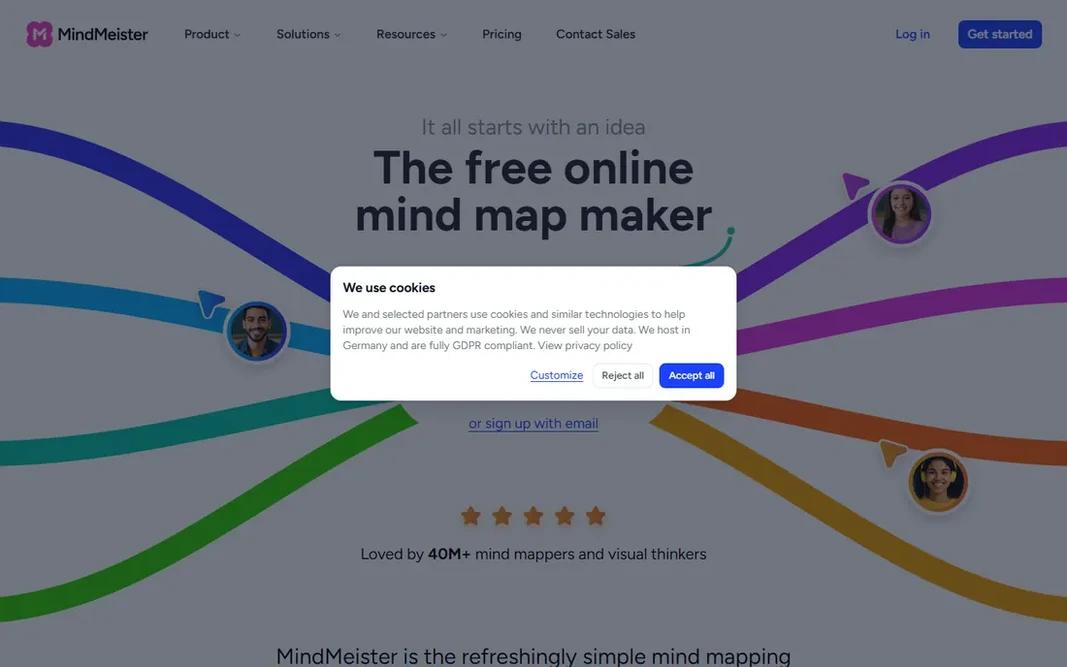
Think of MindMeister for web-based team mapping. Personal plans start at $4.99 a user per month. As for the details, the free level caps at 3 maps, and there is no full desktop app. Downsides: Free plan restricted to 3 maps. In practice, the free plan's 3-map limit bites rapidly for active users, so treat it as an extended trial. On top of that, the MeisterTask integration is the standout for teams: ideas on the map convert to assigned tasks without retyping, which keeps brainstorming sessions productive. There is nothing to install: register in the browser and share a link to start collaborating. On cost, MindMeister starts like this: $4.99 per user/month. You can start on MindMeister without paying.

Price: $4.99 per user/month

Free plan: Yes

Website: mindmeister.com

Watch out for

  • Desktop apps are thin
2

MindManager

Business-grade mapping
$99 a year (Essential)

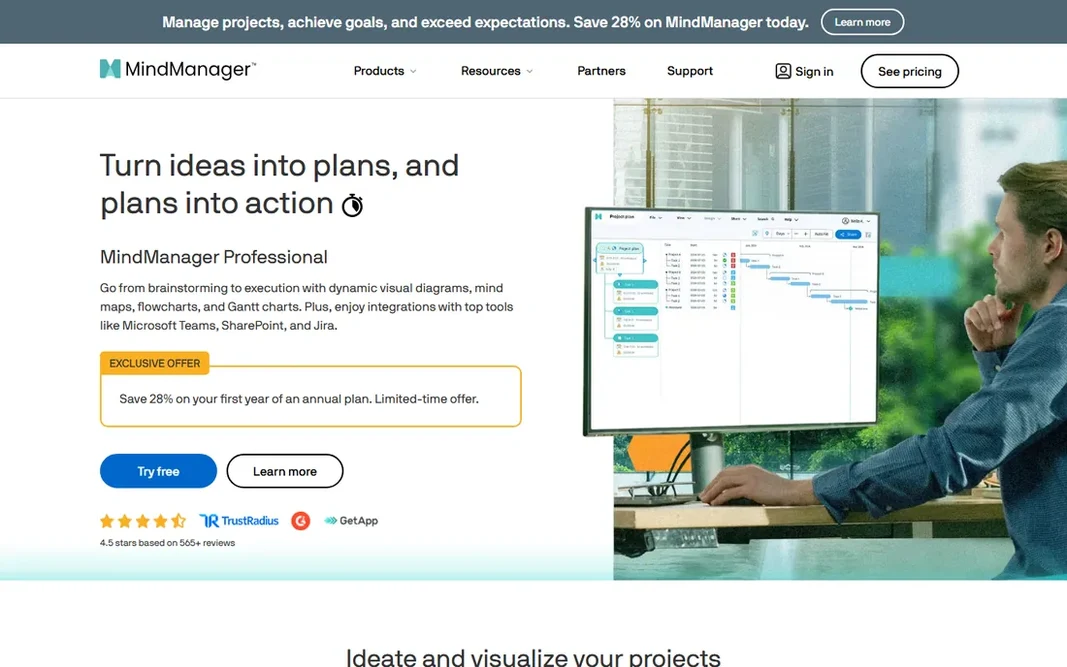
Pick MindManager if this describes you: business-grade mapping. Casual users will find it heavy and costly, and there is no free level beyond a 30-day trial. Beyond that, the 30-day trial is generous enough to evaluate properly. Where it falls short: $99 per year. From a buyer's view, MindManager is mind mapping for the enterprise: maps that link to Gantt charts, dashboards, budgets and project data, turning brainstorming into business planning. More specifically, essential opens at $99 per year. What you pay to start with MindManager: $99 per year. As for free access: Free trial.

Free plan: Free trial

Website: mindmanager.com

Strengths

  • Gantt and dashboard views
  • Deepest business features

Watch out for

  • 30-day trial only, no free plan
3

SimpleMind

Straightforward offline mapping
$30 one-time (per platform)

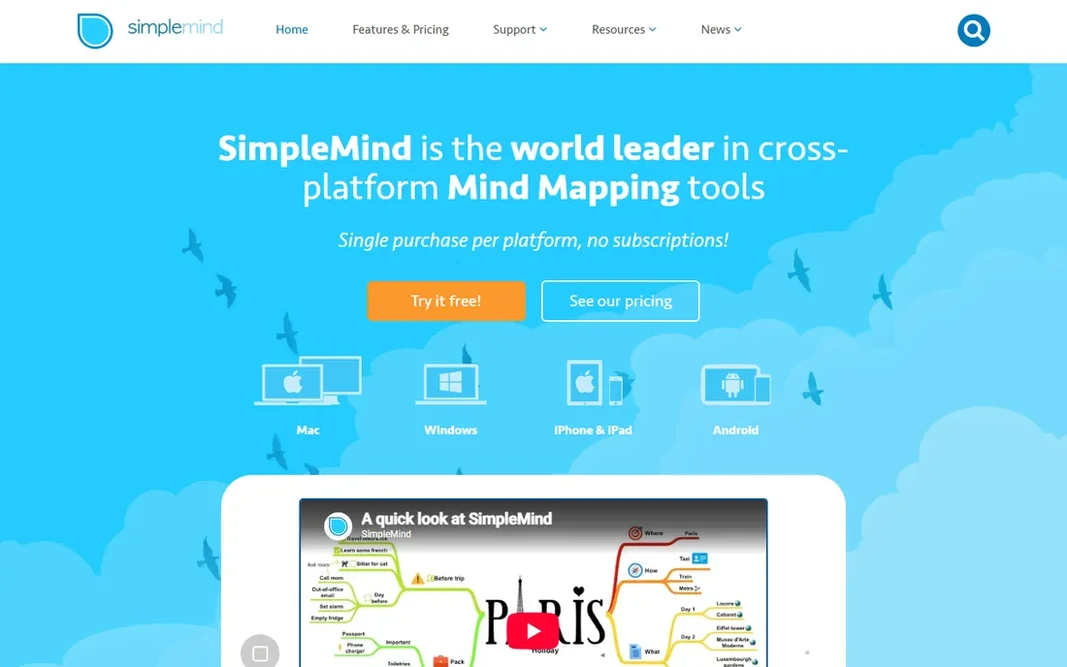
SimpleMind targets straightforward offline mapping. SimpleMind is the anti-subscription mapper: about $30 one-time per system buys the full desktop version, with a free mobile edition for entry-level mapping. It works completely offline and syncs via cloud storage you control. Limits to weigh: Dated visuals. Beyond that, the trade-off for the one-time price is an entry-level feature set: no collaboration, no AI, no web version. In practice, for individuals who want a straightforward, private, pay-once mind mapper, the value proposition is clear. Also, syncing runs through Dropbox, Google Drive or iCloud, which keeps your data in your own hands. In daily use, if those do not matter to you, the value is very good. SimpleMind pricing: $30 one-time. You can start on SimpleMind without paying.

Free plan: Yes

Website: simplemind.eu

Strengths

  • One-time purchase
  • Works offline

Watch out for

  • Entry-level feature set
4

Coggle

Fast online maps
See website

Choose Coggle for fast online maps. Sign in with a Google account and you are mapping in under a minute. More specifically, advanced features like private organization workspaces and bulk export sit on premium plans. As for the details, for quick, free, no-fuss online mind maps, it is hard to beat. Advanced features like private organization workspaces cost more, and the company is smaller than rivals. This comparison lists no price for Coggle; ask the vendor. Coggle includes a free tier. Honest limits: Smaller company.

Free plan: Yes

Website: coggle.it

Strengths

  • Simple sharing
  • Quick and straightforward in the browser

Watch out for

  • Restricted advanced features
5

XMind

Best all-rounder
$59.99 per year (Pro)

Choose XMind for best all-rounder. Pro at $59.99 a year is reasonable, and the free version takes care of entry-level mapping well. As for the details, setup is fast on desktop and mobile, with maps syncing through XMind's cloud or your own storage. Downsides: Interface is utilitarian. Beyond that, for pure mind mapping power across every system, XMind is the benchmark. The design will not win beauty contests, and heavy AI use needs the Premium level at $8.25 per month. Beyond that, support runs through the help center and email, with premium users getting quicker replies. As for the details, the practical limit is that heavy AI use pushes you to Premium at $8.25 per month, so casual users should stay on Pro and use AI sparingly. XMind starts at: $59.99 per year. XMind has a free plan. Highlights: AI features.

Free plan: Yes

Website: xmind.app

Strengths

  • Ample free version
  • Several structures, fishbone, timeline, matrix

Watch out for

  • Premium AI level costs more
6

MindNode

Apple users
$24.99 a year (Plus)

MindNode makes the most sense for Apple users. MindNode Plus at $24.99 per year brings advanced features and AI brainstorming on newer Apple devices. It is Apple-only, which excludes mixed-platform teams. Where it falls short: Advanced features need Plus. Worth adding: the free version deals with entry-level mapping. MindNode Plus at $24.99 per year layers on advanced features and AI brainstorming on newer Apple devices. Beyond that, support is email-based and usually useful. What you pay to start with MindNode: $24.99 per year. You can start on MindNode without paying.

Free plan: Yes

Website: mindnode.com

Strengths

  • Fluid interface
  • Beautiful

Watch out for

  • Apple-only
7

Miro

Mind maps in a whiteboard
$8 per user/month

For mind maps in a whiteboard, Miro is a natural candidate. The real cost consideration is per-user pricing: at $8 a user per month, a large team pays substantially more than a dedicated mapper would cost, so audit your seat count on a regular basis. Support comes with a help center, community and chat on premium plans. If mind mapping is one of numerous collaboration needs, Miro's breadth wins. The free plan spans a handful of boards, which is enough to test mind mapping with a small team. More specifically, onboarding is famously simple, with templates guiding your first board. Miro comes with capable mind mapping within its infinite-canvas whiteboard, alongside sticky notes, diagrams and project planning. Miro starts at: $8 per user/month. Free access exists with Miro. Limits to weigh: Not a dedicated mapper.

Free plan: Yes

Website: miro.com

Strengths

  • Mind mapping inside a full whiteboard
  • Excellent templates

Watch out for

  • Can feel sprawling

FAQ

What is mind mapping software used for?

Brainstorming, organizing ideas, planning projects, studying and problem-solving: you start with a central idea and branch out visually. It fits any thinking task where structure emerges as you go.

Can mind mapping software help with studying?

Numerous students use it for summarizing topics, connecting concepts and revision. Also, the visual structure aids recall for plenty of learners, and free tools make it simple to try.

Can I try these options before paying?

Often, yes. MindMeister, SimpleMind, Coggle and others have a free plan and MindManager offers a free trial. Use your own data and a real task during the test, and check what the free tier or trial limits before you rely on it.

Which options for mind mapping software have a free plan?

6 of the 7 tools have a free plan, including MindMeister, SimpleMind, Coggle and XMind. Free plans usually cap users, projects or features, so check the limits on the vendor page. One other tool offers a trial instead.

How are the tools for mind mapping software ordered?

The order follows typical fit for mind mapping software, with MindMeister first and Miro last, then price clarity and free access. It is editorial judgement, not a score, so another team could rank the tools differently.

Do I need AI features in a mind mapper?

Probably try mapping by hand first, then test AI generation for jump-starting large or unfamiliar topics. The premium AI levels make sense only if you create maps constantly.