
Design · Researched comparison

Top 6 3D Software for 3D Printing Picks for 2026, Compared

TaskReports may earn a fee from some links on this page, and some placements are paid and labelled. Neither one decides the order. See our disclosure.

The short answer

Lychee Slicer is the first pick on this list for Resin (MSLA) printing workflow and supports. OrcaSlicer is the stronger choice for Tuners who want deep calibration and quality controls, free, while Tinkercad suits beginners designing their first printable models in the browser. All 6 tools are compared below on price, free plan and limits.

On this page

Key takeaways

  • Top of the list is Lychee Slicer, which targets Resin (MSLA) printing workflow and supports.
  • Bambu Studio is the one to check for Bambu Lab owners who want the smoothest integrated workflow.
  • Check the limits for Tinkercad before you commit: too straightforward for complicated or precise engineering work.
  • A free plan is offered by 6 of the 6 tools, including Lychee Slicer, OrcaSlicer, Tinkercad and PrusaSlicer.

Quick comparison

ToolBest forStarts atDomain
------------
Lychee SlicerResin (MSLA) printing workflow and supportsFreelycheeslicer.com
OrcaSlicerTuners who want deep calibration and quality controls, freeFreeorcaslicer.com
TinkercadBeginners designing their first printable models in the browserFreetinkercad.com
PrusaSlicerFree, open-source slicing with very good default profilesFreeprusa3d.com
BlenderFree, professional-grade 3D modeling, sculpting and designFreeblender.org
Bambu StudioBambu Lab owners who want the smoothest integrated workflowFreebambulab.com
★ Best overall

Lychee Slicer

Resin (MSLA) printing workflow and supports

  • Widely used in the resin community
  • Purpose-built for resin printing with smart support generation
PriceFree (Pro upgrade available, see website for current pricing)
See Lychee Slicer pricing

Lychee Slicer works best for Resin (MSLA) printing workflow and supports. Resin printing is a different workflow from filament: orientation, supports and exposure settings matter enormously, and generic FDM slicers do not speak its language. More specifically, Lychee Slicer is the resin community's favorite: intelligent support generation, hollowing and print preparation, with a free level that covers everyday resin work. As for the details, for resin printer owners, Lychee (or the printer maker's bundled slicer) is essential software. Filament users should ignore this entry entirely. Entry price for Lychee Slicer: Free. A free plan is available with Lychee Slicer. Trade-offs to know: The vendor site could not be completely verified during research.

Price: Free (Pro upgrade available, see website for current pricing)

Free plan: Yes

Website: lycheeslicer.com

Watch out for

  • Resin-only: irrelevant for filament printers
2

OrcaSlicer

Tuners who want deep calibration and quality controls, free
Free (open source, AGPL-3.0)

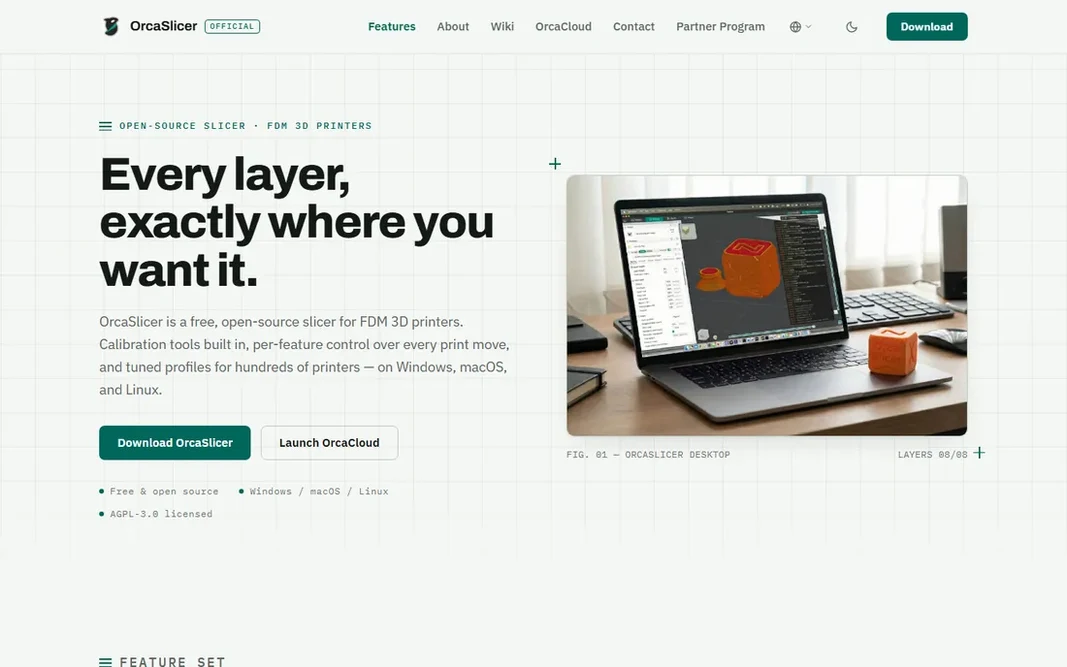
OrcaSlicer is designed for Tuners who want deep calibration and quality controls, free. For anyone chasing the perfect print on a tuned machine, OrcaSlicer is the free tool that goes deepest. More specifically, beginners should start with Bambu Studio or PrusaSlicer's defaults first. Beyond that, OrcaSlicer is the tuner's slicer: it treats print quality as an engineering problem to be measured and controlled. As for the details, the vendor's site confirms the price plainly: 0 USD, free on every system. On cost, OrcaSlicer starts like this: Free. OrcaSlicer has a free plan. Downsides: The depth can overwhelm beginners.

Free plan: Yes

Website: orcaslicer.com

Strengths

  • Seam and support controls
  • Fine-grained wall

Watch out for

  • Newest printers may wait for community profiles
3

Tinkercad

Beginners designing their first printable models in the browser
Free

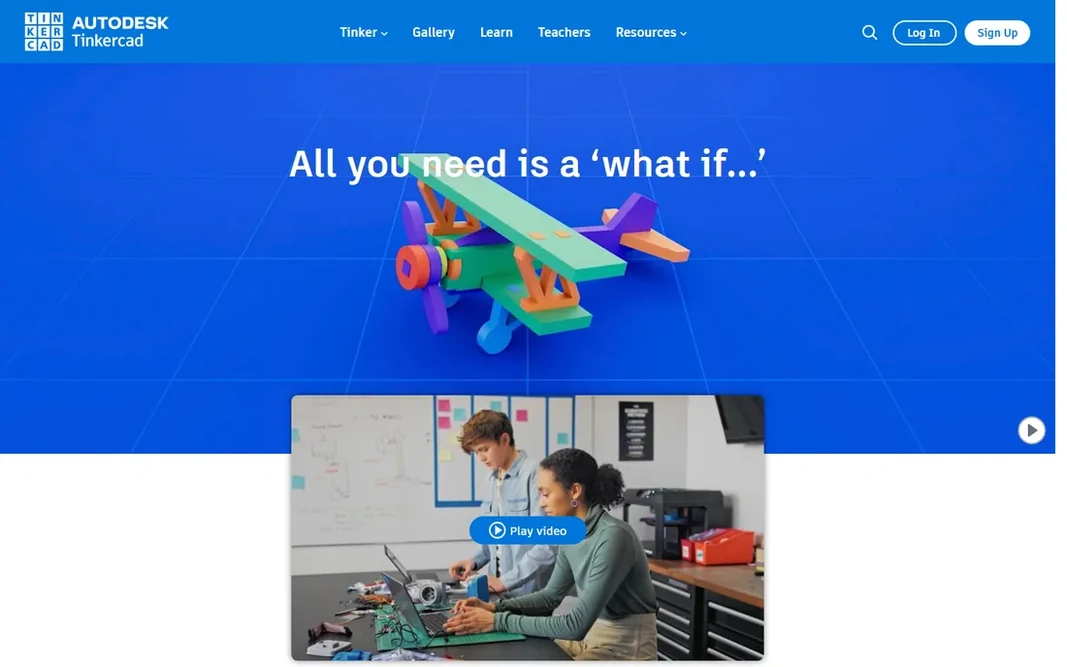
For beginners designing their first printable models in the browser, Tinkercad is a natural candidate. Every experienced designer eventually hits its ceiling: no parametric history, restricted precision, no advanced surfacing. Graduate to Fusion or Blender when you are ready. Tinkercad cost at the entry level: Free. You can start on Tinkercad without paying. Where it falls short: Advanced users outgrow it rapidly. Strengths: Fully free web app: no downloads.

Free plan: Yes

Website: tinkercad.com

Strengths

  • No installs
  • Kid-safe and classroom-friendly with lessons included

Watch out for

  • Browser-only means no offline use
4

PrusaSlicer

Free, open-source slicing with very good default profiles
Free (open source)

PrusaSlicer is aimed squarely at free, open-source slicing with very good default profiles. PrusaSlicer is the slicer that treats print quality as a craft. PrusaSlicer's strengths are its profiles, its stability and the trust that comes from the Prusa name. What you pay to start with PrusaSlicer: Free. PrusaSlicer offers a free plan. What PrusaSlicer does well: Free and open source. Limits to weigh: The interface is dense for absolute beginners.

Free plan: Yes

Website: prusa3d.com

Strengths

  • From the respected Prusa team
  • Regular updates with genuinely handy new features

Watch out for

  • Development follows Prusa's priorities
5

Blender

Free, professional-grade 3D modeling, sculpting and design
Free (open source, forever)

In short, Blender is for free, professional-grade 3D modeling, sculpting and design. For 3D printing, its sculpting tools are superb for organic models (figurines, miniatures, art pieces), and extras deal with mesh analysis, wall thickness and export repair. The ramp-up time is the price of admission: Blender's interface assumes commitment. And for precise mechanical parts, parametric CAD (Fusion, below) is the better paradigm. In daily use, export to STL or 3MF and slice anywhere. The starting price for Blender: Free. Blender offers a free plan. Drawbacks to consider: It is a general 3D suite, not CAD, so precise engineering dimensions take workarounds. Where it shines: UV and 3D-print toolset.

Free plan: Yes

Website: blender.org

Strengths

  • Full modeling, sculpting
  • Fully free and open source under the GPL

Watch out for

  • The interface overwhelms beginners
6

Bambu Studio

Bambu Lab owners who want the smoothest integrated workflow
Free

Where Bambu Studio fits: Bambu Lab owners who want the smoothest integrated workflow. Bambu Studio is the reason Bambu Lab printers feel easy: a free slicer designed around the hardware, with profiles, network printing and model library (MakerWorld) integrated. The starting price for Bambu Studio: Free. Bambu Studio offers a free plan. Where it falls short: Power tuners may prefer OrcaSlicer's depth.

Free plan: Yes

Website: bambulab.com

Strengths

  • Free slicer tightly integrated with Bambu Lab printers and MakerWorld
  • Very good defaults that produce excellent prints with minimal tuning

Watch out for

  • Best with Bambu Lab printers

FAQ

Can I try these tools before paying?

Often, yes. Lychee Slicer, OrcaSlicer, Tinkercad and others have a free plan. Use your own data and a real task during the test, and check what the free tier or trial limits before you rely on it.

Do I have to know 3D modeling to start 3D printing?

No. Millions of printable models are free on Printables, MakerWorld and Thingiverse; you only need a slicer to print them. Tinkercad gets beginners designing within an hour.

Is Lychee Slicer the right pick for everyone comparing 3D software for 3D printing?

No single tool suits every team. Lychee Slicer comes first because it fits Resin (MSLA) printing workflow and supports, while OrcaSlicer suits Tuners who want deep calibration and quality controls, free and Tinkercad suits beginners designing their first printable models in the browser. Match the tool to your own size, budget and workflow before deciding.

Do these tools publish their prices?

Yes. Every tool from Lychee Slicer to Bambu Studio shows a starting price, though seats, add-ons and billing terms still change the final cost.

Which options for 3D software for 3D printing have a free plan?

6 of the 6 tools have a free plan, including Lychee Slicer, OrcaSlicer, Tinkercad and PrusaSlicer. Free plans usually cap users, projects or features, so check the limits on the vendor page.