Ecommerce · Researched comparison

SaaS Ecommerce Platforms in 2026: A Guide to 6 Tools

TaskReports may earn a fee from some links on this page, and some placements are paid and labelled. Neither one decides the order. See our disclosure.

The short answer

Ecwid comes first here, mainly for adding a store to an existing website cheaply. If your case is different, Shift4Shop suits US sellers who want full features without app fees and Shopify suits stores that want the most supported way to sell online. The remaining 3 options are covered below with prices and limits.

On this page

Key takeaways

  • The list opens with Ecwid, aimed at adding a store to an existing website cheaply.
  • Free plans exist at 2 of 6 tools (Ecwid, WooCommerce).
  • For expanding keeps that want built-in features over apps, BigCommerce is worth a look.
  • The lowest published monthly entry price here is $19 per month after a 14-day trial, from Squarespace.

Quick comparison

ToolStarting priceFree accessOfficial site
------------
EcwidSee websiteYesecwid.com
Shift4Shop$41 per monthNoshift4shop.com
ShopifySee websiteNoshopify.com
SquarespaceFrom $19 per month after a 14-day trialNosquarespace.com
WooCommerceFree core pluginYeswoocommerce.com
BigCommerceSee websiteNobigcommerce.com
★ Best overall

Ecwid

Adding a store to an existing website cheaply

  • Straightforward setup
  • Free plan available
PriceSee website
See Ecwid pricing

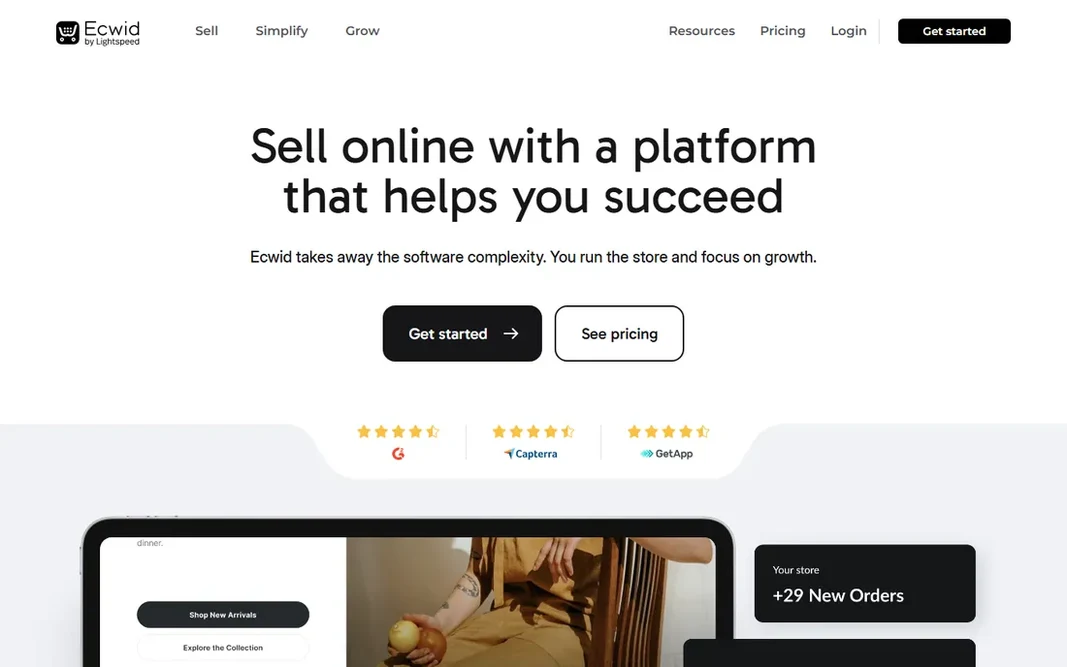
Ecwid works best for adding a store to an existing website cheaply. For small sellers, creators and local firms, that low friction is everything. You keep your site and gain checkout, which beats migrating systems for a handful of products. Also, design control is restricted and expanding keeps eventually want a real product. Ecwid answers a specific question: how do I add selling to the site I already have? In daily use, the store embeds into any website, social page or marketplace, with a free plan including the basics. This comparison lists no price for Ecwid; ask the vendor. A free plan is available with Ecwid. Watch-outs: Advanced features cost more.

Price: See website

Free plan: Yes

Website: ecwid.com

Watch out for

  • Restricted design control
2

Shift4Shop

US sellers who want full features without app fees
$41 a month (unlimited plan)

Where Shift4Shop fits: US sellers who want full features without app fees. For US sellers who resent the app tax, that value proposition is direct. Worth adding: Shift4Shop packs an unusual amount of ecommerce into its plans, with the unlimited level at $41 per month handling features rivals sell as apps. More specifically, published pricing keeps budgeting straightforward. But measured on features per dollar, Shift4Shop is one of the best values for straightforward US ecommerce. Entry price for Shift4Shop: $41 per month. Shift4Shop has no free tier. Watch-outs: Smaller ecosystem than Shopify.

Free plan: No

Website: shift4shop.com

Strengths

  • Full-featured unlimited plan
  • Fewer apps needed

Watch out for

  • Templates feel dated
3

Shopify

Keeps that want the most supported way to sell online
See website

In short, Shopify is for keeps that want the most supported way to sell online. Setup takes hours, the checkout is battle-tested, and the app store handles whatever the core product does not. Budget for the ecosystem, not just the plan, and Shopify remains the safest ecommerce bet. Where it falls short: Costs grow as you add apps. The ecosystem is the moat. That support network is worth as much as the software. Shopify shows no starting price here, so confirm the cost on the vendor site. Shopify has no free tier. Main advantages: Dependable.

Free plan: No

Website: shopify.com

Strengths

  • High-converting checkout
  • Huge app ecosystem

Watch out for

  • Transaction fees without Shopify Payments
4

Squarespace

Brands where design matters as much as selling
From $19 per month after a 14-day trial

Squarespace is aimed squarely at brands where design matters as much as selling. Squarespace is for sellers whose brand is the product. Plans start at $19 per month after a 14-day trial. Worth adding: payment gateway choices are narrower and advanced ecommerce features like complicated shipping rules lag the specialists. But for design-led small keeps, Squarespace is the prettiest path to checkout. What you pay to start with Squarespace: From $19 per month after a 14-day trial. Squarespace has no free tier. Drawbacks to consider: Fewer payment gateways.

Free plan: No

Website: squarespace.com

Strengths

  • Straightforward inventory management
  • Beautiful

Watch out for

  • Restricted advanced ecommerce features
5

WooCommerce

WordPress sites that want full control of their store
Free core plugin (open source)

In short, WooCommerce is for WordPress sites that want full control of their store. The extension marketplace includes the rest. WooCommerce turns any WordPress site into a store with a free plugin, and that is just the start. Beyond that, hosting, security, updates and backups are your job, and premium extensions add up. But for control freaks in the best sense, WooCommerce is unmatched. Since it is open source, there are no product limits on customization: any checkout flow, any pricing model, any integration is buildable. WooCommerce cost at the entry level: Free core plugin. Free access exists with WooCommerce. Downsides: You handle hosting, security and updates.

Free plan: Yes

Website: woocommerce.com

Strengths

  • Open-source core
  • Total customization freedom

Watch out for

  • Real costs hide in premium extensions
6

BigCommerce

Expanding keeps that want built-in features over apps
See website

BigCommerce is a good fit for expanding keeps that want built-in features over apps. BigCommerce takes the opposite approach to Shopify: more built in, fewer apps needed. For everyday use, for merchants who dislike app sprawl, that philosophy resonates. As for the details, theme customization is less adaptable and sales thresholds can push you to higher plans automatically. BigCommerce does not show a starting price in this comparison, so check the vendor site for current pricing. There is no free plan with BigCommerce. Points against: Annual sales thresholds can force plan upgrades.

Free plan: No

Website: bigcommerce.com

Strengths

  • Solid built-in SEO features
  • No transaction fees

Watch out for

  • Theme design less adaptable than rivals

Pre-purchase checklist

  • Get a written quote from Ecwid, Shopify and BigCommerce; the list shows no starting price for them.
  • Read the fine print on the free plans from Ecwid and WooCommerce; seat, project and feature caps differ.
  • Read the limits listed for Ecwid first: restricted design control.
  • Ask Ecwid about contract length, onboarding fees and user minimums before you sign.
  • Before rolling out WooCommerce, verify the integrations your workflow depends on.

FAQ

Do these tools publish their prices?

Not all of them. Ecwid, Shopify and BigCommerce publish no starting price, so expect a quote request for those. The rest, Shift4Shop included, show a starting price, though seats and billing terms still change the final cost.

Is Ecwid the right pick for everyone comparing SaaS ecommerce platforms?

No single tool suits every team. Ecwid comes first because it fits adding a store to an existing website cheaply, while Shift4Shop suits US sellers who want full features without app fees and Shopify suits stores that want the most supported way to sell online. Match the tool to your own size, budget and workflow before deciding.

Can I try these options before paying?

Often, yes. Ecwid and WooCommerce have a free plan. Use your own data and a real task during the test, and check what the free tier or trial limits before you rely on it.

Which options for SaaS ecommerce platforms have a free plan?

Ecwid and WooCommerce offer a free plan in this list. Free plans usually cap users, projects or features, so check the limits on the vendor page.

What are transaction fees?

Fees the system takes per sale when you do not use its preferred payment processor. They range from 0 to 2 percent and can exceed the monthly plan cost at volume.

Do I need a developer for Shopify?

Not for a standard store. Shopify is made for non-technical owners. You need developers only for custom themes, complicated integrations, or checkout customization on higher plans.