Design · Researched comparison

Video Editing Software Buyer's Guide: 7 Tools for 2026

TaskReports may earn a fee from some links on this page, and some placements are paid and labelled. Neither one decides the order. See our disclosure.

The short answer

CapCut leads the list, best for short-form social video. Look at DaVinci Resolve for free pro-grade editing and color, and at Filmora for beginners who want templates and AI help. Prices, free plans and limits for all 7 tools follow.

On this page

Key takeaways

  • This list starts with CapCut, which is built for short-form social video.
  • Shotcut fits free open-source desktop editing.
  • Free plans exist at 5 of 7 tools (CapCut, DaVinci Resolve, Filmora, Clipchamp, Shotcut).
  • Final Cut Pro comes with a trade-off: Mac and iPad only.

Quick comparison

ToolBest fitFree planOfficial site
------------
CapCutShort-form social videoYescapcut.com
DaVinci ResolveFree pro-grade editing and colorYesblackmagicdesign.com
FilmoraBeginners who want templates and AI helpYesfilmora.wondershare.com
Final Cut ProMac editors who want a one-time purchaseFree trial (90 days)apple.com
Adobe Premiere ProProfessional client and team editingFree trial (7 days)adobe.com
ClipchampFast browser-based editsYesclipchamp.com
ShotcutFree open-source desktop editingYesshotcut.org
★ Best overall

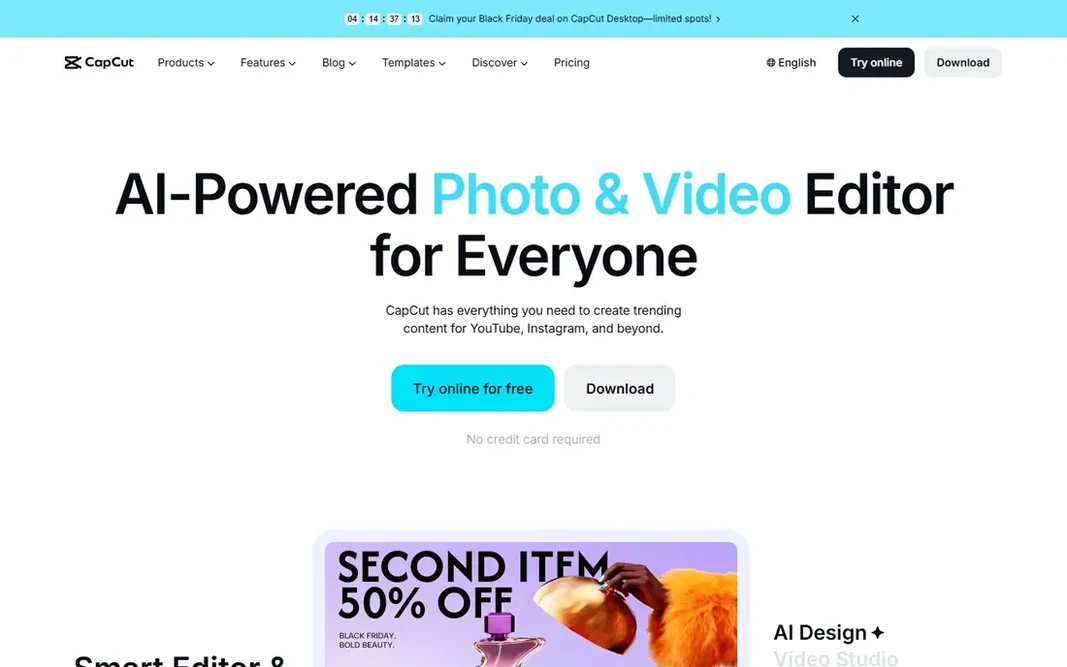
CapCut

Short-form social video

  • Large effects library
  • Quick templates and auto-captions for social formats
Price$19.99 a month (Pro)
See CapCut pricing

In short, CapCut is for short-form social video. The desktop and web editors extend that workflow to longer talking-head videos, product clips, and tutorials, with 4K export on premium plans. Drawbacks to consider: Pro pricing varies by region and store. Beyond that, the free level includes entry-level editing, but premium templates, effects, and some AI tools sit behind Pro, and AI generation draws on a monthly credit allowance. CapCut cost at the entry level: $19.99 per month. CapCut offers a free plan.

Price: $19.99 a month (Pro)

Free plan: Yes

Website: capcut.com

Watch out for

  • Not aimed at long-form finishing
2

DaVinci Resolve

Free pro-grade editing and color
$0 (Studio $315 one-time)

Think of DaVinci Resolve for free pro-grade editing and color. DaVinci Resolve is the value outlier in professional editing. The honest catch is learning time and hardware: the color page rewards study, and 4K work with effects benefits from a capable graphics card and plenty of memory. What to check first: Needs a solid graphics card for heavy work. Multi-user collaboration is included, so small teams can work on shared projects without an additional subscription. Beyond that, studio, listed at $315 as a one-time purchase on the vendor site, layers on noise reduction, stereoscopic tools, additional effects, higher resolutions and frame rates, and broader format support. In daily use, the free version bundles the cut and edit pages, the Fusion effects page, Fairlight audio tools. The color page that made the software famous, with output up to Ultra HD at 60 frames per second. Price to start with DaVinci Resolve: $0. DaVinci Resolve includes a free tier.

Free plan: Yes

Website: blackmagicdesign.com/products/davinciresolve

Strengths

  • Best-in-class color tools
  • Audio in one app

Watch out for

  • Some codecs and effects need Studio
3

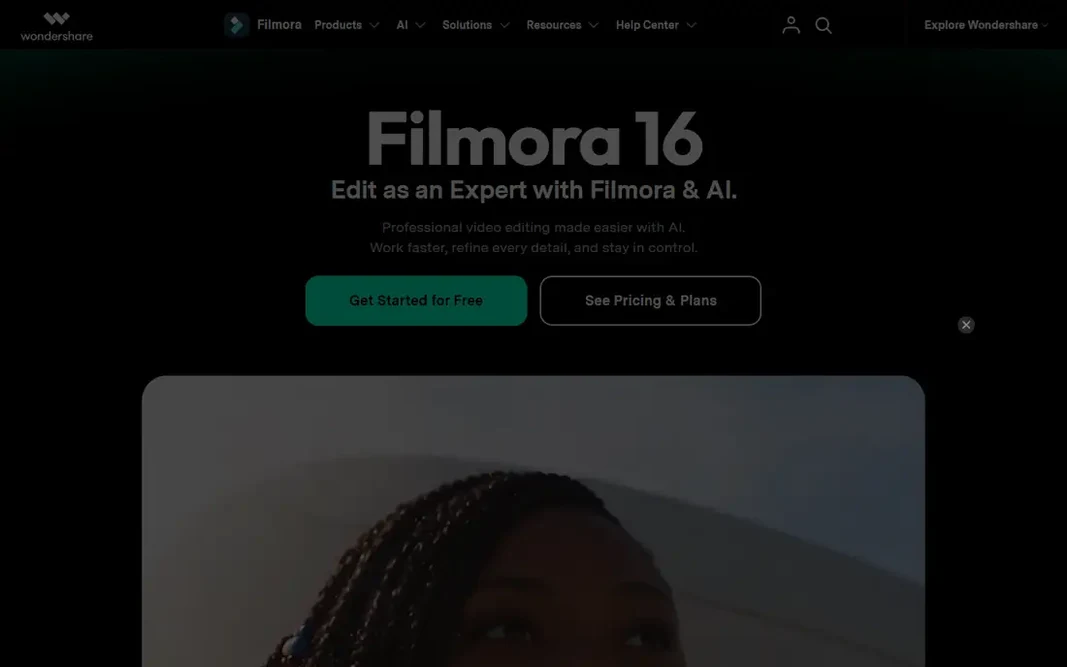
Filmora

Beginners who want templates and AI help
$49.99 per year

Where Filmora fits: beginners who want templates and AI help. Filmora will not match Resolve or Premiere Pro for color depth or complex finishing, but for solo creators shipping weekly videos, its speed and low ramp-up time are the point. Screen recording is included, which makes it a practical pick for tutorials and course creators along with vloggers. Watch-outs: Free exports carry a watermark. Filmora is designed for creators who want a finished video today instead of per month of training. Beyond that, the annual plan costs $49.99 a year. A perpetual license costs $79.99, though that perpetual license handles updates to the current major version only. Entry price for Filmora: $49.99 per year. Filmora has a free plan.

Free plan: Yes

Website: filmora.wondershare.com

Strengths

  • Simple timeline and large template library
  • Handy AI captions and background removal

Watch out for

  • AI credits add limits
4

Final Cut Pro

Mac editors who want a one-time purchase
$299.99 one-time

Final Cut Pro targets Mac editors who want a one-time purchase. Its magnetic timeline keeps clips connected as edits change, which makes assembling a rough cut noticeably quicker once the approach clicks, and performance on Apple silicon is a genuine advantage for 4K work on laptops. What you pay to start with Final Cut Pro: $299.99 one-time. Free access: Free trial (90 days). Where it falls short: Some premium content is reserved for Creator Studio subscribers.

Free plan: Free trial (90 days)

Website: apple.com/final-cut-pro

Strengths

  • Magnetic timeline accelerates rough cuts
  • One-time purchase still available

Watch out for

  • Mac and iPad only
5

Adobe Premiere Pro

Professional client and team editing
$22.99 per month (billed annually)

Where Adobe Premiere Pro fits: professional client and team editing. The single-app plan costs $22.99 a month on annual billing, billed monthly. A 7-day trial lets new users test the full editor before paying. What you pay to start with Adobe Premiere Pro: $22.99 per month. Trial and free access: Free trial (7 days). Downsides: Demanding on hardware.

Free plan: Free trial (7 days)

Website: adobe.com/products/premiere.html

Strengths

  • Regular feature updates
  • Deep integration with After Effects and Audition

Watch out for

  • Subscription never ends
6

Clipchamp

Fast browser-based edits
$0

Where Clipchamp fits: fast browser-based edits. It runs in Chrome or Edge on Windows and Mac. So a training clip, a class project, or a fast promo can be edited without installing software or learning a pro timeline. Honest limits: Free exports top out at 1080p. Beyond that, the free plan contains unlimited projects and exports up to 1080p with no watermark, plus auto-captions in numerous languages, text-to-speech voiceovers, silence removal, and screen and webcam recording. In daily use, premium features, including 4K export, the full premium stock library. A brand kit, come with Microsoft 365 Personal at $9.99 a month or $99.99 per year, or Family at $12.99 a month or $129.99 a year. For everyday use, for straightforward, quick edits, Clipchamp is hard to beat at $0. In daily use, the primary trap is premium stock: dragging a premium clip into a free project blocks export until the plan is upgraded, so filter for free assets when staying on the free level. Price to start with Clipchamp: $0. A free plan is available with Clipchamp.

Free plan: Yes

Website: clipchamp.com

Strengths

  • Free watermark-free 1080p exports
  • Auto-captions and screen recording included

Watch out for

  • No dedicated mobile editor
7

Shotcut

Free open-source desktop editing
$0

In short, Shotcut is for free open-source desktop editing. Screen, webcam, and audio capture are included, and the app runs on Windows, Mac, and Linux, which makes it handy for mixed-device households and classrooms. More specifically, the trade-offs are polish and convenience. In practice, Shotcut is the open-source answer to premium desktop editing. On top of that, there are few ready-made templates, no built-in AI caption or generation tools comparable to Filmora or CapCut. Support comes from documentation and community forums instead of a premium help desk. Entry price for Shotcut: $0. You can start on Shotcut without paying. Points against: Fewer templates and AI tools.

Free plan: Yes

Website: shotcut.org

Strengths

  • Runs on Windows, Mac, Linux
  • Fully free with no watermark

Watch out for

  • Community support instead of a vendor help desk

Pre-purchase checklist

  • Prices are a starting point; CapCut shows $19.99 per month to start, so verify what your seat count would cost.
  • Look at free plan limits closely: CapCut, DaVinci Resolve, Filmora and others have one, and the caps decide whether it is usable for real work.
  • Take the trial from Final Cut Pro and Adobe Premiere Pro and push a live task through it before you pay.
  • Read the limits listed for CapCut first: Pro pricing varies by region and store.
  • Price Shotcut for your actual team size; headline prices rarely include add-ons or overage.
  • Confirm the exact Adobe Premiere Pro plan that includes your must-have features.

FAQ

Can I try these options before paying?

Often, yes. CapCut, DaVinci Resolve, Filmora and others have a free plan and Final Cut Pro and Adobe Premiere Pro offer a free trial. Use your own data and a real task during the test, and check what the free tier or trial limits before you rely on it.

Is Adobe Premiere Pro worth the subscription?

For occasional editors, the same money buys little additional over DaVinci Resolve free, Final Cut Pro one-time, or Filmora annual, so usage frequency should decide.

How are the tools for video editing software ordered?

CapCut sits first and Shotcut last because the order follows typical fit for video editing software, then price clarity and free access. It is a judgement call, so read each profile for fit and limits.

What is the best free video editing software?

For most readers this guide would start with CapCut, built for short-form social video. DaVinci Resolve is the alternative for free pro-grade editing and color, and Filmora for beginners who want templates and AI help. The right answer depends on budget and workflow.

Do these tools publish their prices?

Yes. Every tool from CapCut to Shotcut shows a starting price, though seats, add-ons and billing terms still change the final cost.

Is CapCut the right pick for everyone comparing video editing software?

No single tool suits every team. CapCut comes first because it fits short-form social video, while DaVinci Resolve suits free pro-grade editing and color and Filmora suits beginners who want templates and AI help. Match the tool to your own size, budget and workflow before deciding.