Design · Researched comparison

7 Alternatives to Canva, Compared on Price and Fit

TaskReports may earn a fee from some links on this page, and some placements are paid and labelled. Neither one decides the order. See our disclosure.

The short answer

If you need brand-controlled team design, Easil is the first tool to look at here. Visme fits Presentations, reports, and infographics; Figma fits product and interface design. The remaining 4 options are covered below with prices and limits.

On this page

Key takeaways

  • Easil sits first on this list: brand-controlled team design.
  • The lowest published monthly entry price here is $9.99 per month, from Adobe Express.
  • Free access is easy to find: 7 of the 7 tools have a free plan, for example Easil, Visme, Figma and VistaCreate.
  • Piktochart fits Infographics and data visuals.

Quick comparison

ToolFree accessBest fitKey limitation
------------
EasilYesBrand-controlled team designSmaller template library than Canva
VismeYesPresentations, reports, and infographicsAdvanced features take time to learn
FigmaYesProduct and interface designFree plan limits collaborative files
VistaCreateYesSmall-team template designVideo editing is basic
SnappaYesQuick social graphicsNo AI generation tools
Adobe ExpressYesAll-round social and marketing designCollaboration is thinner than Canva
PiktochartYesInfographics and data visualsNo refunds on subscriptions
★ Best overall

Easil

Brand-controlled team design

  • Locking permissions and design approval workflow
  • Print and digital templates in one place
PriceSee website
See Easil pricing

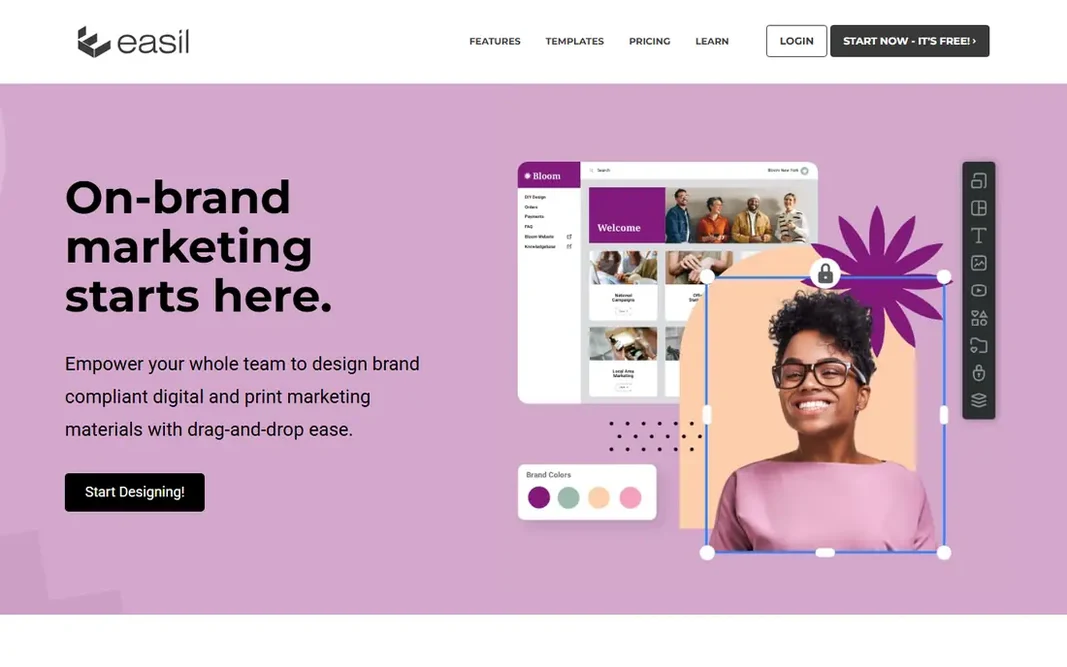
In short, Easil is for brand-controlled team design. Easil is made for teams that must stay on brand. For everyday use, brand kits hold fonts, colors, logos, and imagery for each brand, and collections let teams update linked designs across sizes with one change. Where it is weaker: Less suited to solo casual design. For franchises, multi-location firms, and brand-heavy teams, Easil solves a problem that template editors ignore. In daily use, brand managers can lock elements, set who can edit what, and need approval before a design downloads. Easil shows no starting price here, so confirm the cost on the vendor site. Free access exists with Easil.

Price: See website

Free plan: Yes

Website: easil.com

Watch out for

  • Pricing is not published as a straightforward list
2

Visme

Presentations, reports, and infographics
$12.25 per month (billed yearly)

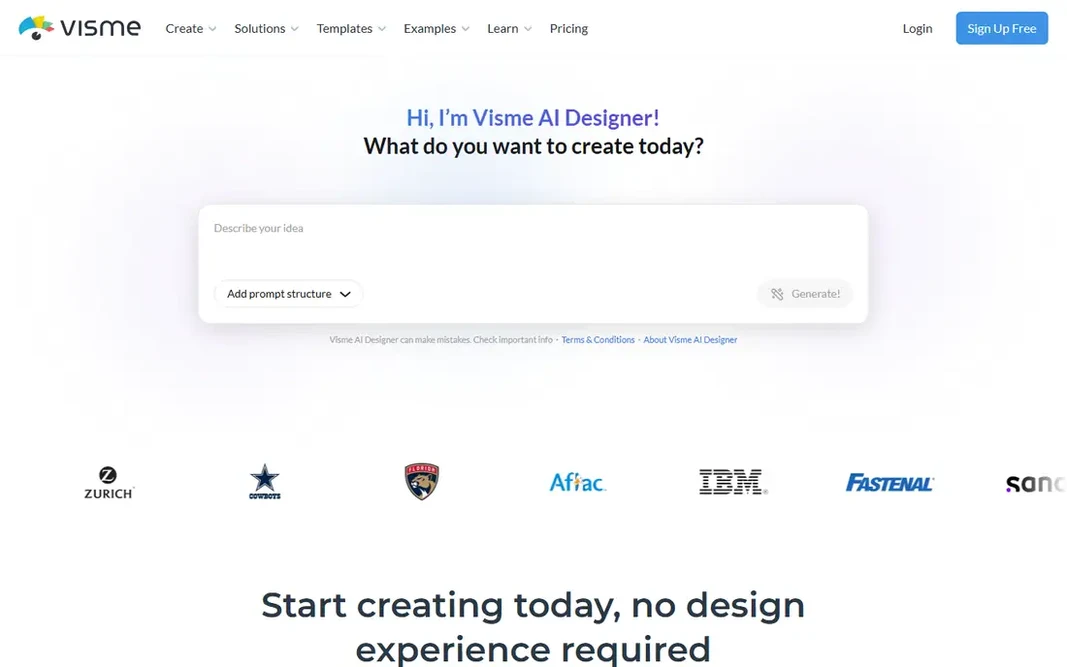
Pick Visme if this describes you: Presentations, reports, and infographics. Starter removes those limits for individuals, whereas Pro brings brand kits, privacy controls, analytics, and PPTX, HTML5, and video exports. In daily use, the AI Designer can turn a prompt into a ready-to-use design, which accelerates first drafts for decks and reports. Teams that publish reports and decks every week will get more from Visme than from a social-only editor. For everyday use, the free Basic plan works for learning the editor, but it brings a watermark and limits export formats. Visme starts at: $12.25 per month. Visme includes a free tier. The main drawbacks: premium plans cost more than simpler template tools. Reasons to shortlist it: Brand kit and analytics on Pro.

Free plan: Yes

Website: visme.co

Strengths

  • Infographic templates
  • Charts and data visuals built in

Watch out for

  • Advanced features take time to learn
3

Figma

Product and interface design
$16 per seat per month (billed annually)

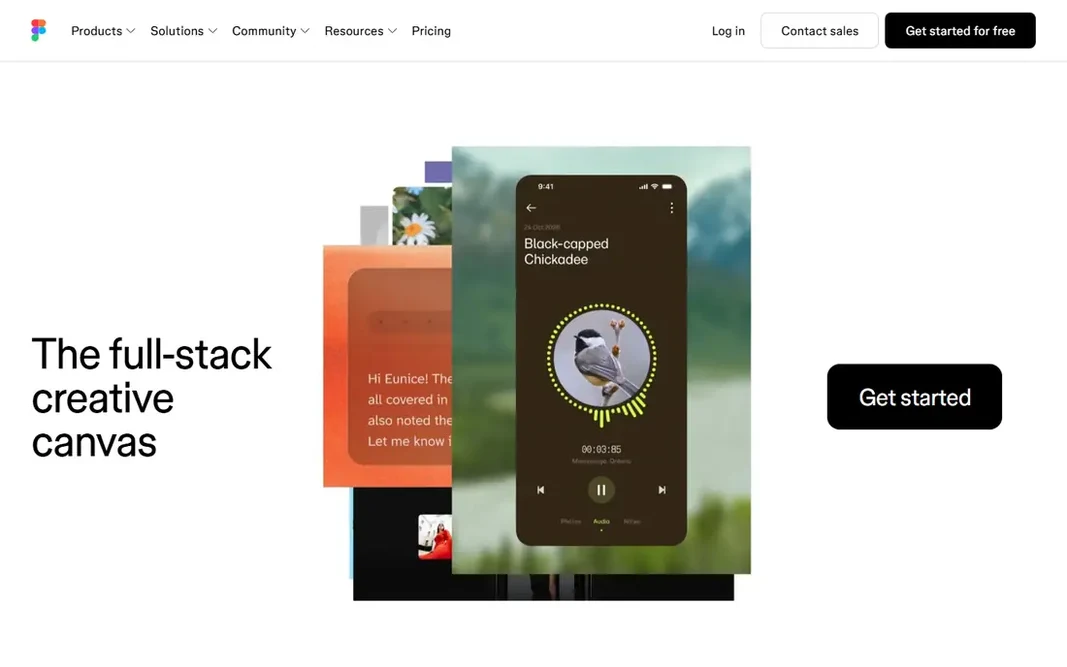
Figma targets product and interface design. Figma Buzz and Slides also include marketing-style content, but social template work is slower here than in Canva. In practice, choose Figma when design quality, systems, and handoff matter more than template volume. Figma starts at: $16 per seat per month. Free access exists with Figma. Best features of Figma: shared libraries. Honest limits: Per-seat pricing layers on up for large teams.

Free plan: Yes

Website: figma.com

Strengths

  • Sites in one workspace
  • Components, variables

Watch out for

  • Template design for social posts is not its strength
4

VistaCreate

Small-team template design
$10 a month (billed yearly)

Where VistaCreate fits: small-team template design. VistaCreate, formerly Crello, is a template editor with a clear value case for small teams. The free Starter plan bundles over 100,000 templates and a starter brand kit, whereas Pro brings over 200,000 templates, a much bigger stock library, AI tools, unlimited brand kits, and unlimited storage. As for the details, animation and video tools let you turn static posts into short animated content. One-click resizing adapts a design to plenty of formats. VistaPrint integration also helps if you order print materials. One Pro price spans up to 10 team members, which is rare at this price. VistaCreate pricing: $10 per month. VistaCreate includes a free tier. Honest limits: Video editing is entry-level. Where VistaCreate stands out: print ordering.

Free plan: Yes

Website: create.vista.com

Strengths

  • Pro includes up to 10 members on one price
  • Animation, resizing

Watch out for

  • AI tools sit on Pro only
5

Snappa

Quick social graphics
$10 a month (billed annually)

Think of Snappa for quick social graphics. The template and stock libraries are the same on free and premium plans, which means the free plan is a fair test of the content itself. On top of that, if you publish a handful of graphics a week and want the fastest route from idea to post, Snappa suits. What Pro buys is workflow, not more templates. Snappa is built around one promise: a finished graphic in minutes. Snappa cost at the entry level: $10 per month. Free access exists with Snappa. Points against: Fewer content types than Canva.

Free plan: Yes

Website: snappa.com

Strengths

  • Very quick editor with preset sizes
  • Full template and stock library on every plan

Watch out for

  • No AI generation tools
6

Adobe Express

All-round social and marketing design
$9.99 per month

Adobe Express is designed for all-round social and marketing design. Premium brings the full template and font libraries, a much bigger Adobe Stock collection, brand kits, and 100 GB of storage. Adobe Express cost at the entry level: $9.99 per month. Free access exists with Adobe Express. Downsides: Free plan limits premium templates and assets.

Free plan: Yes

Website: adobe.com/express

Strengths

  • Brand kits and scheduling on Premium
  • Large template and Adobe Stock library

Watch out for

  • Collaboration is thinner than Canva
7

Piktochart

Infographics and data visuals
$10 a month (billed yearly)

Piktochart serves Infographics and data visuals. Piktochart turns data into visuals. More specifically, the free plan is restricted in a way that matters: it lets only two PNG downloads per account, so treat it as a trial of the editor instead of a working plan. Where it is weaker: Pro exports PNG only; No refunds on subscriptions. For data-heavy content, Piktochart earns its place over general template editors. Pro layers on unlimited PNG downloads and more AI credits, whereas Business brings PDF and PowerPoint exports, a brand kit, and more storage. Price to start with Piktochart: $10 per month. Piktochart includes a free tier.

Free plan: Yes

Website: piktochart.com

Strengths

  • Diagram tools
  • Solid infographic, chart

Watch out for

  • PDF and PPT need Business

FAQ

What is the best free Canva alternative?

For most readers this guide would start with Easil, built for brand-controlled team design. Visme is the alternative for Presentations, reports, and infographics, and Figma for product and interface design. The right answer depends on budget and workflow.

How are the tools for Canva ordered?

Easil sits first and Piktochart last because the order follows typical fit for Canva, then price clarity and free access. It is a judgement call, so read each profile for fit and limits.

Do these tools publish their prices?

Not all of them. Easil publishes no starting price, so expect a quote request for it. The rest, Visme included, show a starting price, though seats and billing terms still change the final cost.

Is Easil the right pick for everyone comparing Canva?

No single tool suits every team. Easil comes first because it fits brand-controlled team design, while Visme suits Presentations, reports, and infographics and Figma suits product and interface design. Match the tool to your own size, budget and workflow before deciding.

Can I try these tools before paying?

Often, yes. Easil, Visme, Figma and others have a free plan. Use your own data and a real task during the test, and check what the free tier or trial limits before you rely on it.